Practical solutions

jQuery Howtos How-To Guides

Solve the problem. Keep building. Collection of jQuery how-to articles

Find the answer you need

Browse practical solutions, grouped by the task you're working on.

__COUNT__ entries on this page

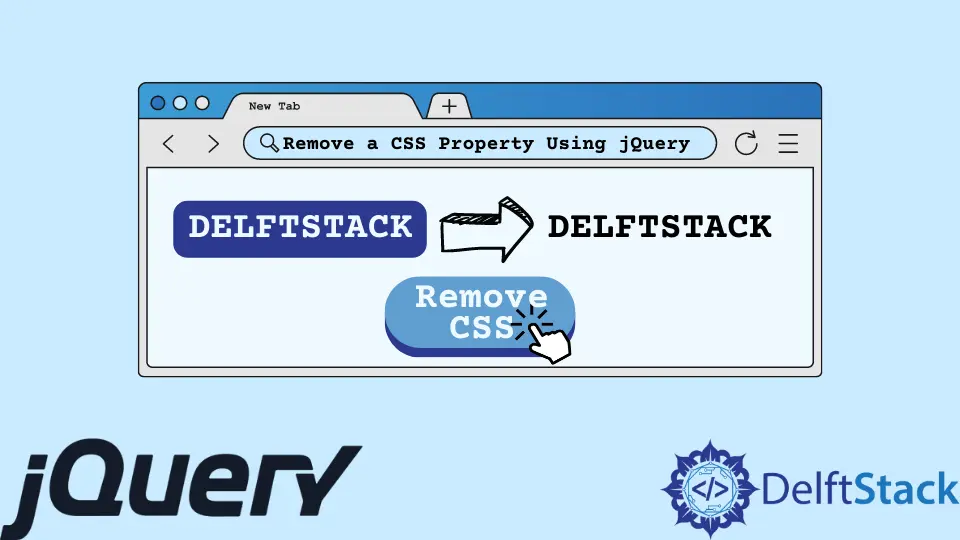
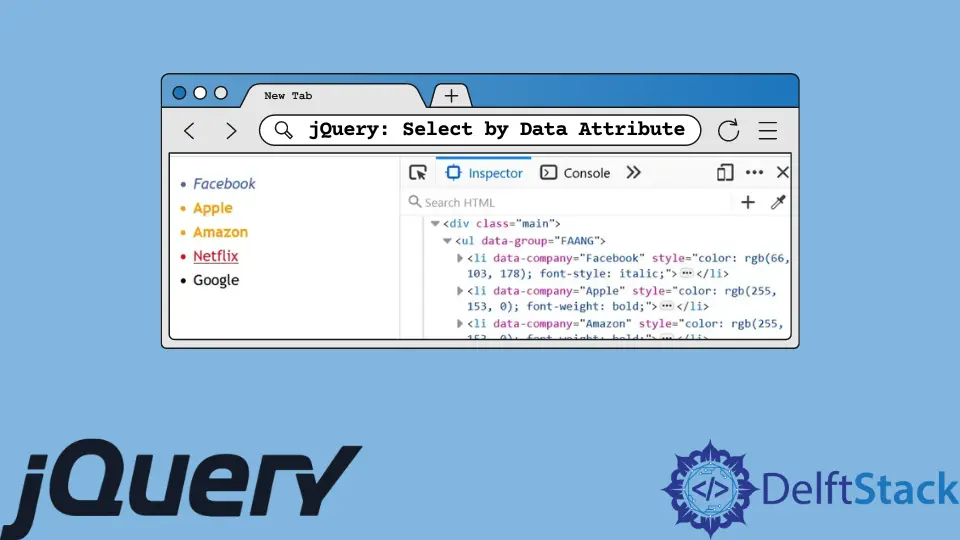
How to Change Background Color of an Element in jQueryThis article teaches you how to use jQuery to change the background color of an element on mouseover. We'll achieve this using two jQuery APIs which are queue() and hide(). How to Check jQuery Version in a User BrowserThis article teaches you how to get a jQuery version on a web page using two methods. The first method will check the version if the web page has loaded jQuery. While the second method checks the version if jQuery exists in the window object. How to Set and Delete a Cookie in jQueryThis article teaches you two examples that shows how to set and delete a cookie using jQuery. In the first example, you'll use a plugin called jquery-cookie that you can get from GitHub. The second example will use a custom function to create and delete the cookie. How to Remove an Event Listener in jQueryThis article teaches you five ways that show you how to remove an event listener in jQuery. Depending on how you added the event listener, you can implement any of the following methods. How to Create Multiselect Dropdown in jQueryThis article teaches you how to create a multiselect dropdown in jQuery. We'll do this using three libraries; Select2, Selectize.js, and jquery multiselect.js. These libraries have different implementations, but they'll help you create a multiselect dropdown. How to Remove a CSS Property Using jQueryThis article teaches you four methods that will remove a CSS property using jQuery. These methods will use four jQuery APIs which are css(), removeAttr(), removeClass(), and prop(). How to Select by Data Attribute in jQueryThis article teaches you two methods that'll select custom HTML5 data attributes using jQuery. The first method will select the data attributes using their surrounding HTML tags. For the second method, you'll use jQuery Selectors defined in the jQuery API documentation. How to Play Audio in jQueryThis tutorial demonstrates how to play audio using jQuery. How to Generate Random Number in jQueryThis tutorial demonstrates how to generate random numbers using jQuery. How to Download File in jQueryThis tutorial demonstrates how to download a file using jQuery. How to Display the Current Date and Time Using jQueryThis article thoroughly explains displaying date and time in different formats on our web pages using jQuery. How to Change the Text of a Label Using jQueryThis provides a detailed explanation of the process of modifying the content of HTML elements using jQuery methods. How to Toggle Checkboxes on and Off in jQueryThis article explains three methods that allow you to toggle multiple checkboxes at once using jQuery. The three methods will use three methods available in jQuery; these are prop(), each(), and trigger(). How to Select the First Option of the Dropdown Using jQueryA detailed explanation of the process of selecting the first option of a select tag using jquery methods. How to Remove All Classes With jQueryTo remove all classes with jQuery you can use three jQuery methods and one JavaScript property. The jQuery methods are removeClass(), removeAttr(), and attr(); while the JavaScript property is the className property. This article teaches you how to use them all with practical code examples. How to Disable Checkboxes in jQueryTo disable checkboxes in jQuery, you can use the jQuery attr() and prop() methods. This article teaches you how to do it using two detailed examples. How to Toggle a Text With jQueryTo toggle a text with jQuery, you can use the text() method or extend the jQuery library with a custom function that toggles the text. This article teaches you how to use both methods with code examples. How to Remove, Add, and Select the Options of a Select Tag Using jQueryThis article explains the process of adding, removing, and selecting the options using jQuery methods. How to Set Hidden Field Value With jQueryTo set a hidden field using jQuery, there are three options that you can use. The first and second will use the val() and attr() methods while the last one will use a CSS attribute selector. How to Create, Read and Delete Cookies Using JavaScript and jQueryA detailed explanation of the process of creating, reading, and deleting the cookies using JavaScript and jQuery. AJAX POST Request in jQueryIn today's post, we'll learn about AJAX post request in jQuery. jQuery extend() MethodIn today's post, we'll learn about extend method in jQuery. jQuery Sortable TableThis tutorial demonstrates how to create a sortable table in jQuery. Window.onload vs $(document).ready in jQueryThis tutorial demonstrates how to use the Window.onload and $(document).ready events in jQuery.