Practical solutions

PowerShell Howtos How-To Guides

Solve the problem. Keep building. Collection of Windows powershell how-to articles

Find the answer you need

Browse practical solutions, grouped by the task you're working on.

__COUNT__ entries on this page
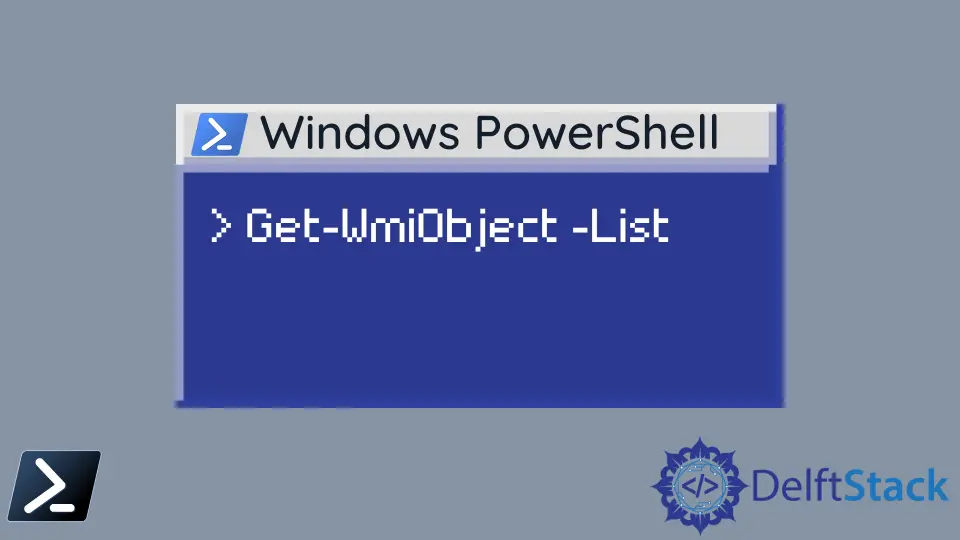
How to Prompt User Input in PowerShellThis tutorial will teach you the command to prompt for user input in PowerShell. How to Get IPv4 Address in PowerShellThis tutorial will teach you to get IPv4 address in PowerShell. How to Add Properties to Objects in PowerShellThis article discusses how we can add properties to PowerShell objects using the Add-Member command. How to Suppress PowerShell ErrorsThis short article will discuss multiple techniques in handling and suppressing errors with the use of the ErrorAction parameter. How to Find the CPU and RAM Usage Using PowerShellThis article explores the different methods, including the use of Get-Counter, Get-WmiObject, and Get-Process cmdlets, to efficiently find and monitor CPU and RAM usage with PowerShell. How to Add Objects to an Array of Objects in PowerShellThis tutorial will teach you to add objects to an array of objects in PowerShell. How to Remove Path and Extension From Filename in PowerShellThis tutorial will introduce different methods to remove path and extension from filename in PowerShell. How to Export a CSV to Excel Using PowerShellThis tutorial will teach you to export a CSV file to Excel file using PowerShell. How to Store Text File Contents in Variable Using PowerShellThis tutorial will teach you to store entire text file contents in variable in PowerShell. How to Convert a Secure String to Plain Text in PowerShellThis tutorial will teach you to convert a secure string to plain text in PowerShell. How to Get File Size in KB Using PowerShellThis tutorial will teach you to get the size of the file in KB using PowerShell. How to Concatenate Files Using PowerShellThis tutorial will teach you to concatenate files using PowerShell. How to Show All Properties of a PowerShell ObjectThe WMI objects can be retrieved using the Get-WmiObject cmdlet. It will display only a limited number of properties per object. It is possible to use the Format-List cmdlet to pipe the result and display all the properties available. How to Get List of Running Processes in PowerShellThe PowerShell Get-Process cmdlet can be used to retrieve the list of running processes within the Windows machine. It provides detailed information on each running process. How to Delete Empty Folders in PowerShellThere are some needs to delete empty folders in a given Windows location. It is possible to use Get-ChildItem cmdlet to recursively fetch all the directories and Where cmdlet to filter out the empty folders. Also the Remove-Item cmdlet can be used to delete each item in the collection. How to Remove Item From an Array in PowerShellThis tutorial will teach you to remove item from an array in PowerShell. How to Parse Datetime by ParseExact in PowerShellThis tutorial will teach you to parse and convert string to DateTime format in PowerShell. How to Sorting Array Values Using PowerShellThis tutorial will teach you to sort array values in PowerShell. How to Convert XML to JSON in PowerShellPowerShell offers a wide range of cmdlets to work with different data interchange formats like JSON and XML. The Select-Xml cmdlet can be used to manipulate XML nodes using the XPATH queries. The extracted data from the XML can be pushed to a PowerShell Hash. From the Constructed hash, you can create the JSON string using the ConvertTo-Json cmldet. Copy-Item Excluding Folder in PowerShellThis tutorial demonstrates how to copy-item excluding folder in PowerShell. How to Concatenate Strings in PowerShellThis article will show all of the possible methods that we can use in PowerShell to concatenate strings and variables. PowerShell uses different operators and functions to achieve string concatenation. How to Export Data to CSV in PowerShellexport data to csv in powershell How to Check if a File Exists in Windows PowerShellThis tutorial will teach you to check if a file exists or not in Windows PowerShell. How to Change the Working Directory in PowerShellThis article will show how to change your working directory in Windows PowerShell properly, and how it differentiates itself from its legacy command prompt syntax.