Practical solutions

PowerShell Howtos How-To Guides

Solve the problem. Keep building. Collection of Windows powershell how-to articles

Find the answer you need

Browse practical solutions, grouped by the task you're working on.

__COUNT__ entries on this page
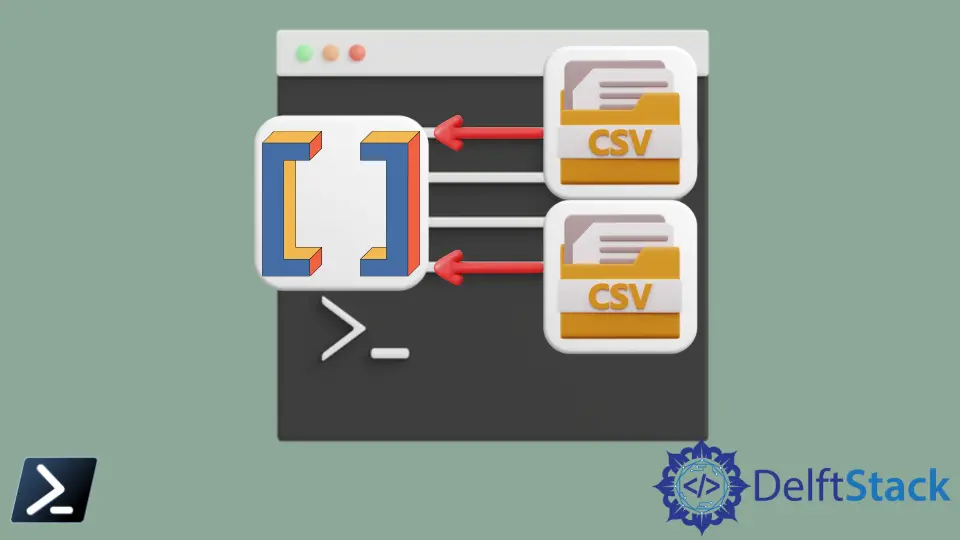
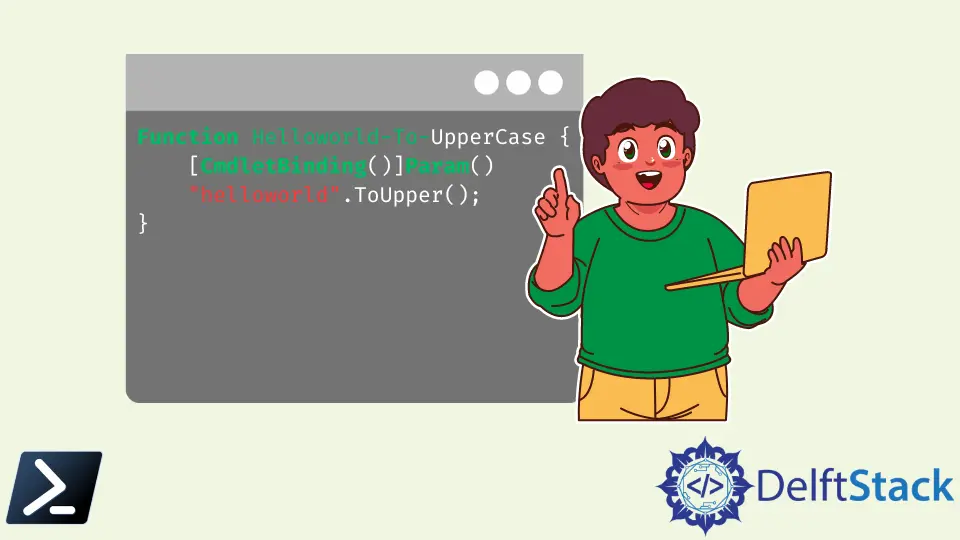
How to Import CSV Files Into Array in PowerShellThis article will discuss reading comma-separated files or CSV data and placing it into an array variable using PowerShell. LastExitCode in PowerShellThis article will focus on $? and $lastexitcode commands in PowerShell. How to Use the CmdletBinding Attribute in PowerShellThe cmdlet is a lightweight script that performs a single function within the PowerShell environment. The cmdlets can be written in any .Net language. How to Append Data to a CSV File in PowerShellThis tutorial will teach you to append data into a CSV file using PowerShell. Nested ForEach-Object and Where-Object in PowerShellThis tutorial will discuss the Where-Object and ForEach-Object in PowerShell. PowerShell Set-Content CmdletThe Set-Content cmdlet is widely used to write new text content to an existing file or replace an existing text content with a given text value. It consists of several optional arguments to facilitate different features which are useful to the users. How to Get a List of Processes Similar to the Task Manager in PowerShellThis article illustrates how we can get performance metrics from our local computer on PowerShell. We use the Get-Counter cmdlet on PowerShell to fetch the performance counter data from the performance monitoring program on Windows. How to Write Comment-Based Help for PowerShell ScriptsYou can write comment-based help for your PowerShell scripts and cmdlets. The echo Equivalent in PowerShellThis tutorial will introduce echo equivalent commands in PowerShell for scripts and functions. How to Convert a String to Datetime in PowerShellThis tutorial will teach you to convert a string to DateTime in PowerShell. PowerShell Command Equivalent to Linux lsThis tutorial will introduce different PowerShell equivalent commands for Linux ls command. PowerShell With Robocopy and Arguments PassingThis tutorial will teach you to use robocopy in PowerShell. How to Format a DateTime in PowerShellThis tutorial presents different methods to format a Date and Time in PowerShell. How to Add Items to Array in the PowerShellThis tutorial will teach you to add items to an array in PowerShell. How to Convert an Array Object to a String in PowerShellThis tutorial will teach you to convert an array object to a string in PowerShell. How to Get the Current Location of the PowerShell ScriptThis article will discuss how we can get the current location of our PowerShell script in different versions of the PowerShell scripting environment. How to Run CMD Commands in PowerShellThis article explains the different methods in running cmd legacy commands that don't normally work in PowerShell inside Windows PowerShell's scripting environment. How to Print Environment Variables in Windows PowerShellThis article will discuss what environment variables are and how to print them using multiple Windows PowerShell commands. How to Split Commands to Multiple Lines in PowerShellThis article will explain the importance of Windows PowerShell multiline commands to split long commands over multiple lines. We will also discuss other methods to achieve this goal. How to Get Full Path of the Files in PowerShellThis tutorial will teach you to get full path of the files in PowerShell. How to Compare the Contents of Two String Objects in PowerShellThis article explores several approaches to comparing the contents of two string objects in PowerShell, from basic equality and inequality checks using operators like -eq and -ne to more advanced techniques involving the method Equals(). How to Check the Beginning of a String Using PowerShellThis article will demonstrate how to check the beginning of a string variable using different methods and functions in Windows PowerShell. How to Join Path to Combine More Than Two Strings Into a File Path in PowerShellThis tutorial will teach you to use Join-Path to combine more than two strings into a file path. How to Get the File Extension Using PowerShellThis article will discuss several methods to get the file extension using PowerShell scripting. This article provides multiple techniques and examples as well.