Practical solutions

PowerShell Howtos How-To Guides

Solve the problem. Keep building. Collection of Windows powershell how-to articles

Find the answer you need

Browse practical solutions, grouped by the task you're working on.

__COUNT__ entries on this page
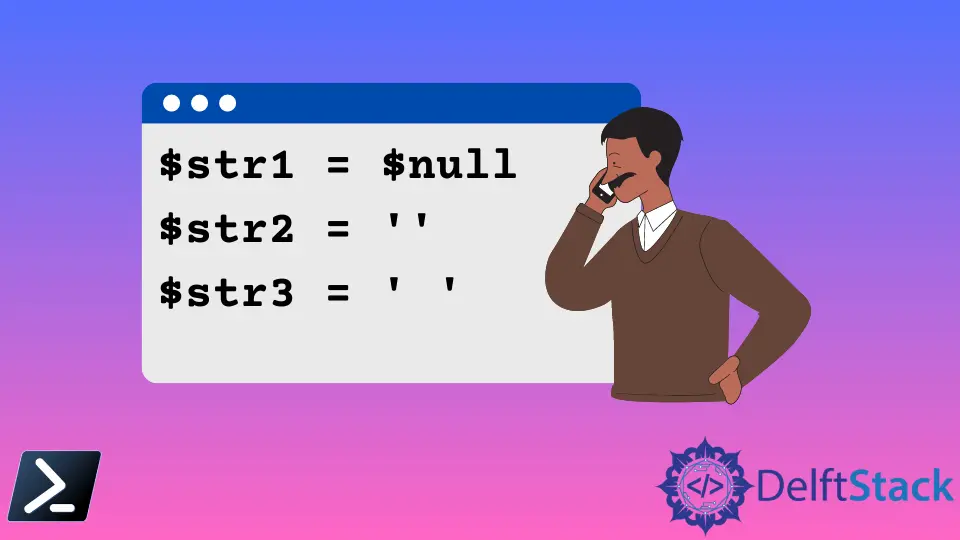
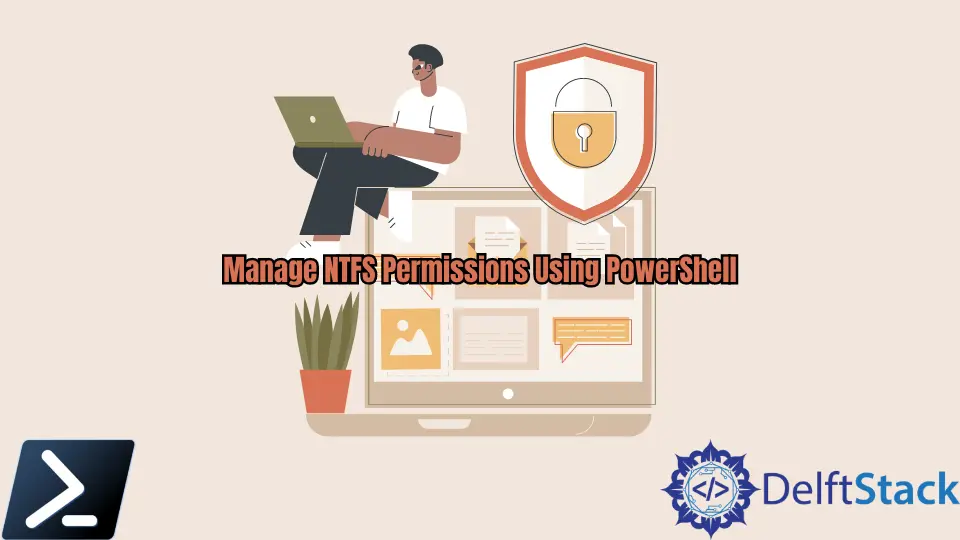
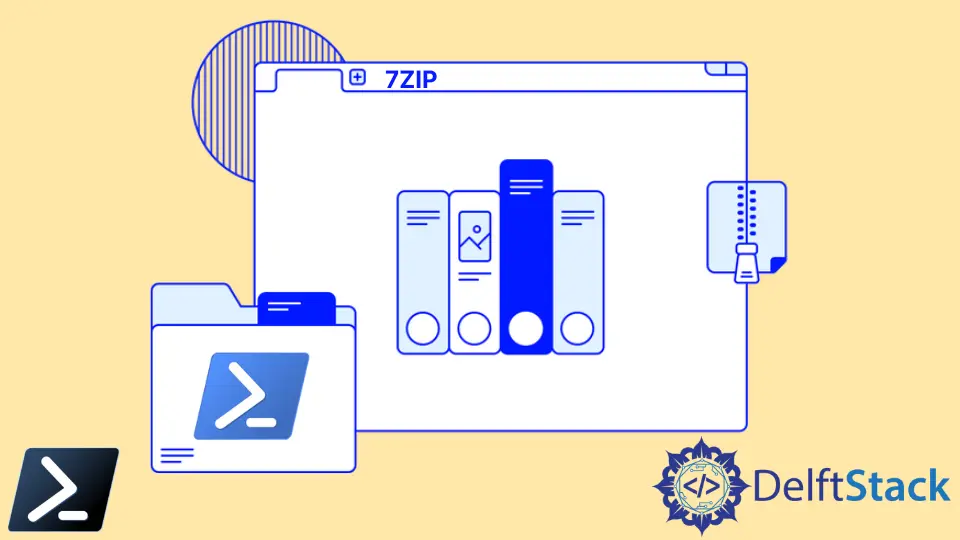
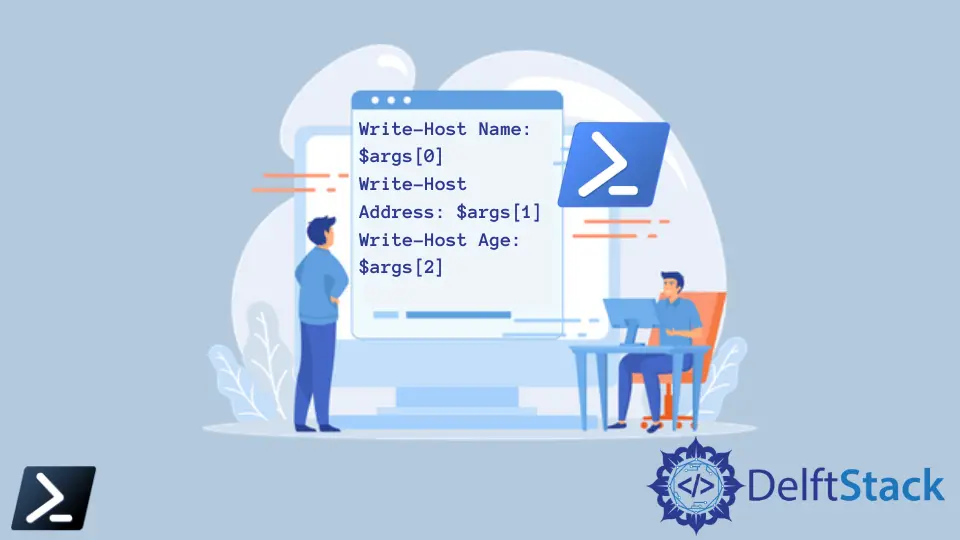
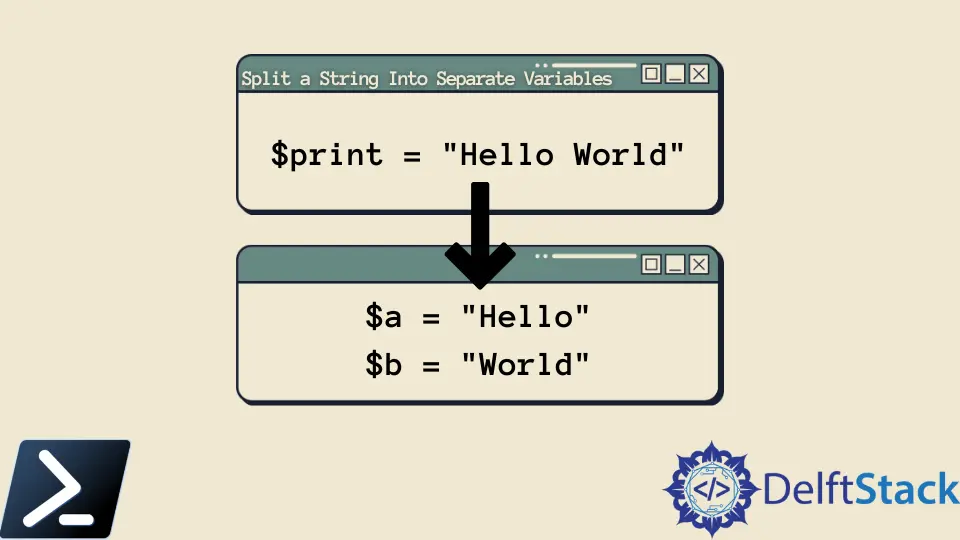
How to Jump Around to Certain Spots in PowerShell ScriptPowerShell has no GOTO command. Learn how to jump to named spots with functions, branch with if and switch, repeat with while and for, and exit nested loops with labeled break and continue. How to Terminate a Script in Windows PowerShellLearn when to use exit, return, throw, break, continue, or Stop-Process to end the correct scope and report a reliable PowerShell exit code. Base64 Encoding in Windows PowerShellThis article explores Base64 encoding in Windows PowerShell, providing methods for encoding and decoding Base64 strings. Learn how to manage Base64 strings efficiently, even without native commands, and discover how to apply these techniques in Git for better data management. How to Get String Length of a Variable in PowerShellThis tutorial will teach you how to get the string length of a variable in PowerShell. Explore different methods such as using the .Length property, Measure-Object cmdlet, and string methods to effectively manage strings in your scripts. Enhance your PowerShell skills and streamline your automation tasks with these essential techniques. How to Check if String Is Empty in PowerShellLearn how to check if a string is empty in PowerShell with various methods like using the -eq operator, String.IsNullOrEmpty(), and more. This guide provides clear examples and explanations to enhance your scripting skills. Whether you're a beginner or an experienced user, mastering string validation is essential for writing robust PowerShell scripts. How to Run Executable Files in PowerShellThis article demonstrates various methods to run executable files in Windows PowerShell, including how to execute them silently. Learn to use Start-Process, the call operator, and PowerShell Remoting for efficient execution of .exe files. Whether you're a developer or a system administrator, this guide provides practical code examples and detailed explanations to enhance your PowerShell skills. How to Copy File to Remote Computer in PowerShellLearn how to copy files to a remote computer using PowerShell in this comprehensive guide. Explore methods like the Copy-Item cmdlet, Invoke-Command, and SMB protocol for efficient file transfers. Enhance your productivity and streamline your workflows with these practical PowerShell techniques. How to Get User Organizational Unit Using PowerShellThis article discusses how to query for the organizational unit of the Active Directory user object using PowerShell. Learn effective methods to retrieve user details quickly and efficiently. Explore the use of cmdlets like Get-ADUser, and enhance your Active Directory management skills today. How to Convert PowerShell File to an Executable FileThis article discusses how to convert PowerShell files to executable files using the PS1 to EXE module. Learn step-by-step instructions and best practices for packaging your scripts effectively. Discover how to customize your executables and enhance usability for end-users. How to Set Folder Permissions in PowerShellThis tutorial will teach you how to set folder permissions using PowerShell. Learn the essential cmdlets and methods to manage user access effectively, ensuring your files and directories remain secure. Discover how to assign, modify, and remove permissions in a straightforward manner, enhancing your system's organization and security. How to Manage NTFS Permissions Using PowerShellThis article discusses how to manage NTFS permissions using PowerShell. Learn to utilize the Get-ACL command to view, modify, and apply permissions effectively. Explore detailed examples and best practices for securing your files and folders. Enhance your skills in file management and security protocols with this comprehensive guide. How to Compress With 7-Zip in PowerShellLearn how to compress files using 7-Zip in PowerShell with this comprehensive guide. Discover step-by-step commands for basic compression, folder compression, and automating tasks. Enhance your file management skills and save time with effective compression techniques. Perfect for system administrators and developers alike. How to Read JSON Files in PowerShellThis tutorial demonstrates how to read JSON files in PowerShell. Learn to use PowerShell cmdlets like Get-Content and ConvertFrom-Json to efficiently manage JSON data. Explore practical examples and enhance your data handling skills today. How to Manually Stop a Long Script Execution in PowerShellThis article discusses how to manually stop a long-running PowerShell script execution. Explore common causes of script hang-ups and learn effective methods to terminate unresponsive processes, ensuring a smooth workflow and efficient system performance. How to Access to the Path Is Denied in PowerShellThis tutorial explains the common causes of "Access to the Path Is Denied" errors in PowerShell and provides effective solutions using Git commands. Learn how to check file permissions, run PowerShell as an administrator, and change file ownership to resolve access issues quickly and efficiently. Perfect for developers and beginners alike, this guide will enhance your PowerShell experience. How to Get the Size of the Folder Including the Subfolders in PowerShellThis tutorial demonstrates how to get folder size including subfolders using PowerShell. Learn simple and effective methods to calculate folder sizes with PowerShell commands. Discover reusable functions and tips for managing disk space efficiently. How to Run a PowerShell ScriptLearn how to run a PowerShell script effectively with our comprehensive guide. This tutorial covers various methods, including executing scripts from the PowerShell console, Command Prompt, and Task Scheduler. Perfect for beginners, our step-by-step instructions and examples will help you automate tasks efficiently. Discover best practices and troubleshooting tips to enhance your PowerShell scripting skills today! How to Pass an Argument to a PowerShell ScriptThis tutorial will teach you how to pass an argument to a PowerShell script. Learn about defining parameters, validation, and using switch parameters to enhance your scripting capabilities. Create dynamic and user-friendly scripts that streamline your automation tasks and improve efficiency. Discover practical examples and best practices for effective argument handling in PowerShell. How to Edit a Text File on the Console Using PowerShellThis tutorial will teach you how to edit a text file on the PowerShell console using various methods. Learn to use commands like Set-Content, Add-Content, and Out-File to manipulate text files efficiently. Whether you prefer a graphical interface or command-line solutions, this guide covers all the essential techniques for editing text files in PowerShell. Enhance your productivity and streamline your workflow with these practical tips and tricks. The Or Statement in PowerShellThis tutorial on the or statement in PowerShell teaches you how to use the or operator effectively. Discover how to combine conditions in your scripts and streamline your Git operations. Learn to check for modified files, branch existence, and more with practical examples. Enhance your PowerShell skills and improve your scripting efficiency today. How to Split a String Into Separate Variables in PowerShellThis tutorial will introduce splitting a string into separate variables in PowerShell. Learn how to use the -split operator, Split() method, and regular expressions for effective string manipulation. Enhance your scripting capabilities and streamline workflows with these essential techniques. How to See the Command History Across All PowerShell SessionsDiscover how to see the command history across all PowerShell sessions with our comprehensive guide. Learn effective methods to export, manage, and automate your command history using PowerShell, Git, and Python. Enhance your productivity and streamline your workflow today! How to Create Symbolic Links in PowerShellThis article discusses how to create symbolic links using Windows PowerShell. Learn the difference between symbolic links, directory junctions, and hard links, and discover the commands to streamline your file management. Whether you're a developer or a casual user, understanding these concepts will enhance your workflow. How to Send Email Message to Multiple Recipients in PowerShellLearn how to send email messages to multiple recipients using PowerShell. This article provides step-by-step instructions, including sending attachments and scheduling emails, to streamline your communication process. Discover the power of PowerShell for efficient email management today!