Practical solutions

PowerShell Howtos How-To Guides

Solve the problem. Keep building. Collection of Windows powershell how-to articles

Find the answer you need

Browse practical solutions, grouped by the task you're working on.

__COUNT__ entries on this page
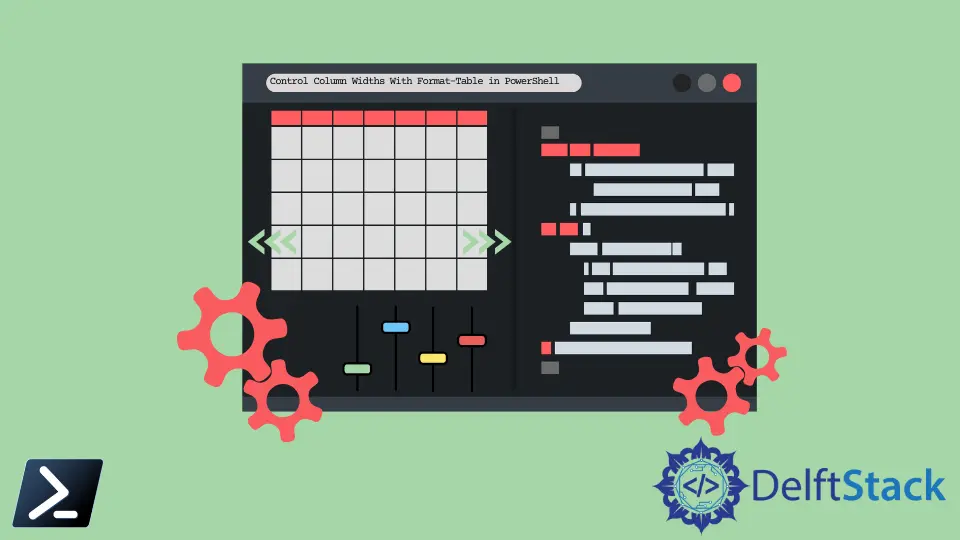
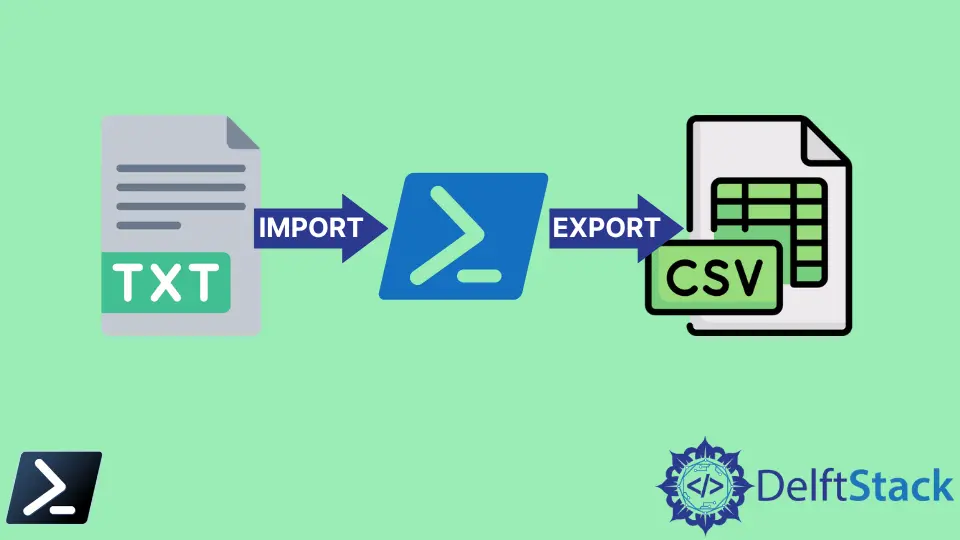
How to Return Versions of .NET Framework on a Machine using PowerShell ScriptThis tutorial will teach you how to check .NET Framework version in PowerShell. Learn how to return versions of .NET Framework on a machine using simple PowerShell scripts. Discover efficient methods to query the registry and check for .NET Core SDKs. Streamline your development process and ensure compatibility with your applications. The Call Operator & in PowerShellDiscover the power of the call operator in PowerShell, represented by `&`. This essential operator allows you to execute commands, scripts, and Git commands efficiently. Learn how to use the call operator to enhance your scripting capabilities, pass parameters, and automate tasks for a smoother workflow. Whether you're a beginner or an experienced user, this comprehensive guide will help you unlock the full potential of PowerShell. How to Run a Git Command in PowerShellLearn how to run Git commands in PowerShell with this comprehensive tutorial. From setting up Git to cloning repositories, committing changes, and pushing updates, this guide covers everything you need to enhance your development workflow. Perfect for beginners and experienced developers alike, discover practical tips and examples to streamline your version control process. PowerShell Equivalent of Linux mkdir CommandThis tutorial introduces the PowerShell equivalent of the Linux mkdir command. Learn how to create directories using PowerShell with practical examples. Discover how to create multiple directories and handle parent directory creation efficiently. Perfect for Linux users transitioning to PowerShell or anyone looking to enhance their directory management skills in Windows. PowerShell Mandatory Parameter With Default ValueThis tutorial teaches you how to set mandatory parameters with default values in PowerShell. Learn how to enforce user input while providing fallback options to streamline your scripts. Improve your PowerShell skills with practical examples and best practices for effective scripting. How to Find Users HKEY_USERS Registry Key Using PowerShellThis tutorial teaches you how to find a user's registry key using PowerShell. Learn how to navigate the HKEY_USERS key and access specific user settings efficiently. Explore various methods, including listing user profiles and filtering by SID, to enhance your Windows system management skills. Property vs. ExpandProperty in PowerShellThis article explores the concepts of properties and expanded properties in PowerShell. Learn the key differences between them and how to use each effectively in your scripts for better data manipulation and presentation. Discover practical examples and enhance your PowerShell skills today. How to Rename Computer and Join to Domain With PowerShellThis tutorial will teach you how to rename your computer and join it to a domain with PowerShell in one step. Learn the commands and troubleshooting tips to streamline your system management effectively. Whether you're an IT professional or a casual user, mastering these commands can save you time and enhance your productivity. How to Control Column Widths With Format-Table in PowerShellThis tutorial will teach you how to control column widths with Format-Table in PowerShell. Learn effective methods to enhance data presentation, including using calculated properties and the AutoSize parameter for better readability. Improve your PowerShell skills today! How to Download and Install Git Client for Windows Using PowerShellThis tutorial will teach you how to download and install the Git client for Windows using PowerShell. Follow our step-by-step guide to get Git up and running efficiently. Whether you're a beginner or a seasoned developer, our instructions will help you streamline your installation process and start using Git for version control today. How to Get the Parent's Parent Directory in PowerShellThis tutorial teaches you how to get the parent's parent directory in PowerShell. Learn efficient methods using cmdlets like Get-Location and Split-Path, along with creating reusable functions for streamlined directory navigation. Perfect for developers and system administrators looking to enhance their PowerShell skills. How to Import Certificates in PowerShellThis tutorial educates you on importing certificates using PowerShell scripts. Learn how to manage certificates efficiently through various methods, including importing from files, Base64 strings, and remote locations. Enhance your security practices with our step-by-step guide and practical examples. Perfect for system administrators and developers looking to streamline their certificate management processes. How to Extract Texts Using Regex in PowerShellLearn how to extract specific texts using regex in PowerShell with this comprehensive tutorial. Discover practical examples for extracting email addresses, dates, and phone numbers efficiently. Whether you're a beginner or looking to enhance your skills, this guide will help you master regex in PowerShell for effective text manipulation. How to Read Excel Sheet Data in PowerShellThis article will teach you how to read Excel sheet data in PowerShell, covering methods like using COM objects and the Import-Excel module. Learn to automate data reading in Excel workbooks and streamline your workflow efficiently. How to Find Registry Key in PowerShellThis tutorial explains how to find registry keys in PowerShell, covering methods like Get-Item, Get-ItemProperty, and Get-ChildItem. Learn to navigate and retrieve critical information from the Windows Registry efficiently. Ideal for system administrators and curious users alike, this guide offers practical examples and clear explanations to enhance your PowerShell skills. How to Get AdGroupMember From Multiple Groups in PowerShellThis tutorial provides a comprehensive guide on how to get AdGroupMember from multiple groups in PowerShell. Learn efficient methods to retrieve and manage Active Directory group memberships, including filtering and formatting results. Discover automation techniques to streamline your workflow and enhance productivity. How to Create and Run Service in PowerShellThis tutorial provides a comprehensive guide on how to create and run a service in PowerShell. Learn step-by-step instructions, including how to create, start, stop, and remove services efficiently. Perfect for system administrators and IT professionals looking to automate service management in Windows. How to Use the Get-Clipboard Output in PowerShellThis article demonstrates how to effectively use the Get-Clipboard command in Windows PowerShell. Learn how to retrieve, manipulate, and export clipboard data seamlessly. Whether you're a developer or a casual user, discover practical applications of clipboard management to enhance your workflow and productivity. How to Split Large File in PowerShellLearn how to split large files in PowerShell with easy-to-follow methods. This article covers practical PowerShell scripts and Git LFS for efficient file management. Enhance your workflow by managing large files effectively and discover the best practices for file splitting. How to Import Text File and Format and Export It to CSV in PowerShellThis article outlines how to import a text file and format and export it to a CSV file using PowerShell. Learn to utilize commands like Get-Content, ConvertFrom-StringData, and Export-Csv for effective data management. Perfect for beginners and experienced users alike. How to Take a Screenshot Using PowerShellDiscover how to take a screenshot using PowerShell with this comprehensive tutorial. Learn to capture full screens, specific windows, and automate the process with scheduled tasks. Perfect for users looking to enhance productivity and streamline screenshot management. Explore easy-to-follow examples and enhance your PowerShell skills today. How to Switch User Using PowerShellThis tutorial demonstrates how to switch user using PowerShell effectively. Learn to use commands like runas and Enter-PSSession to manage user accounts seamlessly. Automate tasks with Scheduled Tasks for enhanced security and productivity. Perfect for system administrators and developers looking to streamline their workflows. How to Rename AD Group in PowerShellThis tutorial demonstrates how to rename an Active Directory group in PowerShell. Learn the essential commands and methods for renaming single or multiple AD groups efficiently. Gain insights into best practices and prerequisites to ensure a smooth renaming process. Perfect for IT professionals and system administrators looking to manage their Active Directory environment effectively. How to Extract a Column From a CSV File and Store It in a Variable in PowerShellThis article illustrates how to extract a specific column from a CSV file and store it in a variable using PowerShell. Learn to utilize the Import-Csv cmdlet to create a table of custom objects from your comma-separated value files, and discover methods to filter and manipulate your data effectively.