Practical solutions

PowerShell Howtos How-To Guides

Solve the problem. Keep building. Collection of Windows powershell how-to articles

Find the answer you need

Browse practical solutions, grouped by the task you're working on.

__COUNT__ entries on this page

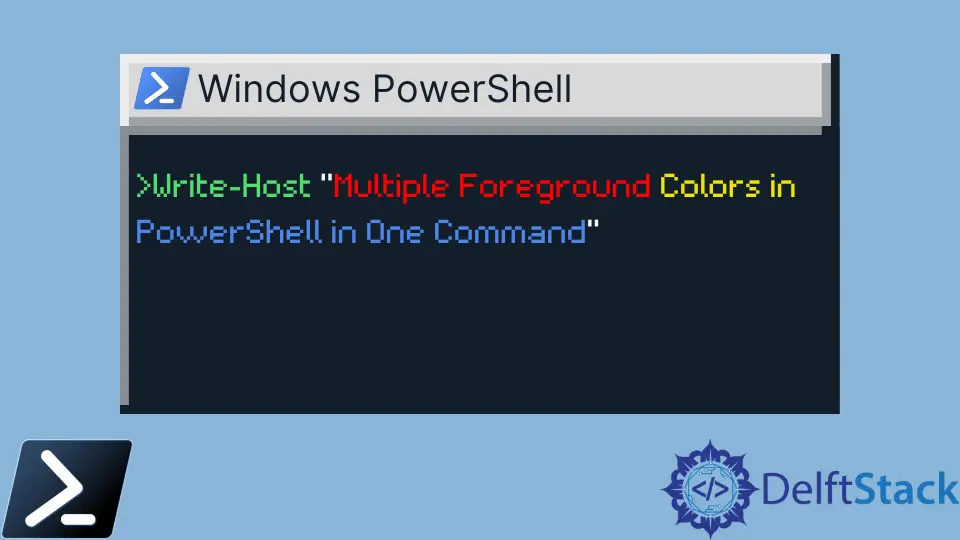
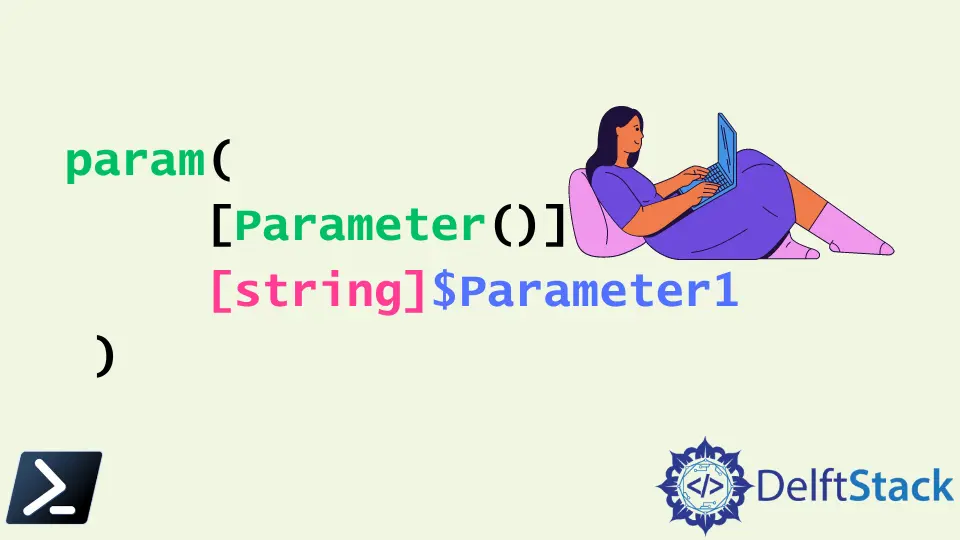
How to Find a Specific File by Name Using PowerShellThe Get-ChildItem cmdlet is a useful PowerShell utility we can employ to locate a file by name or extension. It makes it easier and faster to locate a file than searching on Windows Explorer. How to Copy and Paste From a Variable in PowerShellWe use the Set-Clipboard cmdlet on PowerShell to determine the content of our clipboard. We then use the Get-Clipboard cmdlet to fetch and use the clipboard's content. How to Check if a Service Is Running Using PowerShellThis article aims to demonstrate how to see whether a Windows Service is running or not using PowerShell scripting, and if the service is not running, turn the service on. String Interpolation in PowerShellThis article will discuss what variables are and the several methods on how to use them during string interpolation in Windows PowerShell. Line Break in PowerShellThis tutorial will teach you to break lines in PowerShell. UTF-8 Encoding (CHCP 65001) in PowerShellThis tutorial will introduce different methods to use UTF-8 encoding in PowerShell. Null Variables in PowerShellThis article talks about the null variable, the impacts of using the null variable in different syntax in PowerShell, and ways of checking the null values. Recursive File Search Using PowerShellThis tutorial will introduce recursive file search using PowerShell. PowerShell LocationThe topic is about finding the correct pathway or location of Windows PowerShell file in different ways Logical Operators in PowerShellThis article will discuss the several logical operators used in PowerShell. This article also discusses different real world examples and how we can apply it in scripting with PowerShell. Path With Spaces in PowerShellThis tutorial will introduce different methods to deal with spaces in the path in PowerShell. All Replace Methods in PowerShellThis article will discuss how to replace or delete characters, texts, and words, using different PowerShell replace methods. Byte Array in PowerShellThis article demonstrates how to convert data present in various forms to a Byte Array using PowerShell Scripting API. Array of Strings in PowerShellThis tutorial demonstrates how to create array of strings in PowerShell. PowerShell Copy File and RenameThe main aim of this article is to demonstrate the most basic of IO operation, copying a file and then pasting it into another directory or location with a different name. PowerShell Copy-Item ProgressThe Start-BitsTransfer cmdlet can be used to copy files from the source to destination. This command comes with a progress bar which indicates how much work has been finished at a given time. Counter in PowerShellCounters are used to keep track of the things you need to be counted. PowerShell offers fundamental operators like post-increment and pre-increment to implement basic counter variables. Different Parameters in PowerShellThis article will discuss what a parameter function is, different types of parameters, and their sample uses. Multiple Foreground Colors in PowerShell in One CommandThis tutorial will teach you to output multiple foreground colors with one command in PowerShell. ExecutionPolicy Bypass vs Unrestricted in PowerShellThere are PowerShell execution policies provided as a security measure. The Bypass and Unrestricted are two important policies that can be used to skip almost all the security checks and run any script. Windows PowerShell Commands to Achieve Unix Tail CommandWindows PowerShell Commands to achieve tail Unix Command function. Solutions that can be used in the PowerShell to achieve similar functionality as the tail command in Unix-like systems to output the tail end lines of text files/piped data PowerShell Function ParametersThis article focuses on function parameters in powershell. Automating PowerShell Scripts Using Task SchedulerThis article will show us how to run a PowerShell script from Task Scheduler and create scheduled tasks using Windows PowerShell. Pipeline Variable in PowerShellThis article will show us how to use the same concepts and techniques in Windows PowerShell by using PowerShell's pipeline variable.