How to Check if String Is Empty in PowerShell
-
Check if a String Is
Not NULLorEMPTYin PowerShell -
IsNullOrEmptyAlternatives to Check if a String Is Null or Empty in PowerShell -
Use
-eqOperator to Check if a String Is Null or Empty in PowerShell - Use RegEx to Check if a String Is Null or Empty in PowerShell
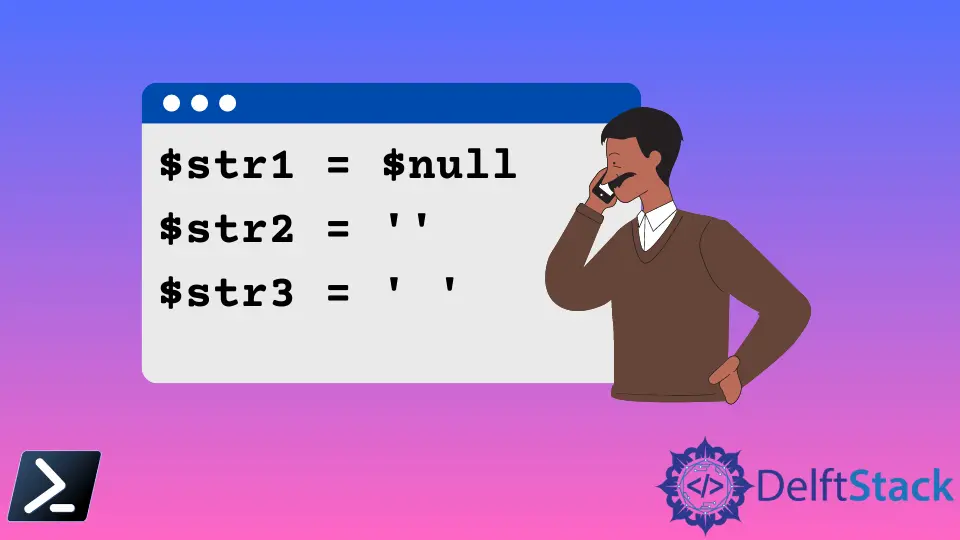
We’ll discuss in this article the methods that can be used to check if a given string is null or empty in Powershell.
Check if a String Is Not NULL or EMPTY in PowerShell
IsNullOrEmpty is a common scripting/programming language, a string method for checking whether a given string is empty or null. A null is a string value that has not been assigned, and an empty string is a string with " " or given String.Empty.
IsNullOrEmpty Alternatives to Check if a String Is Null or Empty in PowerShell
There is an easy way to do PowerShell’s IsNullOrEmpty equivalent function. The following code segments can be used.
The string given in the command is null. Therefore, the output of the code is as below.
Sample Code 1:
PS C:\Users\Test> $str1 = $null
PS C:\Users\Test> if ($str1) { 'not empty' } else { 'empty' }
Output:
empty
If the string is empty, the output is still empty.
Sample Code 2:
PS C:\Users\Test> $str2 = ''
PS C:\Users\Test> if ($str2) { 'not empty' } else { 'empty' }
Output:
empty
If the string is not empty and not null, the output is not empty.
Sample Code 3:
PS C:\Users\Test> $str3 = ' '
PS C:\Users\Test> if ($str3) { 'not empty' } else { 'empty' }
Output:
not empty
There are commands to compare two strings and check whether two or more are empty.
PS C:\Users\Agni> if ($str1 -and $str2) { 'neither empty' } else { 'one or both empty' }
Output:
one or both empty
Further, neither empty is one possible comparative used above to compare two declared strings. This can be identified as the clearest and the most concise method of using the IsNullOrEmpty.
Besides the above method, the IsNullOrEmpty static method can also be used in the PowerShell.
Use -eq Operator to Check if a String Is Null or Empty in PowerShell
The -eq operator compares two values for equality. You can compare a string to an empty string to check if it is empty.
Code:
$str1 = ""
if ($str1 -eq "") {
    Write-Host "String is empty"
}
else {
    Write-Host "String is not empty"
}
Output:
String is empty
Use RegEx to Check if a String Is Null or Empty in PowerShell
A string’s patterns can be matched using Regular Expressions. You can use a regex pattern that matches empty or whitespace-only strings.
Code:
$str4 = "   "
if ($str4 -match "^\s*$") {
    Write-Host "String is empty"
}
else {
    Write-Host "String is not empty"
}
Output:
String is empty

Nimesha is a Full-stack Software Engineer for more than five years, he loves technology, as technology has the power to solve our many problems within just a minute. He have been contributing to various projects over the last 5+ years and working with almost all the so-called 03 tiers(DB, M-Tier, and Client). Recently, he has started working with DevOps technologies such as Azure administration, Kubernetes, Terraform automation, and Bash scripting as well.
Related Article - PowerShell String
- Array of Strings in PowerShell
- How to Check if a File Contains a Specific String Using PowerShell
- How to Extract a PowerShell Substring From a String
- How to Extract Texts Using Regex in PowerShell
- How to Generate Random Strings Using PowerShell
- How to Escape Single Quotes and Double Quotes in PowerShell