Practical solutions

JavaScript How-to Guides How-To Guides

Solve the problem. Keep building. A collection of practical JavaScript how-to guides

Find the answer you need

Browse practical solutions, grouped by the task you're working on.

__COUNT__ entries on this page
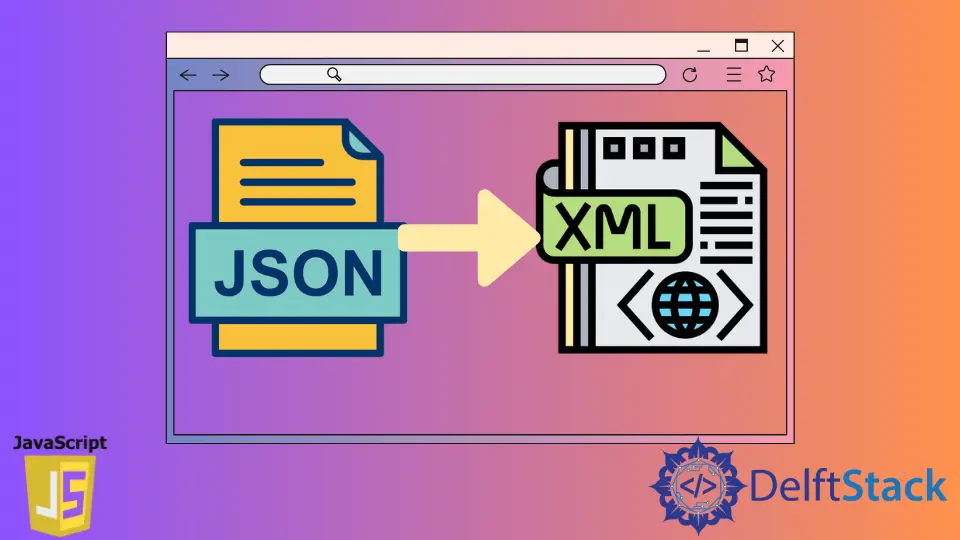
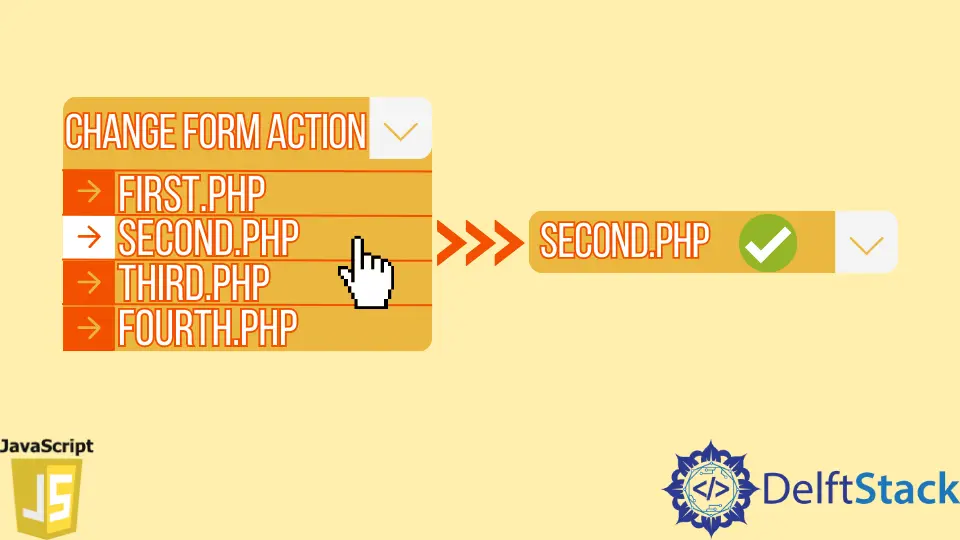
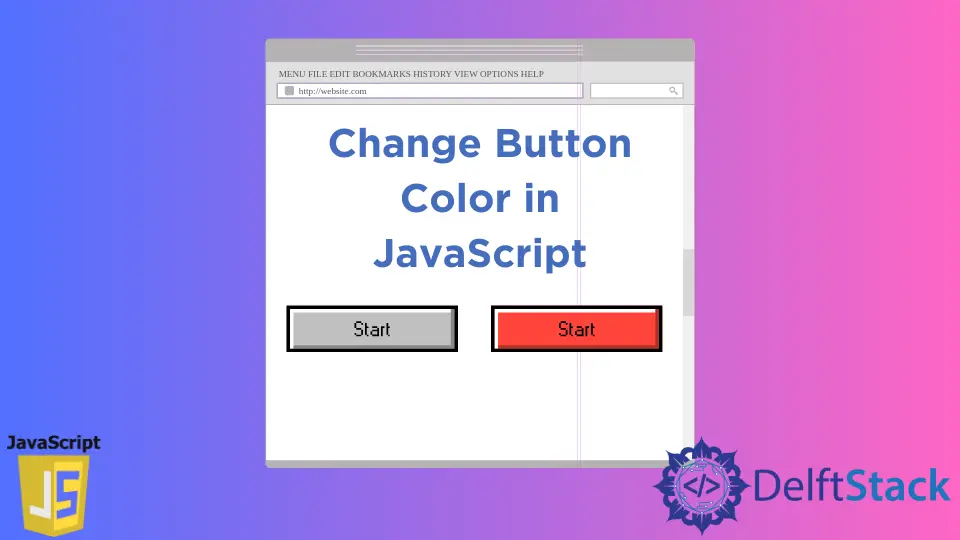
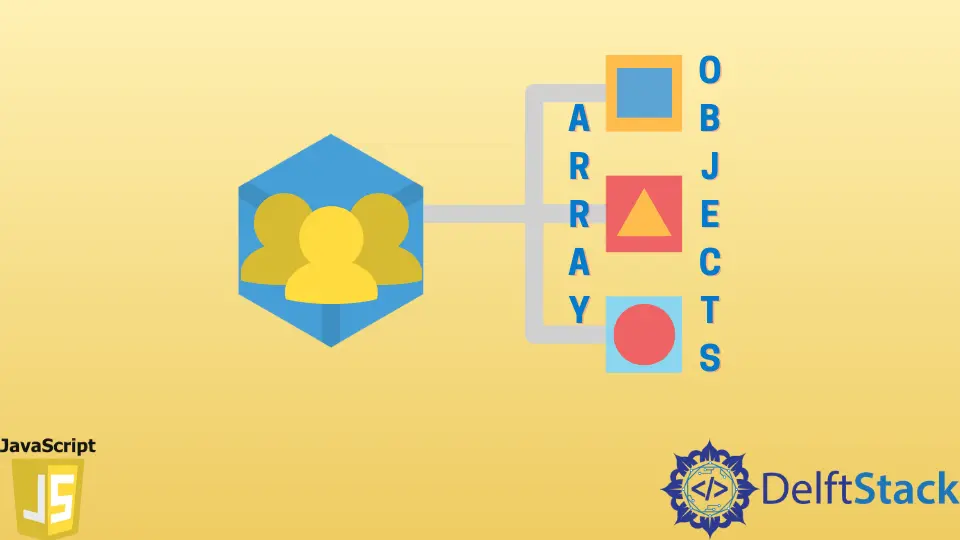
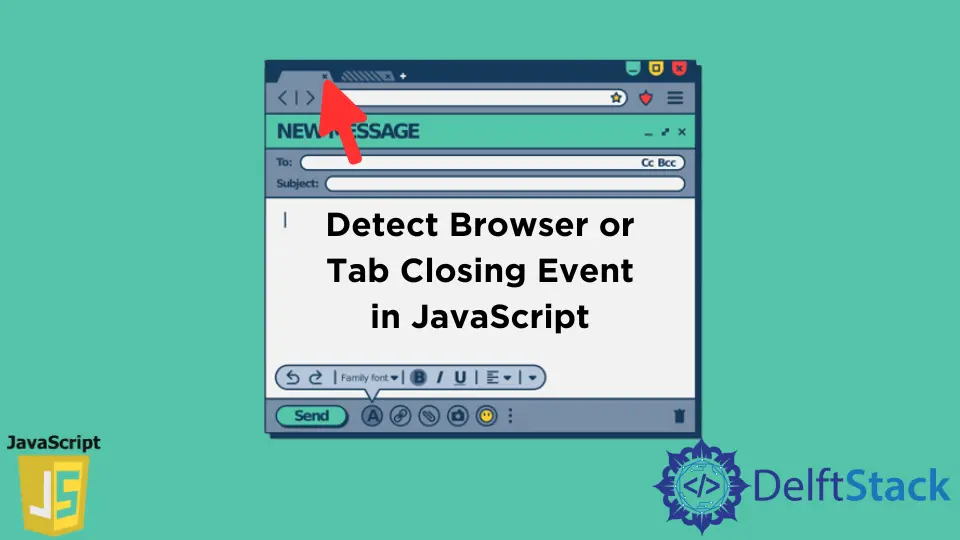
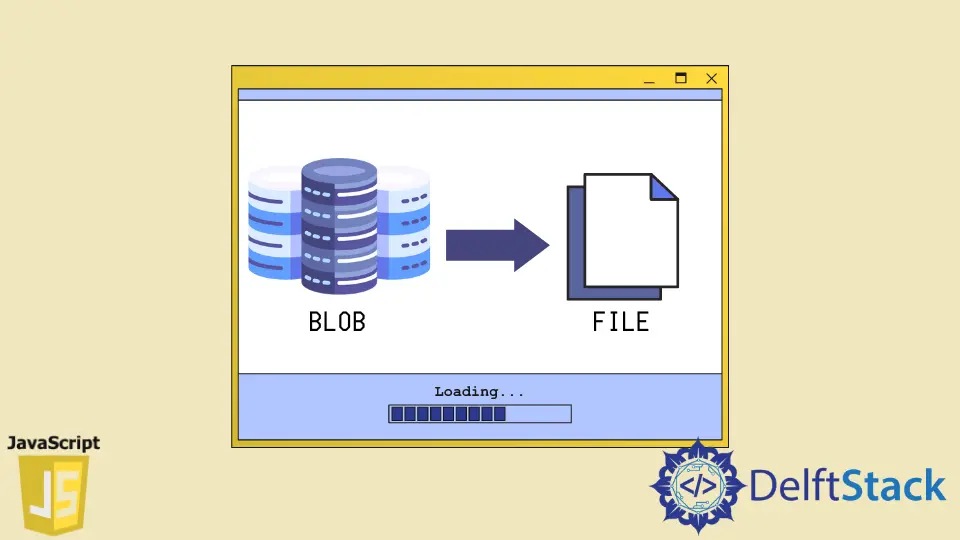
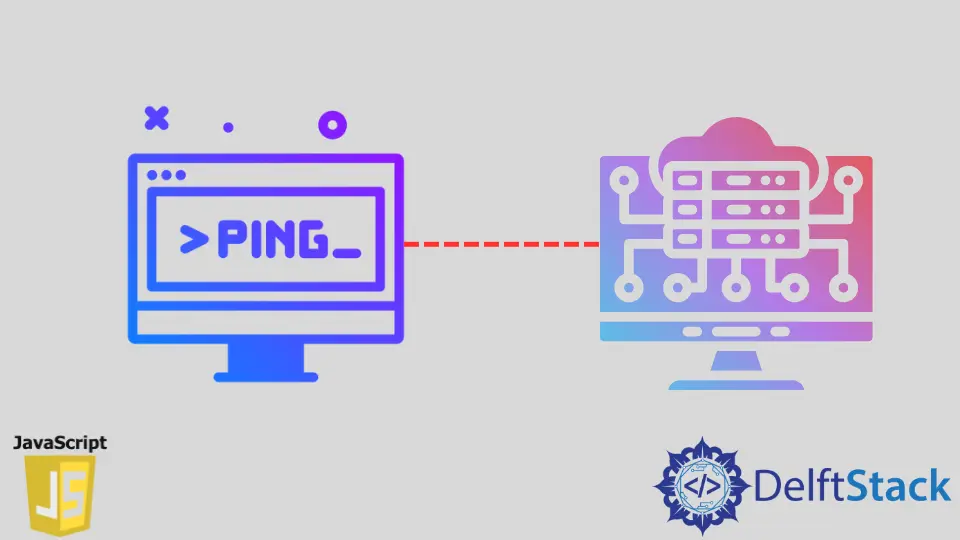
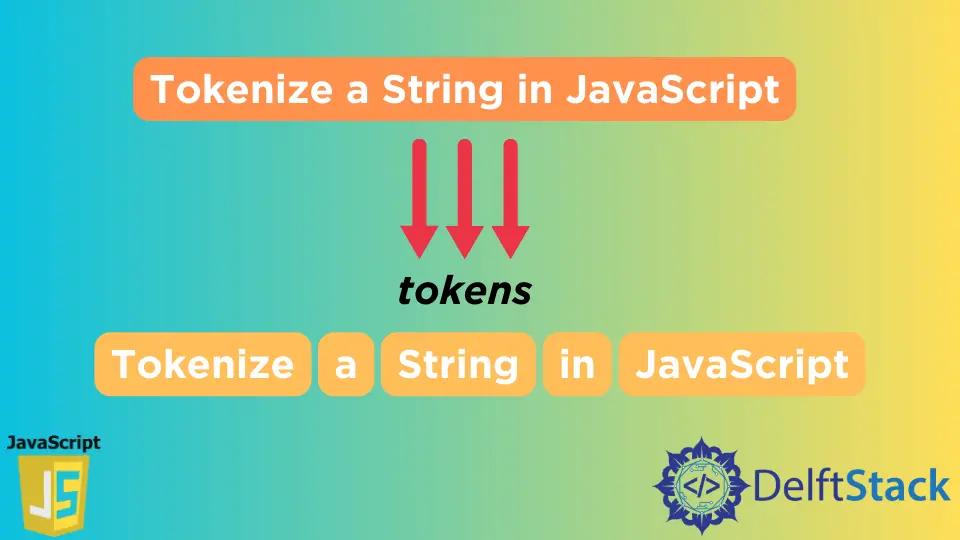
How to Switch String in JavaScriptLearn how to effectively use the switch-case statement in JavaScript. This comprehensive guide covers syntax, examples, best practices, and tips for handling multiple conditions efficiently. Discover how to enhance your coding skills and write cleaner, more organized JavaScript code with switch-case statements. How to Reset Button in JavaScriptLearn how to implement a reset button in JavaScript to enhance user experience in web forms. This guide covers HTML structure, JavaScript functions, and customization options for reset functionality, providing clear examples and explanations. Perfect for beginners and experienced developers looking to improve their skills. How to Set Current Year Copyright in JavaScriptThis article explains how to set the current year copyright in JavaScript using an auto date updater method. Learn simple techniques to dynamically display the current year on your website, enhancing its professionalism and user experience. Whether you prefer using the Date object, template literals, or event listeners, this guide will walk you through each method step by step. Keep your website content fresh and relevant with these easy-to-implement JavaScript solutions. JavaScript Z IndexIn this article, learn how to effectively use the z-index property in JavaScript for managing element layering. Discover practical methods for setting, getting, and dynamically adjusting z-index values to enhance your web applications. Perfect for developers looking to improve their skills in DOM manipulation and interactive design. JavaScript Right Click MenuThis article provides a comprehensive guide on how to create a custom right-click menu using JavaScript. Learn to enhance user experience on your webpage by implementing a tailored context menu, complete with styling and functionality. Perfect for both beginners and experienced developers, this tutorial covers everything you need to know to elevate your web design. Introduction to JavaScript ProfilerThis article introduces JavaScript profiling, explaining its importance and usage for optimizing web applications. Learn how to use Chrome DevTools, analyze profiling results, and implement best practices for improved performance. Discover the benefits of regular profiling and enhance your JavaScript skills to create efficient, user-friendly applications. How to Validate Checkbox in JavaScriptLearn how to validate checkboxes in JavaScript with our comprehensive guide. Explore techniques for single and multiple checkboxes, customize validation messages, and enhance user experience in your web forms. This article provides practical examples and tips for effective checkbox validation. How to Convert JSON to XML in JavaScriptThis article guides you through the process of converting JSON to XML using JavaScript. Learn various methods, including custom functions and third-party libraries, to efficiently manage data transformation in your web applications. Whether you're a beginner or an experienced developer, mastering these techniques will enhance your programming skills and improve data handling capabilities. How to Create A Noop Function in JavaScriptThis tutorial educates you on how to create a noop function in JavaScript. Explore various methods such as function declarations, arrow functions, and using `bind`. Enhance your coding skills by understanding the practical applications of noop functions in your projects. Learn how to implement these techniques effectively for cleaner and more efficient code. How to Change Form Action in JavaScriptLearn how to change the action attribute of HTML forms using JavaScript. This article provides step-by-step methods to modify form actions dynamically based on user interactions, enhancing user experience and functionality. Perfect for developers looking to create interactive web applications. How to Call Function by Name in JavaScriptThis article demonstrates how to call a function by its name in JavaScript. Explore various methods including using the window object, eval, object literals, and the Function constructor. Learn the advantages and disadvantages of each approach, complete with examples and explanations to enhance your JavaScript skills. Perfect for developers looking to improve their dynamic coding techniques. Media Query in JavaScriptLearn how to use media queries in JavaScript to create responsive designs that adapt to different devices. This article explores various methods to implement media queries effectively, enhancing user experience and site adaptability. Discover the power of combining CSS and JavaScript for dynamic web applications. How to Get an Apostrophe in a String Using JavaScriptThis tutorial demonstrates how to get an apostrophe in a string using JavaScript. Learn effective methods such as escaping apostrophes, using double quotes, and utilizing template literals to seamlessly include apostrophes in your strings. Enhance your JavaScript skills and ensure your text handling is error-free with these practical techniques. How to Change Button Color in JavaScriptLearn how to change button color in JavaScript with this comprehensive guide. Discover various methods, including click, hover, and CSS class toggling techniques. Enhance user experience and interactivity in your web applications by mastering button color changes. Perfect for beginners and experienced developers alike. How to Set Textarea Value in JavaScriptLearn how to set textarea value in JavaScript with our comprehensive guide. Explore methods including using the value property, jQuery, and event listeners. Enhance your web development skills and create dynamic user experiences with easy-to-follow examples and explanations. How to Parse HTML in JavaScriptLearn how to parse HTML in JavaScript effectively with our comprehensive guide. Explore methods like DOMParser, jQuery, and innerHTML to manipulate HTML content seamlessly. Perfect for web developers looking to enhance their skills. How to Group an Array of Objects in JavaScriptThis article introduces the most efficient method to group an array of objects in JavaScript. Explore powerful techniques like reduce(), forEach(), and Map to organize your data effectively. Learn with clear examples and enhance your coding skills today! How to Detect Browser or Tab Closing Event in JavaScriptThis tutorial demonstrates how to detect browser or tab closing events in JavaScript. Learn to use the beforeunload and unload events to manage user sessions and prevent data loss effectively. Explore practical examples and best practices in handling these events to enhance user experience in your web applications. How to Convert JSON Object Into String in JavaScriptLearn how to convert a JSON object into a string in JavaScript using the JSON.stringify() method. This article covers the process of creating a JSON object and provides clear examples to help you understand data manipulation in web development. Discover best practices for using JSON in your applications and enhance your data handling skills. How to Convert Blob to File Using JavaScriptThis article educates how to convert Blob to File using JavaScript. Learn different methods such as using the File constructor, Data URLs, and Canvas elements to handle file manipulations effectively. Enhance your web applications by mastering Blob and File conversions for better user experiences. How to Ping Server in JavaScriptLearn how to ping a server or URL using JavaScript in this informative article. We cover methods using the Fetch API and XMLHttpRequest, providing clear examples and explanations. Enhance your web development skills by understanding how to check server availability effectively. How to Add ID to an HTML Element in JavaScriptIn this article, discover how to add an ID to an HTML element using JavaScript. Learn about the Element.id property and explore practical methods to dynamically assign IDs, whether creating new elements, modifying existing ones, or responding to user events. Enhance your web development skills and improve your ability to manipulate the DOM effectively. How to Open File Dialog in JavaScriptLearn how to open a file dialog in JavaScript using the input element with a type attribute of file. This article provides practical examples and techniques for handling file selections, validating file types, and previewing images. Enhance your web applications with these essential JavaScript functionalities. How to Tokenize a String in JavaScriptLearn how to tokenize a string in JavaScript effectively. This comprehensive guide covers methods like the split() function, regular expressions, and using the Lodash library. Discover practical code examples and detailed explanations to enhance your string manipulation skills. Perfect for both beginners and experienced developers looking to improve their understanding of tokenization in JavaScript.