Practical solutions

HTML Howtos How-To Guides

Solve the problem. Keep building. Collection of HTML how-to articles

Find the answer you need

Browse practical solutions, grouped by the task you're working on.

__COUNT__ entries on this page

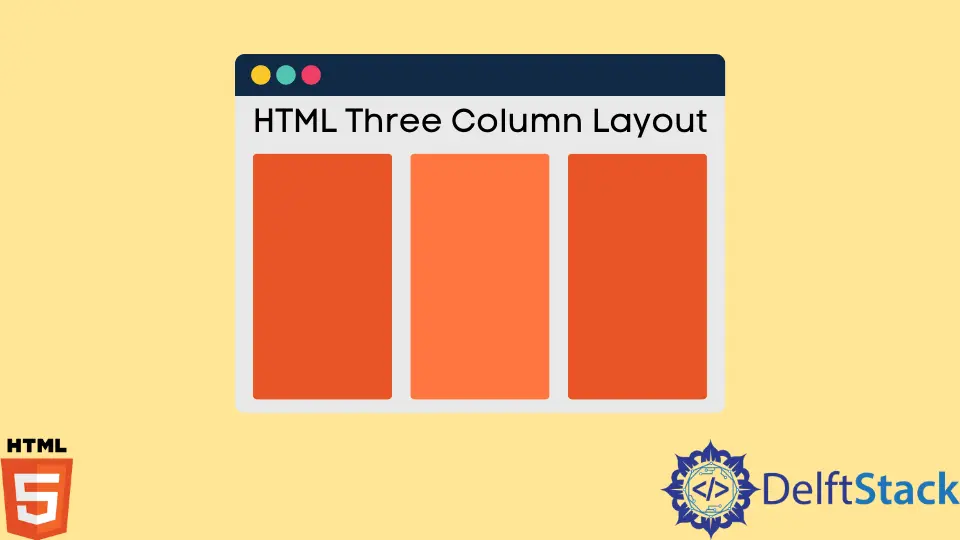
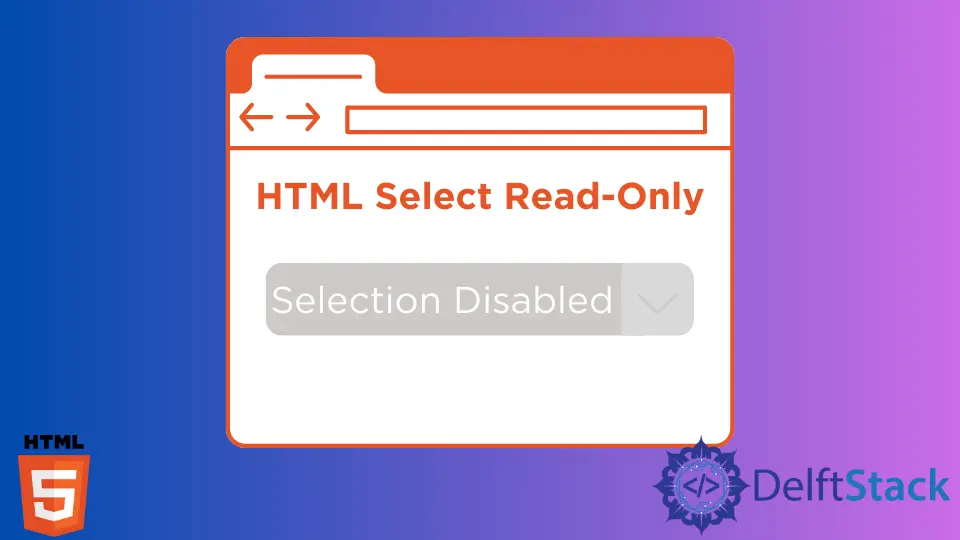
How to Change HTML Marquee Text SpeedThis article will discuss how to change the speed of the <marquee> tag in HTML. How to Right Align a Button in HTMLIn this article, we will learn how to create and align buttons to the right in HTML using CSS. We'll use the button tag to create a button and assign some CSS styling properties to it for the alignment. How to Center Bullet Points in HTML Bullet points in HTML allow you to create a list of items on a web page, with each item in the list represented by a bullet point. You can control the appearance of the bullet points by using CSS, and you can use them to create both ordered and unordered lists. How to Customize the Thickness of HR Tag in HTMLThis article discusses the concepts of hr tag and its customization in HTML. How to Create an Editable HTML TableIn this article, we will discuss creating HTML tables and how to make their cells editable. Also, we make some cells editable in some examples. How to Create a Simple Tooltip Button in HTMLThis article discussed how to create a simple tooltip button using tooltips and HTML and create an advanced tooltip button using HTML and CSS along with examples. How to Add Captions to Images in HTMLThis article discusses the different approaches in writing a caption under or above an image or images on a web page using HTML and CSS properties. How to Create HTML Table With Different Column SizesA detailed guide about creating HTML tables with customized column width using CSS. How to Place HTML Div Side by SideIn this post, we'll look at many methods for showing two div elements side by side in an HTML document. How to Insert Vertical Space in HTMLThis is a small programming hack to add or insert a vertical spacing after any HTML element. How to Disable the Right-Click Context Menu in HTMLThis article explains why the right click should not be disabled and discusses possible techniques to accomplish the objective. How to Change the Color of One Word in a String of Text in HTMLThis article explains how to change the color of any specific word in a text. How to Use SVG Image File in HTML and CSSThis article will teach us different ways to add SVG files to web pages. How to Click or Hover on the Image to Enlarge in HTMLThis article introduces enlarging HTML images on hover or a single click. How to Redirect to a Webpage in HTMLThis tutorial introduces various ways to redirect to a different webpage sing HTML. How to Put Text Next to an Image in HTML: Ultimate Guide 2024Unlock the power of HTML with our Ultimate Guide 2024 on placing text seamlessly beside images. Elevate your web design skills and discover the step-by-step process. Page Break While Printing in HTMLThis tutorial introduces how to force a page break while printing HTML page or contents. HTML Image OpacityIn this article we will learn what is image opacity, and how to use opacity on images to enhance the look and feel of the design. One common reason is to create a semi-transparent image, which can be used to overlay other content on a page. This can be used to produce interesting effects or to make an image more legible when it is placed on top of a background image. HTML Down CaretIn this article, we will discuss what is an HTML down caret and what are the different methods and tools that help us to create an upside-down caret character in HTML. HTML CalltoTo use HTML callto embed code, just copy and paste the code into the HTML of your web page. You can then use the callto link to open the phone number in your visitor's default phone application. HTML Three Column LayoutThis article mainly focused on creating an HTML 3-column layout which we can make using the HTML <div> element with row and column keywords. These keywords are defined as classes to create the column layout. HTML Readonly for a Select TagThis article describes how we can emulate the readonly attribute for a select tag in HTML. This describes two solutions to adapt instead of readonly as it is already deprecated. HTML Paragraph WidthUsing the <div> tag, you may specify a paragraph's width, padding, margin, and other attributes. When constructing a div for usage in a paragraph style, we may supply an id that will be used in the div. HTML Italic SpanIn this article, we will learn how to make text italic in HTML and see the correct way to make the text italic. We will use the following tags <i>, <em> or <span> which are used to make the text italic.