Practical solutions

Linux Howtos How-To Guides

Solve the problem. Keep building. Collection of Linux how-to articles

Find the answer you need

Browse practical solutions, grouped by the task you're working on.

__COUNT__ entries on this page
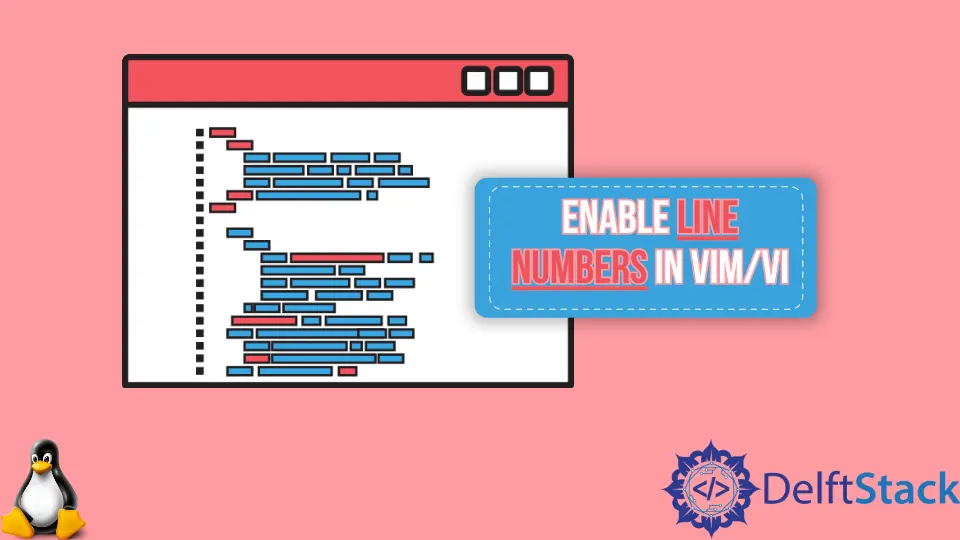
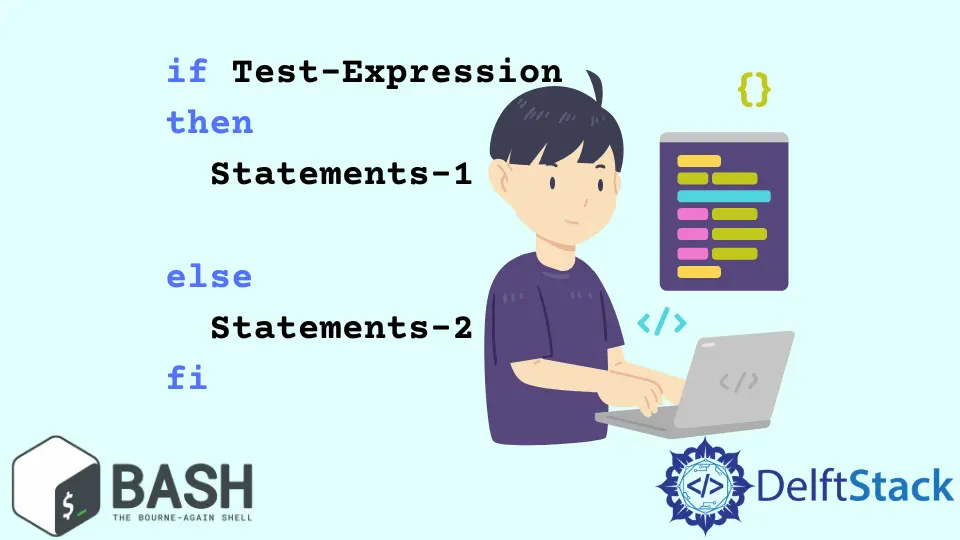
Bash Double PipeThis article will explain the purposes of single and double pipe symbols in Bash. How to Get Current Date and Time in BashThis is a trivial guide to getting the current date and time using Bash. Floating Point Arithmetic in BashThis is a brief programming tutorial on how to perform floating point arithmetic in Bash. How to Execute Commands in a Variable in Bash ScriptThis is a programming tutorial about executing a command stored in a variable in a Bash Script. How to Copy All Files From a Remote DirectoryA quick demonstration of copying all the files from a remote directory. How to Sort Array in BashThis tutorial will discuss sorting array in Bash. How to Append Text to a File Using BashWe can append text to a file using the Redirection (>>) operator, and the tee command. How to Extract Bzip2 Files Using TerminalWe can use the tar command to compress and extract files in .tar.bz2 and .tbz2 format. How to Install GCC Compiler on Ubuntu 18.04We can install GCC compiler on Ubuntu using the apt command-line tool. How to Copy Files and Directories Using Linux TerminalWe can copy files and directories with cp, and rsync commands using Linux Terminal. How to Move Files and Directories in Linux Using Mv CommandWe can move Files and Directories using mv command with various arguments through Linux Terminal. How to Check the Version of UbuntuWe can check the version of Ubuntu installed in our system using the terminal, checking the etc files and through the Gnome. How to Enable Line Numbers in Vim/ViThe line numbering feature is inactive by default in Vim and Vi editors but it can be easily turned on configuring the settings. How to Securely Transfer Files and Directories Using SCPSCP is a command-line utility to transfer files and directories from local to a remote system and vice-versa. It also allows us to transfer files and directories between two remote systems. How to Compare Strings in BashWe compare the strings using comparison operators and check whether the string contains substring or not using regular expressions. How to Use if...else Statement in BashWe can use if...else statement in Bash to run the statements if particular condition is satisfied or not. How to View All the Installed Packages on UbuntuWe can view all the installed packages on Ubuntu using apt and dpkg-query. How to Rename Files and Directories Using Linux TerminalWe can rename Files and Directories with rename and mv commands in the Linux Terminal. How to Use Functions in BashThe same code that is to be used repeatedly is written as function definition and the portion where we need the code to be used, we simply call the function. How to Create a File Using the Terminal in LinuxWe can create files with touch, echo, cat, dd and fallocate commands in Linux Terminal. Similarly, we can also create files from the terminal using the Redirection Operator and Heredoc. How to Use the gzip Command in LinuxWe can use gzip command to compress and extract files in .gz or .z format. How to Use wget Command in LinuxWe can use wget command in Linux to download files from the Internet using the HTTP, HTTPS, and FTP protocols with various options such as downloading multiple files at once, downloading in the background, limiting the bandwidth, and much more. How to Perform Copy, Cut and Paste Operations in Vim and ViThis article introduces how to copy, cut and paste in Vim/Vi. How to Install RPM Pacakges on CentOSWe can install RPM packages on CentOS using yum and rpm command-line utilities.