Rune in Go
- What is a Rune in Go?
- Declaring and Initializing Runes
- Working with Runes in Strings
- Converting Between Runes and Strings
- Conclusion
- FAQ
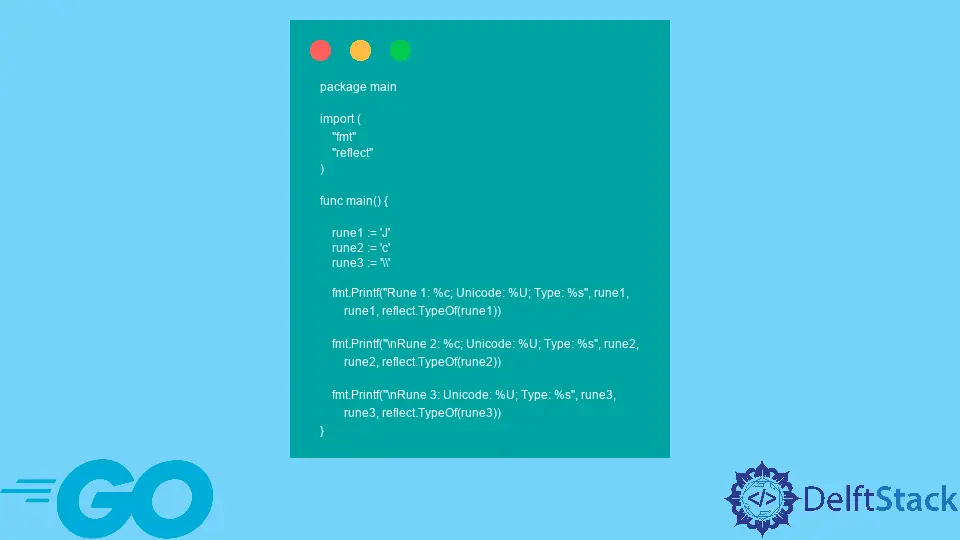
When diving into the Go programming language, one of the first concepts you’ll encounter is the “rune.” A rune in Go is more than just a character; it represents a Unicode code point. This means that it can hold any character from any language, making Go a powerful tool for internationalization and text processing. Understanding how to work with runes is essential for any Go developer, whether you’re building web applications, command-line tools, or anything in between.
In this tutorial, we’ll explore what a rune is, how it differs from a byte, and how to effectively use runes in your Go programs. We’ll cover the basics of declaring and manipulating runes, as well as some practical examples to help solidify your understanding. By the end of this article, you’ll have a solid grasp of runes in Go and be ready to implement them in your projects.
What is a Rune in Go?
In Go, a rune is an alias for int32, and it represents a single Unicode code point. This allows you to work with characters from various languages, including emojis and special symbols. Unlike a byte, which can only represent values from 0 to 255, a rune can represent over a million different characters, making it ideal for applications that require text processing.
To declare a rune in Go, you can use single quotes. For example:
var r rune = 'A'
In this code, we declare a rune variable r and assign it the character ‘A’. The rune type allows you to perform operations on characters easily, such as comparing them or converting them to their integer representations.
Declaring and Initializing Runes
Declaring and initializing runes in Go is straightforward. You can assign a rune directly using single quotes. Here’s a simple example:
package main

import "fmt"

func main() {
    var r1 rune = 'G'
    var r2 rune = '😊'
    fmt.Println(r1)
    fmt.Println(r2)
}
In this example, we declare two rune variables: r1 for the character ‘G’ and r2 for a smiley emoji. The fmt.Println function is used to print these runes to the console.
Output:
71
128522
The output shows the integer values corresponding to the runes. The rune ‘G’ corresponds to the integer 71, while the smiley emoji corresponds to 128522. This illustrates how runes can represent a wide range of characters beyond just the ASCII set.
Working with Runes in Strings
Runes are particularly useful when working with strings, as they allow you to manipulate and iterate over characters. Here’s an example of how to convert a string into a slice of runes:
package main

import "fmt"

func main() {
    str := "Hello, 世界"
    runes := []rune(str)
    for i, r := range runes {
        fmt.Printf("Character %d: %c\n", i, r)
    }
}
In this code, we define a string str containing both English and Chinese characters. We convert the string into a slice of runes and then iterate over it using a for loop. The fmt.Printf function is used to print each character along with its index.
Output:
Character 0: H
Character 1: e
Character 2: l
Character 3: l
Character 4: o
Character 5: ,
Character 6:
Character 7: 世
Character 8: 界
This output demonstrates how we can access each character in the string, regardless of its language. By using runes, we ensure that we handle multi-byte characters correctly, which is crucial for applications that require internationalization.
Converting Between Runes and Strings
Another important aspect of working with runes in Go is converting between runes and strings. This is useful when you need to manipulate individual characters within a string. Here’s how you can perform this conversion:
package main

import "fmt"

func main() {
    r := 'G'
    str := string(r)
    fmt.Println(str)
}
In this example, we convert the rune r back into a string using the string() function. This allows us to easily integrate runes back into string operations.
Output:
G
The output confirms that the conversion from rune to string was successful. Understanding how to convert between these two types is essential for effective string manipulation in Go.
Conclusion
In summary, understanding runes in Go is crucial for effective text processing and internationalization. Runes allow you to work with Unicode characters seamlessly, making your applications more versatile and user-friendly. By mastering the concepts of declaring, initializing, and manipulating runes, you can enhance your Go programming skills and create more robust applications.
Whether you are a beginner or an experienced developer, incorporating runes into your Go projects will open up new possibilities for handling text. So, dive in and start experimenting with runes today!
FAQ
-
What is the difference between a rune and a byte in Go?
A rune is an alias forint32and can represent any Unicode character, while a byte is an alias foruint8and can only represent values from 0 to 255. -
How do I convert a string to a slice of runes in Go?
You can convert a string to a slice of runes using the[]rune()conversion, which allows you to iterate through each character in the string. -
Can I use runes for string manipulation in Go?
Yes, runes are ideal for string manipulation as they represent individual characters, allowing you to handle multi-byte characters correctly. -
How do I print the integer value of a rune in Go?
You can print the integer value of a rune using thefmt.Println()function, which will display the rune’s Unicode code point. -
Are runes in Go limited to ASCII characters?
No, runes can represent any Unicode character, including characters from various languages and special symbols.