URL Encoding in PHP
- Understanding URL Encoding
- Using urlencode() Function
- Using rawurlencode() Function
- Practical Applications of URL Encoding
- Conclusion
- FAQ
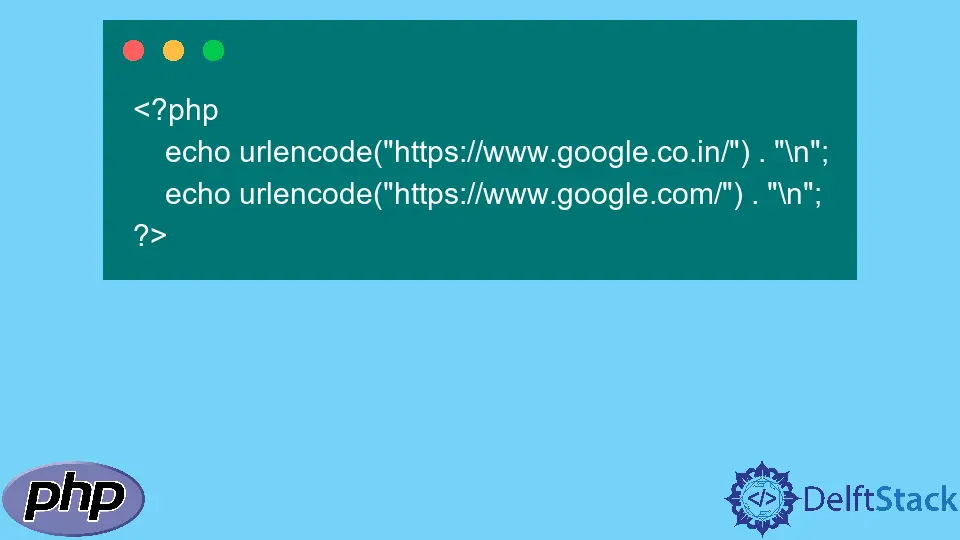
In today’s digital landscape, understanding URL encoding is essential for web developers and programmers alike. URL encoding, also known as percent encoding, transforms special characters in URLs into a format that can be transmitted over the internet. This process ensures that URLs remain valid and functional, especially when they contain spaces, symbols, or non-ASCII characters. In this post, we will learn how to encode URLs in PHP, exploring the functions and methods available to achieve this effectively.
PHP provides built-in functions that simplify the URL encoding process, making it easy to prepare your data for web requests. Whether you are working on a web application or simply need to manage links, mastering URL encoding in PHP will enhance your coding skills and ensure your URLs are correctly formatted. Let’s dive into the methods available in PHP for encoding URLs and see how they can be applied in real-world scenarios.
Understanding URL Encoding
URL encoding is the process of converting characters into a format that can be transmitted over the Internet. This is particularly important because URLs can only be sent over the Internet using the ASCII character set. Therefore, characters that are not part of this set, such as spaces, punctuation, and other symbols, must be encoded. For instance, a space is represented as %20, and a question mark ? is encoded as %3F.
The primary function for URL encoding in PHP is urlencode(). This function converts special characters in a string to their corresponding percent-encoded values, ensuring that the string can be safely transmitted as a URL.
Using urlencode() Function
The urlencode() function is the most straightforward way to encode URLs in PHP. It takes a string as input and returns an encoded string. Here’s how to use it:
<?php
$url = "https://example.com/search?query=hello world";
$encodedUrl = urlencode($url);
echo $encodedUrl;
?>
Output:
https%3A%2F%2Fexample.com%2Fsearch%3Fquery%3Dhello+world
In this example, we start with a URL that contains spaces and special characters. When we pass this URL to the urlencode() function, it converts the spaces into + signs and encodes other special characters like : and ? into their respective percent-encoded values. The result is a URL that can be safely used in HTTP requests.
The urlencode() function is particularly useful when you need to encode query string parameters. For instance, if you are building a search URL based on user input, you can use this function to ensure that the input does not break the URL structure.
Using rawurlencode() Function
Another useful function in PHP for URL encoding is rawurlencode(). This function is similar to urlencode(), but it encodes spaces as %20 instead of +. This distinction is important when you want to maintain the original structure of the URL. Here’s how to use rawurlencode():
<?php
$url = "https://example.com/search?query=hello world";
$encodedUrl = rawurlencode($url);
echo $encodedUrl;
?>
Output:
https%3A%2F%2Fexample.com%2Fsearch%3Fquery%3Dhello%20world
In this example, we again take a URL with spaces and special characters. When we use rawurlencode(), the spaces are encoded as %20, which is often preferred for encoding URLs. This function is particularly useful when constructing URLs for HTTP requests, as it adheres to the RFC 3986 specification for encoding.
Using rawurlencode() ensures that your URLs are not only valid but also semantically correct. This can be crucial when working with APIs or web services that expect a specific format.
Practical Applications of URL Encoding
Understanding and implementing URL encoding in PHP has several practical applications. For instance, when developing web applications, you often need to pass user-generated data through URLs. This data can include search queries, filters, or any other parameters that might contain special characters.
Here’s a simple example of how to use URL encoding in a search form:
<form action="search.php" method="GET">
    <input type="text" name="query" placeholder="Search...">
    <input type="submit" value="Search">
</form>
In the search.php file, you would process the input like this:
<?php
$query = isset($_GET['query']) ? $_GET['query'] : '';
$encodedQuery = urlencode($query);
echo "Search URL: https://example.com/search?query=" . $encodedQuery;
?>
Output:
Search URL: https://example.com/search?query=hello%20world
In this example, when a user submits a search query, it is captured and encoded before being appended to the URL. This ensures that any special characters in the query do not interfere with the URL structure.
By implementing URL encoding, you not only enhance the user experience but also improve the reliability of your web applications.
Conclusion
In this article, we’ve explored the essential topic of URL encoding in PHP. We discussed how to use the urlencode() and rawurlencode() functions to ensure that URLs are correctly formatted and safe for transmission over the internet. Understanding these functions is crucial for any web developer looking to build robust applications that handle user input effectively.
By mastering URL encoding, you enhance your ability to work with URLs, leading to cleaner, more reliable code. As you continue to develop your skills in PHP, remember that proper URL encoding is a small but vital part of ensuring your applications function smoothly.
FAQ
-
What is URL encoding?
URL encoding is the process of converting characters in a URL into a format that can be transmitted over the internet, using percent encoding for special characters. -
When should I use urlencode() vs rawurlencode()?
Use urlencode() when you want spaces to be encoded as plus signs (+), and use rawurlencode() when you want spaces to be encoded as %20, which is often more appropriate for URLs. -
Can I encode a full URL with these functions?
Yes, both urlencode() and rawurlencode() can be used to encode a full URL, but be mindful of how spaces are represented in the output. -
Why is URL encoding important?
URL encoding is important because it ensures that URLs are valid and can be transmitted over the internet without issues, especially when they contain special characters. -
How do I decode a URL in PHP?
You can decode a URL in PHP using the urldecode() function, which converts percent-encoded characters back to their original format.

Shraddha is a JavaScript nerd that utilises it for everything from experimenting to assisting individuals and businesses with day-to-day operations and business growth. She is a writer, chef, and computer programmer. As a senior MEAN/MERN stack developer and project manager with more than 4 years of experience in this sector, she now handles multiple projects. She has been producing technical writing for at least a year and a half. She enjoys coming up with fresh, innovative ideas.
LinkedIn