HOWTO · Kotlin
How to Get the Current Index of a forEach Loop in Kotlin
Knowing the current index of a loop allows us to perform various actions on a particular item of a collection. This article teaches you how to get the current index of a forEach loop in Kotlin.
Knowing the current index of an item in a forEach loop can help you find the item’s position you are finding.
This article will go through different ways to find the current index of a forEach loop.
There are three different ways to get what we want, which are:
- Using
forEachIndexed() - Using
withIndex() - Using
indices
Get the Current Index of an Item in a forEach Loop Using forEachIndexed() in Kotlin
We can use the forEachIndexed() function to retrieve the current index. It is an inline function that accepts an array as an input.
The forEachIndexed() outputs the index items and their values.
The syntax for using the forEachIndexed() function is as follows.
collection.forEachIndexed { index, element ->
    // ...
}
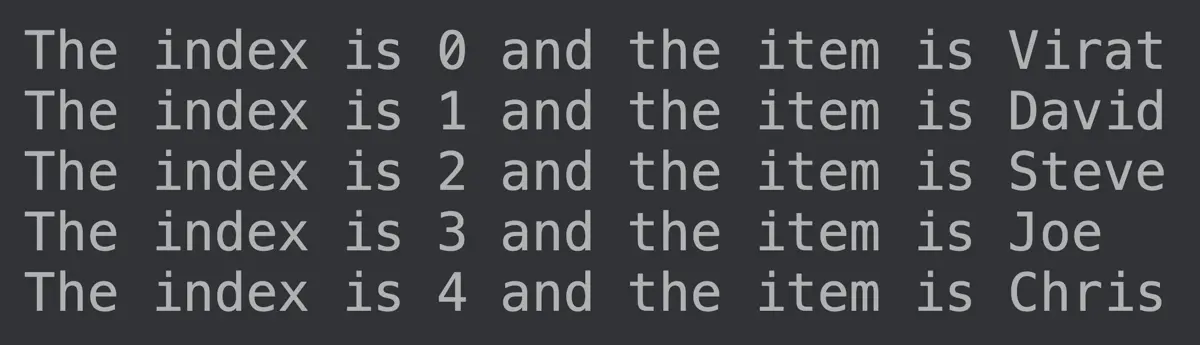
Let’s have an example to understand how it works. We will create an array Student and traverse through it using forEachIndexed() to get the indexes and values as the output in the below example.
fun main() {
    var Student = listOf("Virat", "David", "Steve", "Joe", "Chris")

    Student.forEachIndexed {index, element ->
        println("The index is $index and the item is $element ")
    }
}
Output:
Get the Current Index of an Item in a forEach Loop Using withIndex() in Kotlin
Besides forEachIndexed(), we can also use the withIndex() function to get the current index of an item in a forEach loop in Kotlin.
It is a library function that allows accessing indexes and values through a loop.
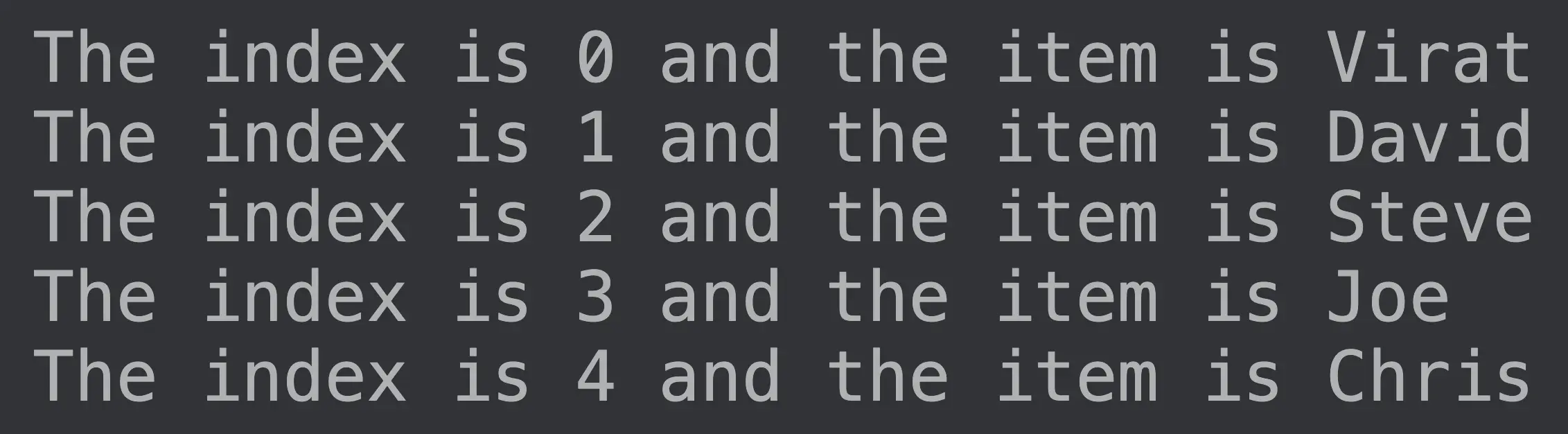
We will again use the same array, but this time with the withIndex() function to access indexes and values of the Student array.
fun main() {
    var Student = listOf("Virat", "David", "Steve", "Joe", "Chris")

    for ((index, element) in Student.withIndex()) {
        println("The index is $index and the item is $element ")
    }
}
Output:
Get the Current Index of an Item in a forEach Loop Using Indices in Kotlin
We can also use the indices keyword to get the current index. The syntax for using indices is as follows.
for (i in array.indices) {
    print(array[i])
}
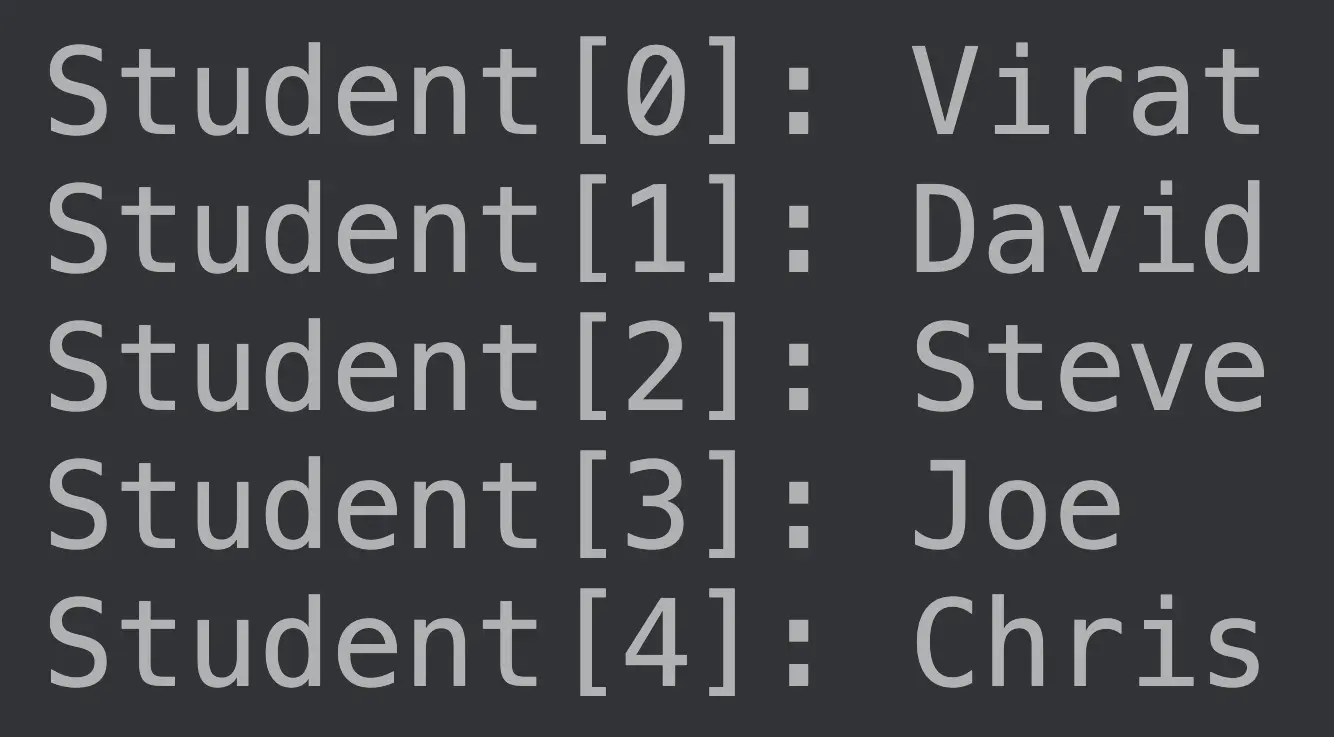
Let’s use this syntax in our Student array to access the index and values.
fun main(args : Array<String>){

    val Student = arrayOf("Virat", "David", "Steve", "Joe", "Chris")
    for (i in Student.indices){
        println("Student[$i]: ${Student[i]}")
    }
}
Output:
Get the Index of an Array Item Using filterIndexed() in Kotlin
We can get the current index using the above functions. But what if we want to access only specific indexes and not all of them.
We can do that using the filterIndexed() function.
The filterIndexed() function accepts a condition as an argument. Based on the condition we pass, the function can filter the output to display the required indexes.
Let’s use the filterIndexed() function to access only the values at the even indexes from the Student array.
fun main(args : Array<String>){

    val Student = arrayOf("Virat", "David", "Steve", "Joe", "Chris")
        .filterIndexed { index, _ ->  index % 2 == 0 }
        .forEach { println(it) }
}
Output: