HOWTO · JavaScript
How to Convert String to Title Case in JavaScript
Converting a string to a title case refers to keeping the rest of the characters lowercase except the initial characters. In this article, the core implementation will be based on slice, replace, split, join and map, and a loop.
On this page
In JavaScript there is the toLowerCase(), toUpperCase(), and capitalize() properties to interact with the string of characters. But there is no explicit property that turns a sentence or string into a title case.
So in the following example, we will see how to do the task quickly and efficiently. Here, we will discuss 3 ways of converting a string into a title case.
In the first instance, we will split the string words by the whitespace and then initiate a loop work to grab each word to convert. The following example will be executed with a map.
We will also use the replace method in our map as we proceed.
Title Case a String With a for Loop in JavaScript
Before handling each string word, we must perform the conversion word by word. In that case, we will use the split() method by whitespace, and the words will be collected as an array.
Also, before doing that, we will use the toLowerCase() property to convert all the characters in a general format.
In the next step, we will consider one word of each array element to operate the toUpperCase on the initial characters and slice the following characters.
Thus will fully convert the string, and lastly, we will join them and print them as a single string.
Code Snippet:
function titleCase(str) {
  str = str.toLowerCase().split(' ');
  for (var i = 0; i < str.length; i++) {
    str[i] = str[i].charAt(0).toUpperCase() + str[i].slice(1);
  }
  return str.join(' ');
}
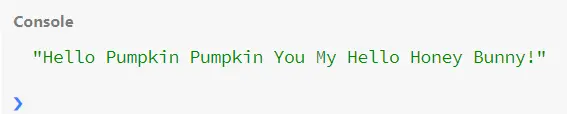
console.log(titleCase('hello pumpkin pumpkin you my hello honey bunny!'));
Output:
Title Case a String With the map Method in JavaScript
Our instance will grab each array element split from the string and perform the conversion operation here.
Likewise the previous example, we will select the initial characters to convert in the upper case and slice the rest portion.
Code Snippet:
function titleCase(str) {
  return str.toLowerCase()
      .split(' ')
      .map(function(word) {
        return (word.charAt(0).toUpperCase() + word.slice(1));
      })
      .join(' ');
}
console.log(titleCase('you gone MAD?'));
Output:
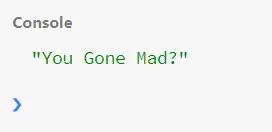
As you can see, after mapping each word, we targeted the first letter with charAt() and merged the word with the following characters.
Use the replace() Method to Title Case a String in JavaScript
In this case, we will target the initial character of each word and turn them into upper case. And while converting, we will use the replace() method and set the changed character to the original position.
Code Snippet:
function titleCase(str) {
  return str.toLowerCase()
      .split(' ')
      .map(function(word) {
        return word.replace(word[0], word[0].toUpperCase());
      })
      .join(' ');
}
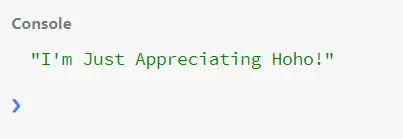
console.log(titleCase('i\'m just appreciating hoho!'));
Output:
 .
.