HOWTO · jQuery
使用 jQuery 檢查元素是否存在
本教程演示如何使用 jQuery 檢查元素是否存在。
本頁內容
有兩種方法可以使用 jQuery 來檢查元素是否存在,一種是 length 屬性,另一種是使用方法來建立我們自己的 exist() 方法。本教程演示如何檢查元素是否存在。
使用 jQuery 使用 Length 屬性檢查元素是否存在
jQuery 的 length 屬性可用於檢查元素是否存在;它返回總匹配元素。如果 length 返回 0,則元素不存在,其他任何值表示元素存在。
length 屬性的語法是:
($("element").length)
上面的語法將返回 0 或任何其他數字。
讓我們嘗試一個示例,通過使用 length 屬性來檢查元素是否存在。參見示例:
<!DOCTYPE html>
<html>
<head>
    <script src= "https://ajax.googleapis.com/ajax/libs/jquery/3.5.1/jquery.min.js"> </script>
    <title>jQuery Length</title>
    <style>
    body {
        text-align: center;
    }
    h1 {
        color: lightblue;
        font-size: 4.5rem;
    }
    button {
        cursor: pointer;
        margin-top: 4rem;
    }
    </style>
</head>
<body>
    <h1>Delftstack | The Best Tutorial Site</h1>
    <p id="DemoPara1">This is paragraph 1</p>
    <button id="DemoButton1"> Check Paragraph 1</button>
    <button id="DemoButton2"> Check Paragraph 2 </button>
    <button id="DemoButton3"> Check Heading 1 </button>
    <script type="text/javascript">
    $(document).ready(function () {
        $("#DemoButton1").click(function () {
        if ($("#DemoPara1").length) {
            alert("Paragraph 1 exists");
        }
        else {
        alert("Paragraph 1 does not exist");
        }
        });

        $("#DemoButton2").click(function () {
        if ($("#DemoPara2").length) {
            alert("Paragraph 2 exists");
        }
        else {
            alert("Paragraph 2 does not exist");
        }
        });
        $("#DemoButton3").click(function () {
        if ($("h1").length) {
            alert("Heading 1 exists");
        }
        else {
            alert("Heading 1 does not exist");
        }
        });
    });
    </script>
</body>
</html>
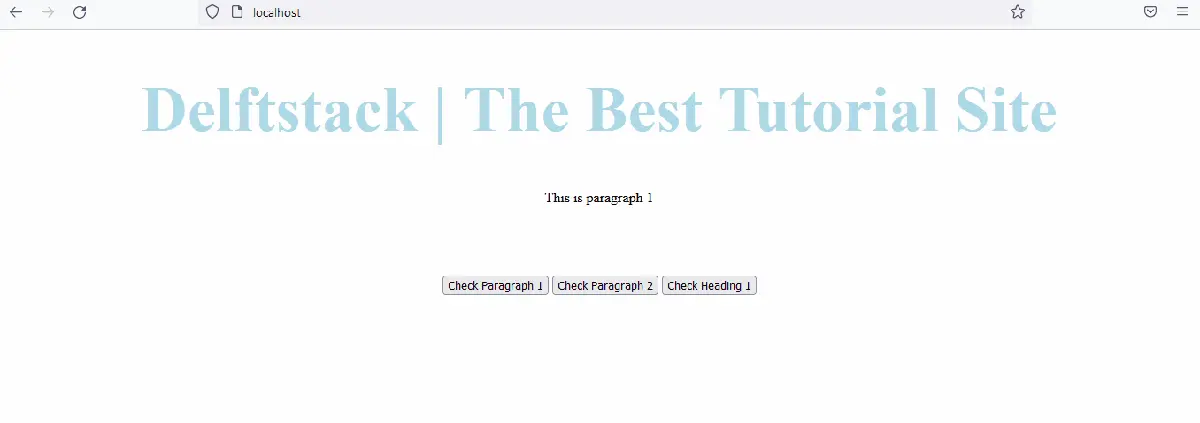
上面的程式碼將通過按下不同的按鈕來檢查段落和標題是否存在。見輸出:
使用 jQuery 建立一個使用者定義的函式來檢查元素是否存在
現在,讓我們嘗試建立自己的方法來檢查元素在 jQuery 中是否存在。存在建立函式的語法是:
jQuery.fn.exists = function () {
          return this.length > 0;
};
如你所見,我們使用 length 屬性通過 jQuery 建立了我們自己的 exists 函式。length 屬性用於返回元素的長度,而不是檢查它們的存在;這就是為什麼我們可以建立自己的方法一次並在任何地方使用它。
參見示例:
<!DOCTYPE html>
<html>
<head>
    <script src= "https://ajax.googleapis.com/ajax/libs/jquery/3.5.1/jquery.min.js"> </script>
    <title>jQuery Exists</title>
    <style>
    body {
        text-align: center;
    }
    h1 {
        color: lightblue;
        font-size: 4.5rem;
    }
    button {
        cursor: pointer;
        margin-top: 4rem;
    }
    </style>
</head>
<body>
    <h1>Delftstack | The Best Tutorial Site</h1>
    <p id="DemoPara1">This is paragraph 1</p>
    <button id="DemoButton1"> Check Paragraph 1</button>
    <button id="DemoButton2"> Check Paragraph 2 </button>
    <button id="DemoButton3"> Check Heading 1 </button>
    <script type="text/javascript">
    $(document).ready(function () {
        jQuery.fn.exists = function () {
          return this.length > 0;
        };

        $("#DemoButton1").click(function () {
        if ($("#DemoPara1").exists()) {
            alert("Paragraph 1 exists");
        }
        else {
        alert("Paragraph 1 does not exist");
        }
        });

        $("#DemoButton2").click(function () {
        if ($("#DemoPara2").exists()) {
            alert("Paragraph 2 exists");
        }
        else {
            alert("Paragraph 2 does not exist");
        }
        });
        $("#DemoButton3").click(function () {
        if ($("h1").exists()) {
            alert("Heading 1 exists");
        }
        else {
            alert("Heading 1 does not exist");
        }
        });
    });
    </script>
</body>
</html>
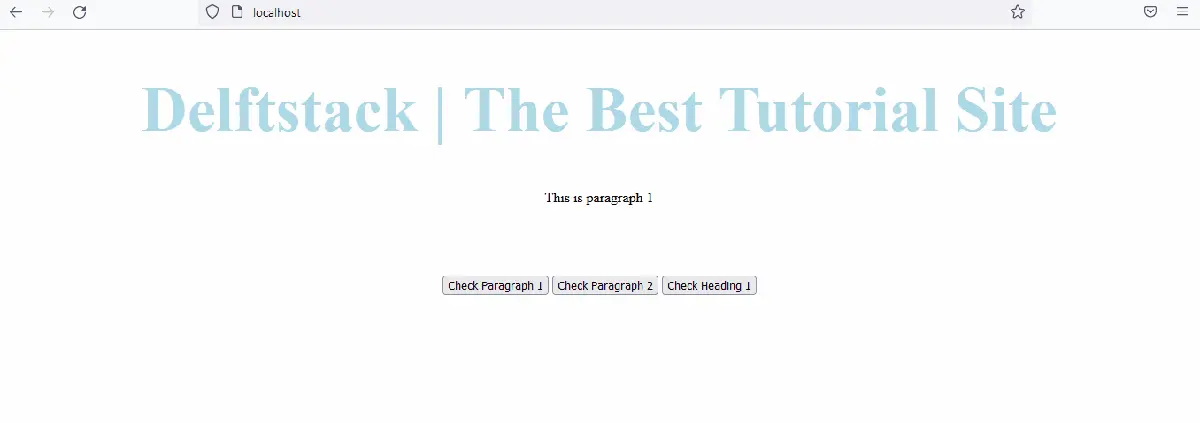
上面的程式碼使用使用者定義的函式 exists 來檢查元素是否存在。輸出將類似於示例一。
見輸出: