How to Watch and Reload Ts-Node When Files Change in TypeScript
This tutorial will demonstrate how to watch and reload ts-node when TypeScript files change using nodemon.
Use nodemon to Watch and Reload ts-node and Transpile the File in TypeScript
nodemon automatically restarts the node applications when the file changes and helps develop Node.js-based applications. It does not make any additional changes to the code or method of development.
Let’s take a brief and descriptive example of setting up an Express.js project with TypeScript and learn how to watch and reload when files change with the help of nodemon.
First, in the empty file, create the package.json file, which will contain the other dependencies used by the application throughout the development.
npm init -y
Output:
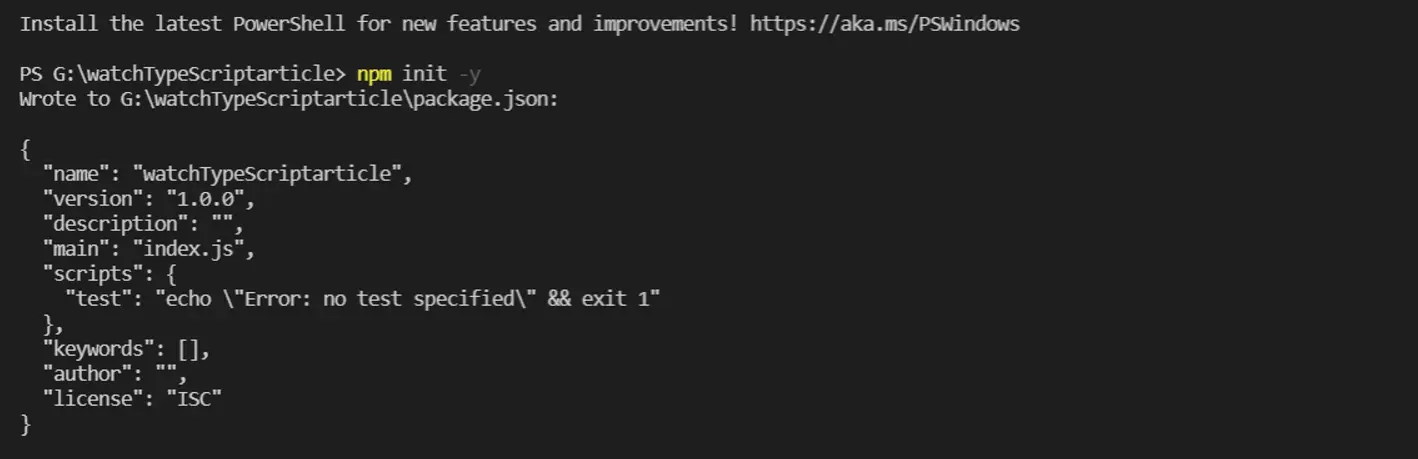
The -y flag fills the required fields by itself without asking you to fill. After initializing the package.json file, configure the TypeScript by running the following command:
npm install --save-dev typescript
Output:
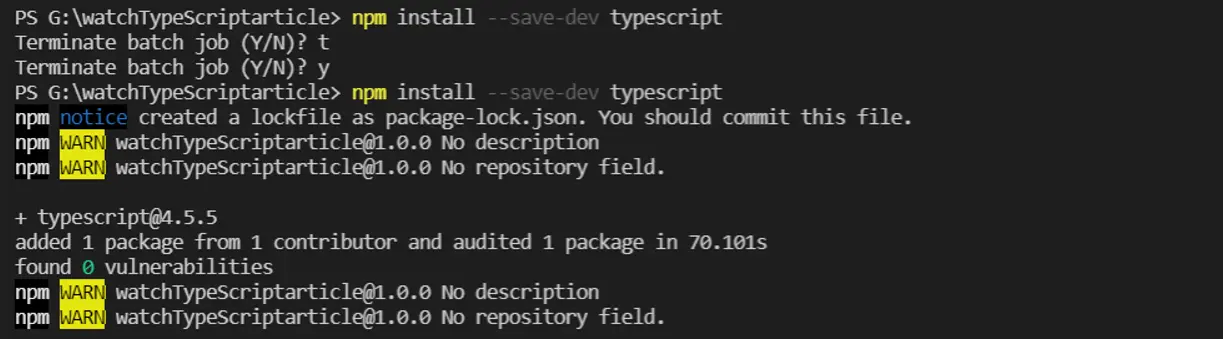
After initializing the TypeScript in the project, we set up Express.js with a TypeScript definition. We use the following command:
npm i -D @type/express
Output:
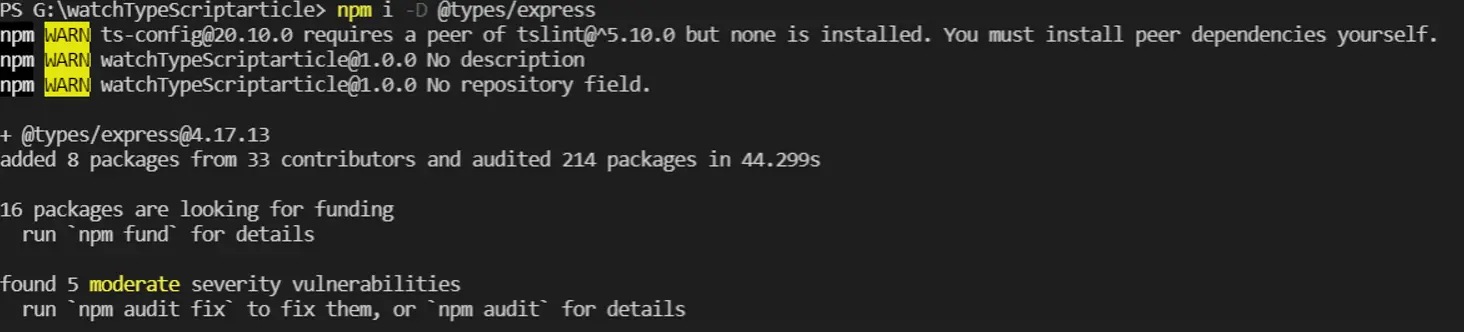
After everything is set up, we can globally install the nodemon to our system path.
npm install -g nodemon
The command below will install nodemon as a development dependency.
npm install --save-dev nodemon
Alternatively, we can use the following command to install nodemon locally into our project.
npm i -D nodemon
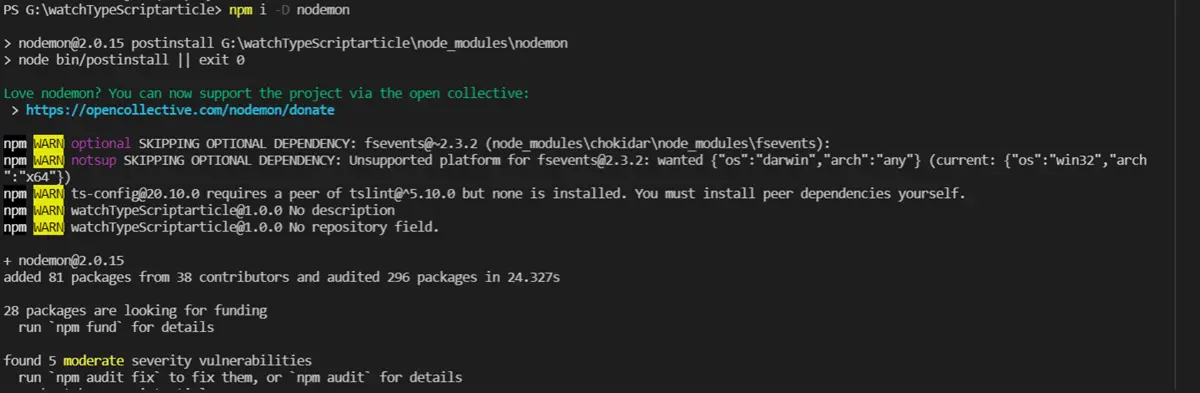
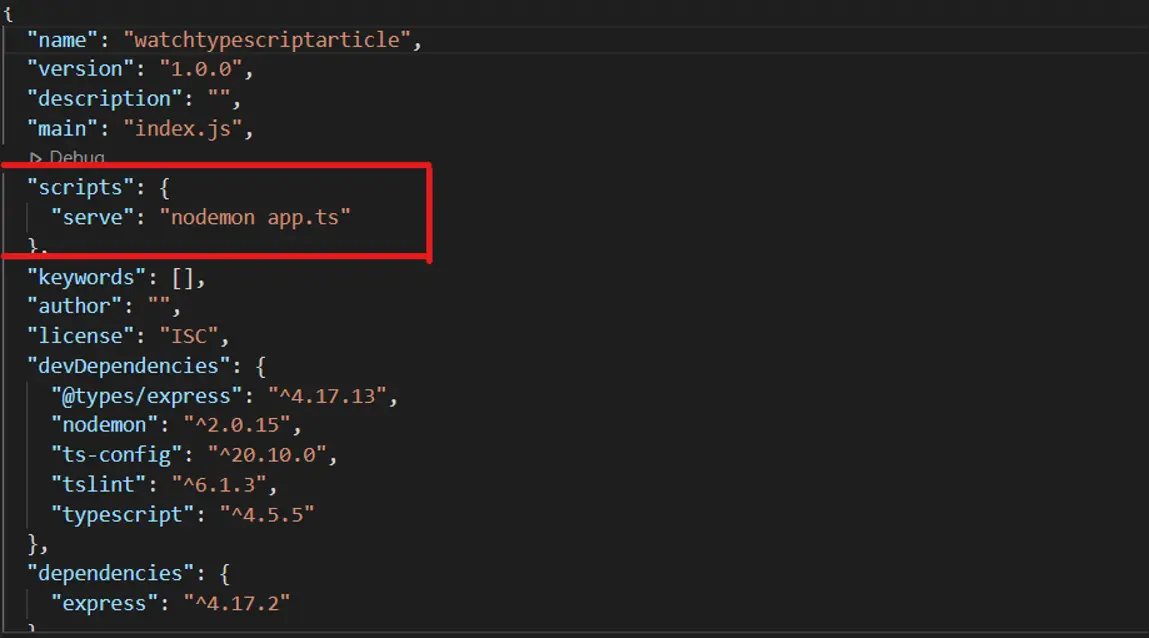
To run the application using nodemon, add this line in your package.json file in "scripts" with app.ts replaced with the main file of your project.
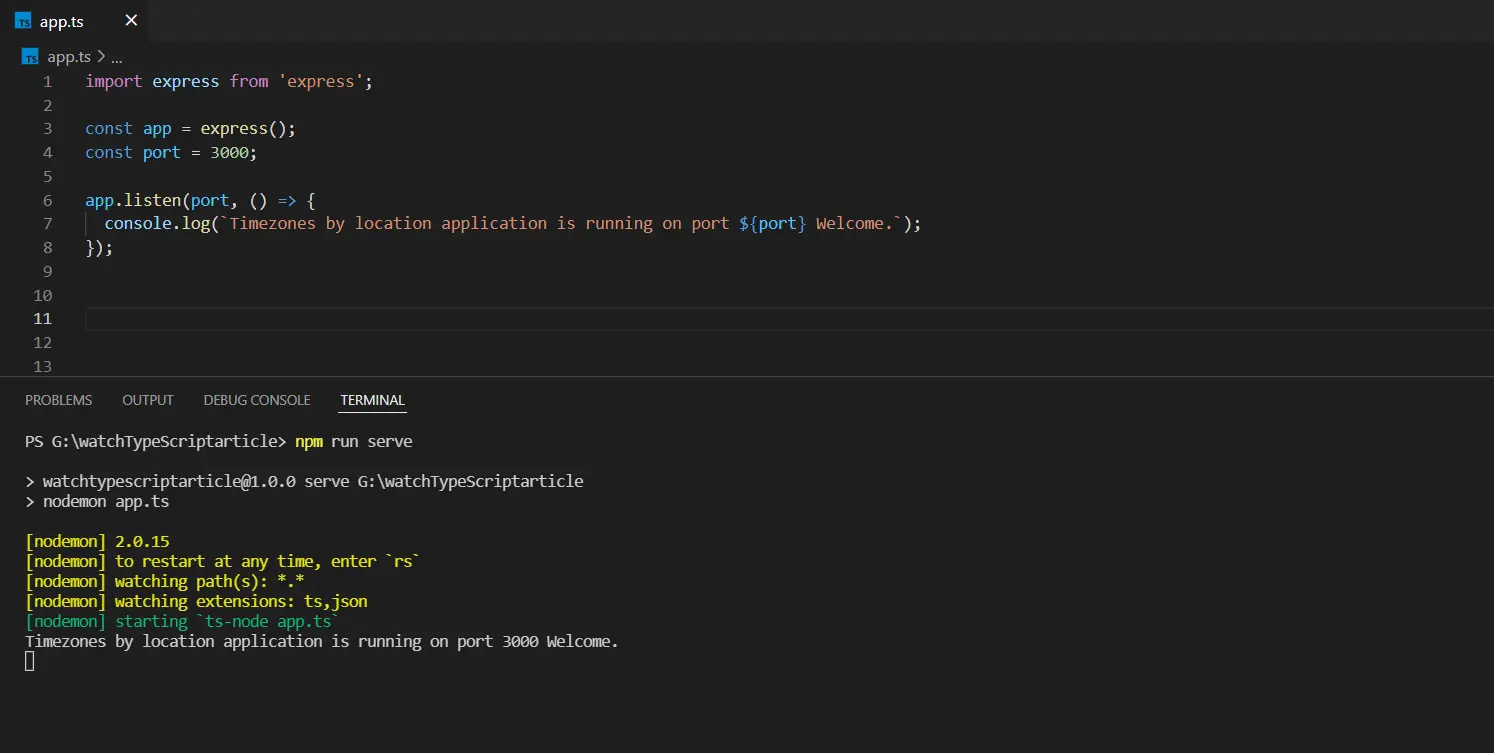
To start the app using nodemon, run this command to automatically reload the TypeScript file changes.
npm run serve
ts-node will be started and watched by nodemon through the example code below.
import express from 'express';

const app = express();
const port = 3000;

app.listen(port, () => {
    console.log(`Timezones by location application is running on port ${port} Welcome.`);
});
Output:

Ibrahim is a Full Stack developer working as a Software Engineer in a reputable international organization. He has work experience in technologies stack like MERN and Spring Boot. He is an enthusiastic JavaScript lover who loves to provide and share research-based solutions to problems. He loves problem-solving and loves to write solutions of those problems with implemented solutions.
LinkedIn