Cron Like Schedular in Python

This tutorial will explain scheduling the tasks similar to the cron job in Linux. First, we will look at the schedule module to schedule our jobs in an in-process schedular.
the cron and scheduler Modules in Python
Python provides us with several packages that allow us to schedule tasks automatically. Those packages include schedule and time.
The cron is used for scheduling and automating our tasks. For example, after a specific time interval, a particular job automatically starts executing.
We often need to perform many tasks periodically without requiring manual interventions. We can achieve this by using a task schedular.
Scheduling often helps and facilitates us in managing our data stored in databases. It also allows us to fetch our data periodically as per the need.
The schedule module in Python is a sophisticated scheduling module that schedules our tasks to run as per the configurations.
The cron is a time-based scheduler. It helps us to schedule those jobs which have to be performed periodically. The crontab file, a part of the Linux cron utility, contains the list of scheduled tasks.
To schedule our tasks in cron, we can directly edit this file using the Bash command crontab -e or the python-crontab module of Python. But, we can’t use these scheduling schemes in Windows operating systems.
The schedule is a library that works according to the time interval of your system. It serves as an in-process schedular and works on almost any operating system.
It helps us schedule certain tasks at different time intervals, like a specific time in a day or week. So, let’s start by creating a new python project.
Schedule Jobs With schedule Module
Follow the instructions given below to create a new Python project:
-
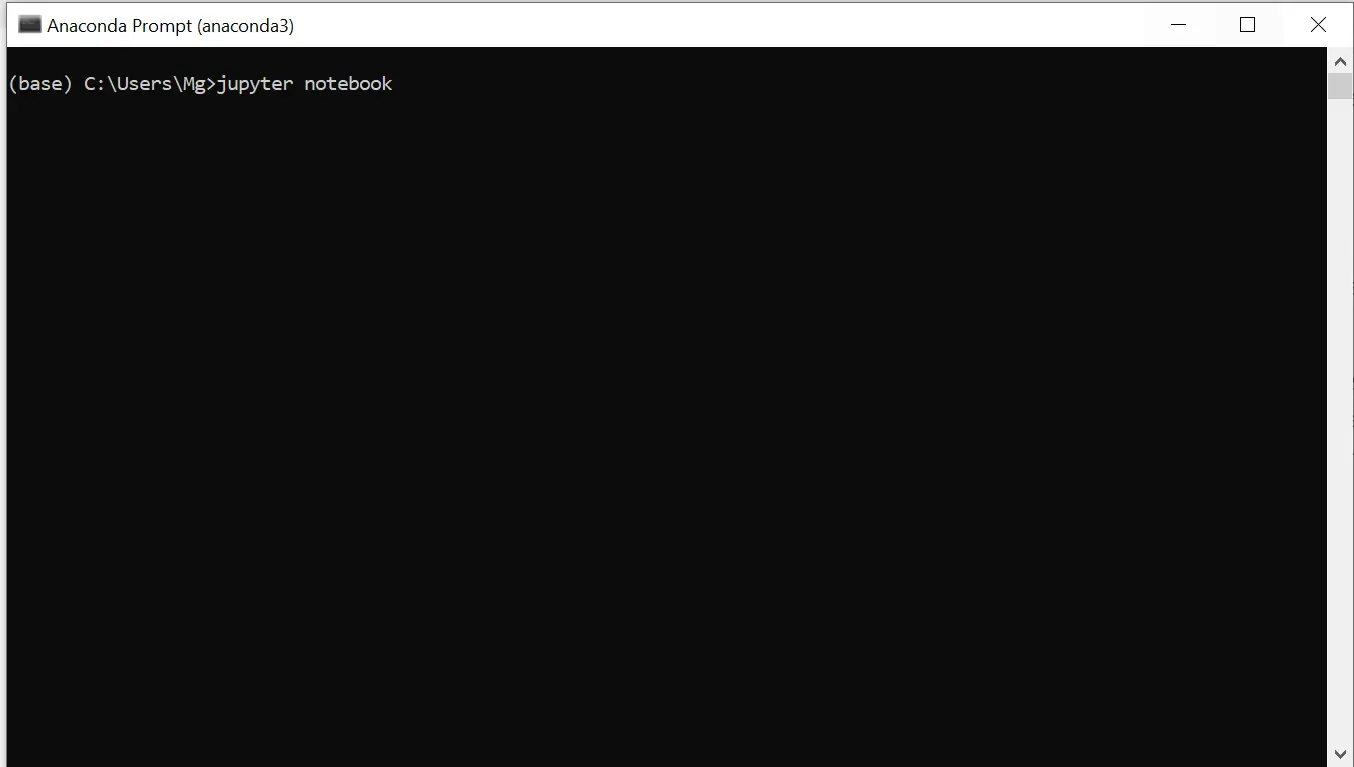
The first step is to install the anaconda prompt.
-
Then type Jupyter notebook on the prompt screen.
-
You will get this
homepage of Jupyter notebook on the browser.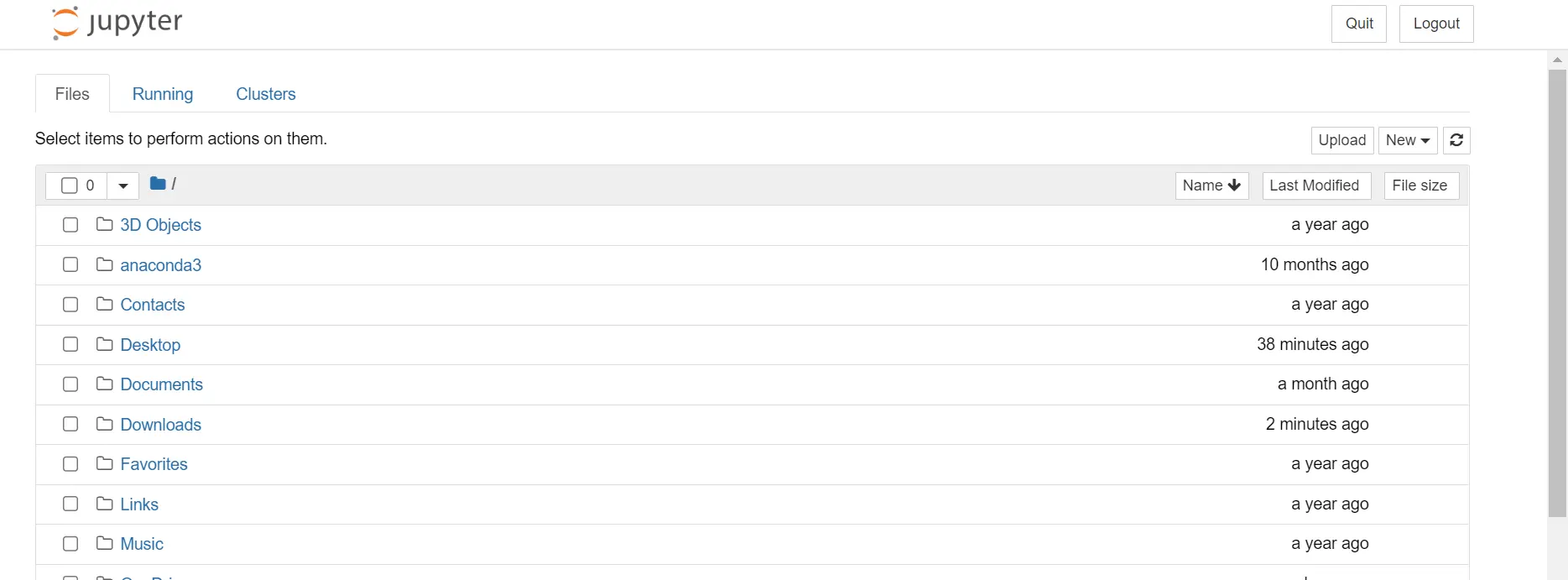
-
Click on
New, then make aPython 3file.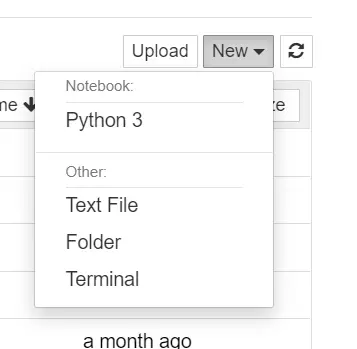
-
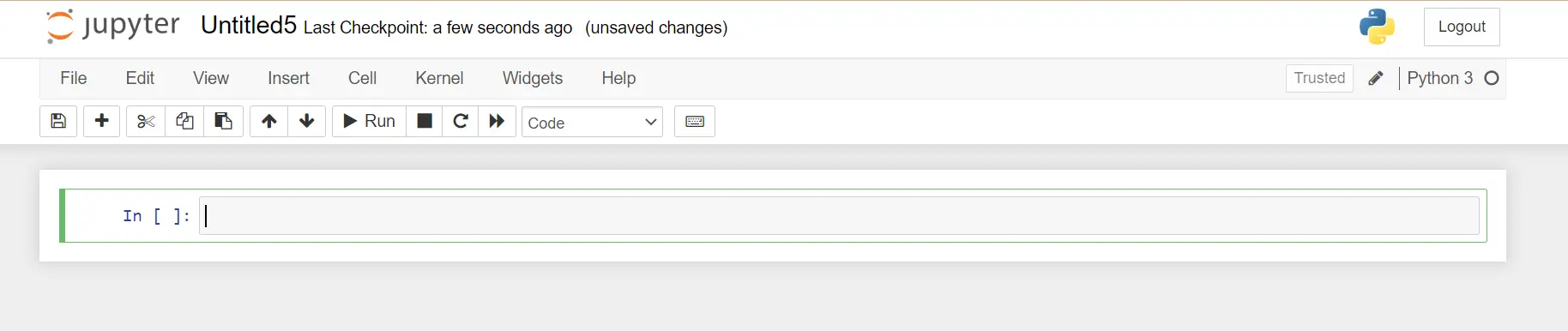
Python file will appear as follows.
-
Before using any of the functionalities of the
schedulemodule, we need to install theschedulemodule first.pip install schedule -
After importing the required module, let’s look at a code to create and
schedulea job.import schedule import time def job(): print("Reading time...") def coding(): print("Programming time...") def playing(): print("Playing time...") # Time schedule.every(5).seconds.do(job) schedule.every(2).minutes.do(coding) schedule.every().day.at("10:57").do(playing) while True: schedule.run_pending() time.sleep(1)There are three different jobs defined in this code. The first job,
reading time, repeats itself every5seconds, the second job,coding, will repeat itself every2minutes, and the last job will repeat itself when the specific time arises.The
Schedule.run_pending()function in thewhileloop checks if there is any scheduled job pending to run or not. When executed, the functiontime.sleep(1)will delay thescheduleto check its pending tasks for one second.Output:
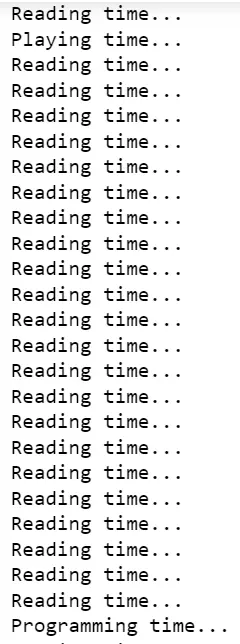
We can also ask the scheduler to perform a specific job after hours and minutes. For example, the
schedule.every(5).hours.do(job)statement will repeat the job after everyfivehours.