HOWTO · JavaScript
How to Get JSON From URL in JavaScript
To receive a JSON from URL we can use JQuery, Fetch API and also XMLHttpRequest. Each of the method is apposite and displays the result viably.
On this page
JSON formats are grabbed from a particular URL. Data can be in multiple formats and is one of the most readable forms for humans and computers.
Here, we will discuss three ways of retrieving JSON from URL and using it in JavaScript.
Get JSON From URL Using jQuery
Usually, jQuery.getJSON(url, data, success) is the signature method for getting JSON from an URL. In this case, the URL is a string that ensures the exact location of data, and data is just an object sent to the server. And if the request gets succeeded, the status comes through the success. There is a shorthand code demonstration for this process.
Code Snippet:
<!DOCTYPE html>
<html>
<head>
  <meta charset="utf-8">
  <meta name="viewport" content="width=device-width">
  <script src="https://code.jquery.com/jquery-1.6.4.js"></script>
  <title>JS Bin</title>
</head>
<body>
<div class="display"></div>
  <script>

  $.getJSON('https://jsonplaceholder.typicode.com/todos/1', function(data){
    var display = `User_ID: ${data.userId}<br>
                   ID: ${data.id}<br>
                   Title: ${data.title}<br>
                   Completion_Status: ${data.completed}`
    $(".display").html(display);
  });
  </script>
</body>
</html>
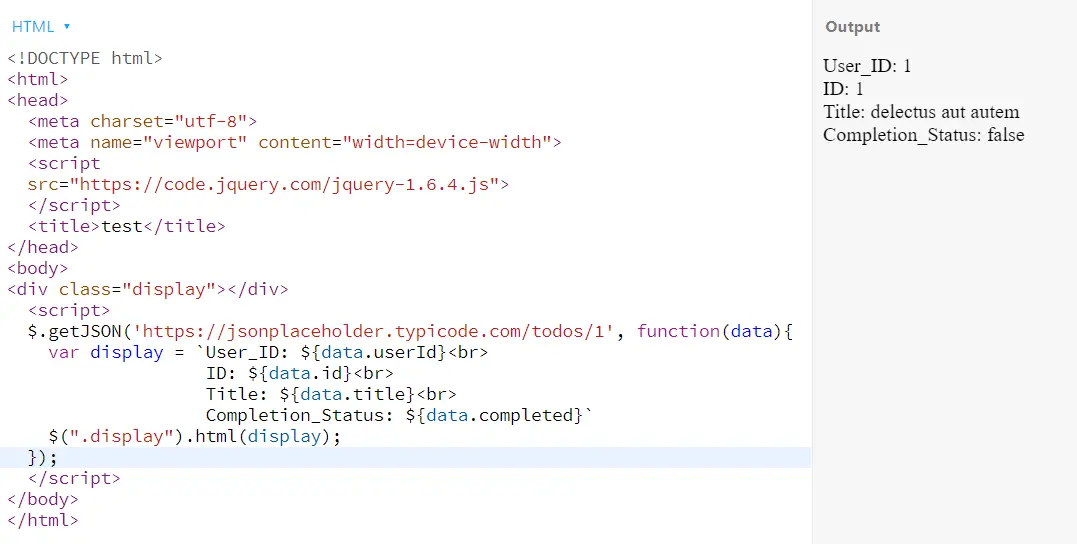
Output:
JSON From URL by Fetch API Method
In this case, the fetch method simply takes the URL for allocating the data server and ensures to return the JSON data.
Code Snippet:
fetch('https://jsonplaceholder.typicode.com/todos/1')
    .then(result => result.json())
    .then((output) => {
      console.log('Output: ', output);
    })
    .catch(err => console.error(err));
Output:

Use XMLHttpRequest for JSON From URL
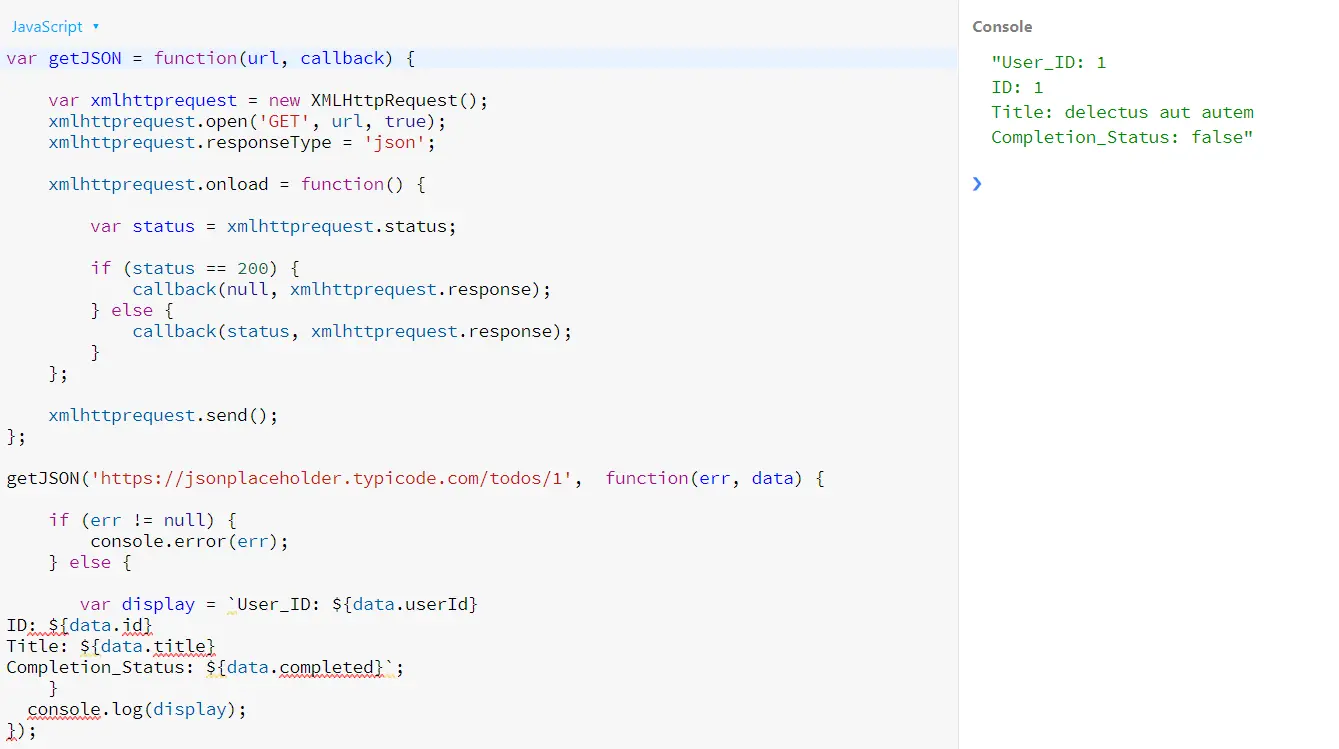
Here, we will first take the URL in a function with an instance of XMLHttpRequest. We will use the open method to prepare the initializing request, and later with responseType will define the response type. Finally, the onload method will respond to the request and preview the output.
Code Snippet:
var getJSON = function(url, callback) {
  var xmlhttprequest = new XMLHttpRequest();
  xmlhttprequest.open('GET', url, true);
  xmlhttprequest.responseType = 'json';

  xmlhttprequest.onload = function() {
    var status = xmlhttprequest.status;

    if (status == 200) {
      callback(null, xmlhttprequest.response);
    } else {
      callback(status, xmlhttprequest.response);
    }
  };

  xmlhttprequest.send();
};

getJSON('https://jsonplaceholder.typicode.com/todos/1', function(err, data) {
  if (err != null) {
    console.error(err);
  } else {
    var display = `User_ID: ${data.userId}
ID: ${data.id}
Title: ${data.title}
Completion_Status: ${data.completed}`;
  }
  console.log(display);
});
Output: