
HOWTO · Matplotlib
在 Matplotlib 中如何隱藏座標軸文字刻度或刻度標籤
在 Matplotlib 中隱藏軸文字刻度和/或刻度標籤有不同的解決方法,例如 xaxis.set_visible(False),xaxis.set_ticks([]),xaxis.set_ticklabels([]),以及將刻度顏色設定為白色。
本頁內容
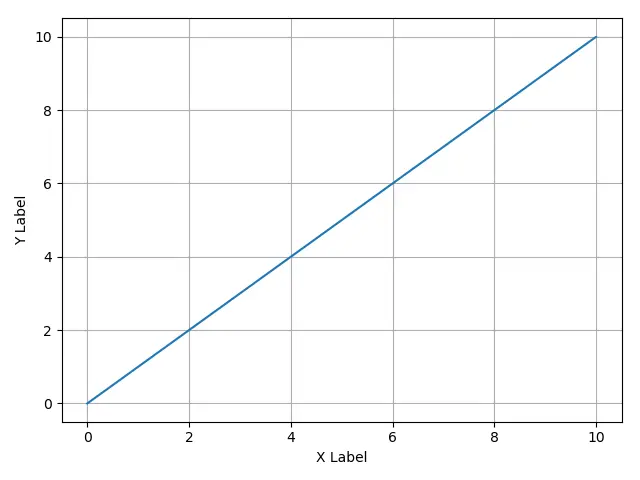
預設情況下,Matplotlib 中的圖顯示了兩個軸的 ticks 和 ticklabels,如示例圖所示。
它有不同的隱藏座標軸文字的方法,例如 xaxis.set_visible(False),xaxis.set_ticks([]) 和 xaxis.set_ticklabels([])。如果將刻度線的顏色設定為白色,則僅當 Matplotlib 圖形的前景色為白色時,它也可能使軸文字不可見。
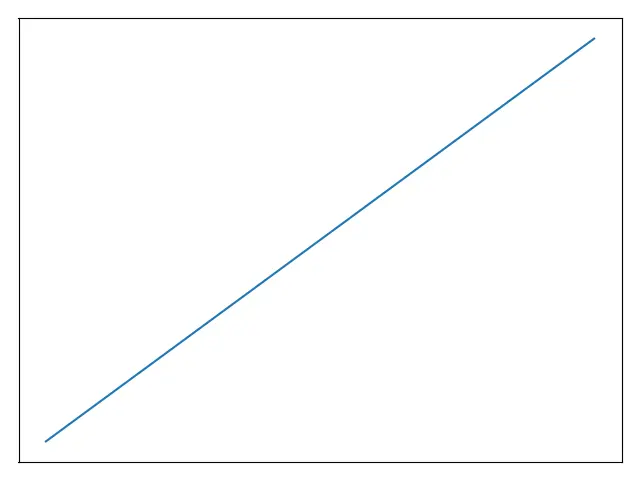
xaxis.set_visible(False)/yaxis.set_visible(False) 隱藏包括軸標籤的座標軸
顧名思義,它使整個座標軸不可見,包括軸刻度,軸刻度標籤和軸標籤。
import matplotlib.pyplot as plt

plt.plot([0, 10], [0, 10])
plt.xlabel("X Label")
plt.ylabel("Y Label")

ax = plt.gca()
ax.axes.xaxis.set_visible(False)
ax.axes.yaxis.set_visible(False)

plt.grid(True)
plt.show()
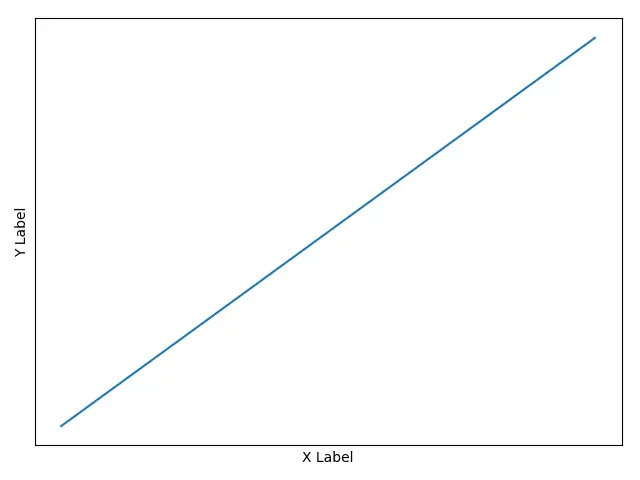
xaxis.set_ticks([])/yaxis.set_ticks([]) 在 Matplotlib 中隱藏座標軸
x/yaxis.set_ticks([]) 設定刻度為空,並使座標軸刻度及其標籤不可見。但是座標軸標籤不受影響。
import matplotlib.pyplot as plt

plt.plot([0, 10], [0, 10])
plt.xlabel("X Label")
plt.ylabel("Y Label")

ax = plt.gca()
ax.axes.xaxis.set_ticks([])
ax.axes.yaxis.set_ticks([])

plt.grid(True)
plt.show()
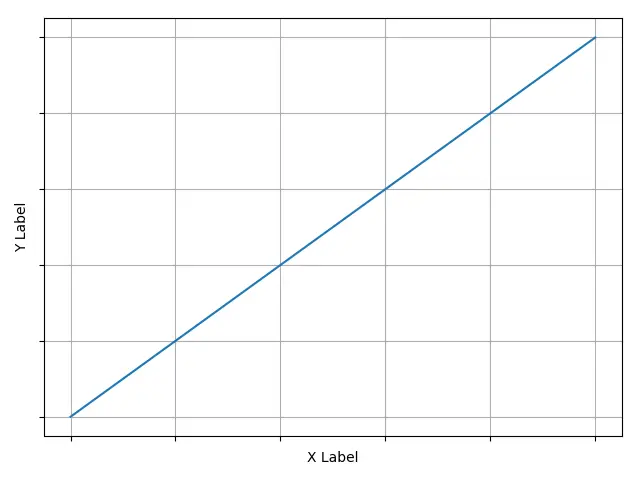
xaxis.set_ticklabels([])/yaxis.set_ticklabels([]) 在 Matplotlib 中隱藏軸標籤/文字
x/yaxis.set_ticklabels([]) 將刻度標籤設定為空,從而使座標軸文字(刻度標籤)不可見,但刻度保持可見。
import matplotlib.pyplot as plt

plt.plot([0, 10], [0, 10])
plt.xlabel("X Label")
plt.ylabel("Y Label")

ax = plt.gca()

ax.axes.xaxis.set_ticklabels([])
ax.axes.yaxis.set_ticklabels([])

plt.grid(True)
plt.show()
xticks(color='w')/yticks(color='w') 來隱藏 Matplotlib 中的座標軸標籤/文字
這種方法不會使刻度線標籤或刻度線不可見,而是將刻度線的顏色設定為白色,以便在繪圖的背景為白色(也是預設顏色)的情況下,軸文字的確是不可見的。
import matplotlib.pyplot as plt

plt.plot([0, 10], [0, 10])
plt.xlabel("X Label")
plt.ylabel("Y Label")

plt.xticks(color="w")
plt.yticks(color="w")

plt.grid(True)
plt.show()
