HOWTO · React Native
네이티브 setTimeout 메서드 반응
이 기사는 React Native에서 setTimeout 메소드를 사용하여 페이지 로딩을 지연시키는 방법을 이해하는 데 도움이 될 것입니다.
이 페이지의 내용
이 짧은 기사에서는 React Native에서 setTimeout을 구현하는 방법을 보여줍니다.
React Native에서 setTimeout 메소드 사용
때때로 몇 초 후에 코드를 실행해야 할 수도 있습니다. 이러한 경우 React Native의 JavaScript API setTimeout을 사용합니다.
setTimeout 메소드는 지정된 시간이 지난 후에 기능을 수행합니다.
코드 예:
import React from 'react';
import {Button, Image, StyleSheet, View} from 'react-native';

const App = () => {
  const [image, setImage] = React.useState(null);

  const showImage = () => {
    setTimeout(() => {
      setImage(
          'https://www.casio.com/content/dam/casio/product-info/locales/us/en/timepiece/product/watch/G/GM/gm2/gm-2100-1a/assets/GM-2100-1A.png.transform/main-visual-pc/image.png');
    }, 3000);
  };

  return (
    <View style={styles.container}>
      <View style={styles.imageContainer}>
        <Image
          source={
    { uri: image }}
          style={
    { width: '100%', height: 160 }}
          resizeMode='contain'
        />
      </View>
      <View style={styles.buttonContainer}>
        <Button
          title="Click On the button to see the image"
          onPress={() => showImage()}
        />
      </View>
    </View>
  );
};

const styles = StyleSheet.create({
  container: {
    flex: 0.85,
    justifyContent: 'center',
    paddingHorizontal: 10,
  },
  buttonContainer: {
    marginTop: 10,
  },
  imageContainer: {
    justifyContent: 'center',
    alignItems: 'center',
  },
});

export default App;
여기에 setTimeOut 메서드를 사용하여 이미지 로드를 지연시키는 코드가 있습니다. 이 메서드는 이미지 로드 속도를 3000밀리초, 정확히 3초 늦춥니다. setTimeOut 메서드를 사용하는 showImage 메서드를 선언했습니다.
showImage 메소드는 JavaScript의 onPress 메소드를 사용하여 트리거하는 버튼에서 호출됩니다.
출력:
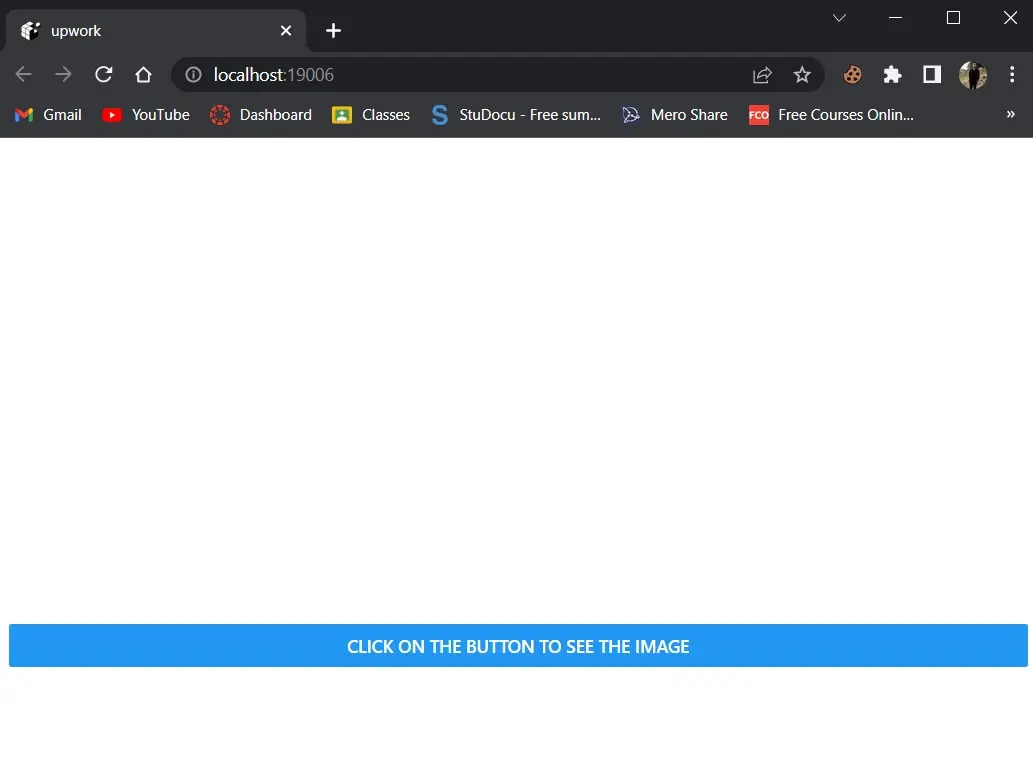
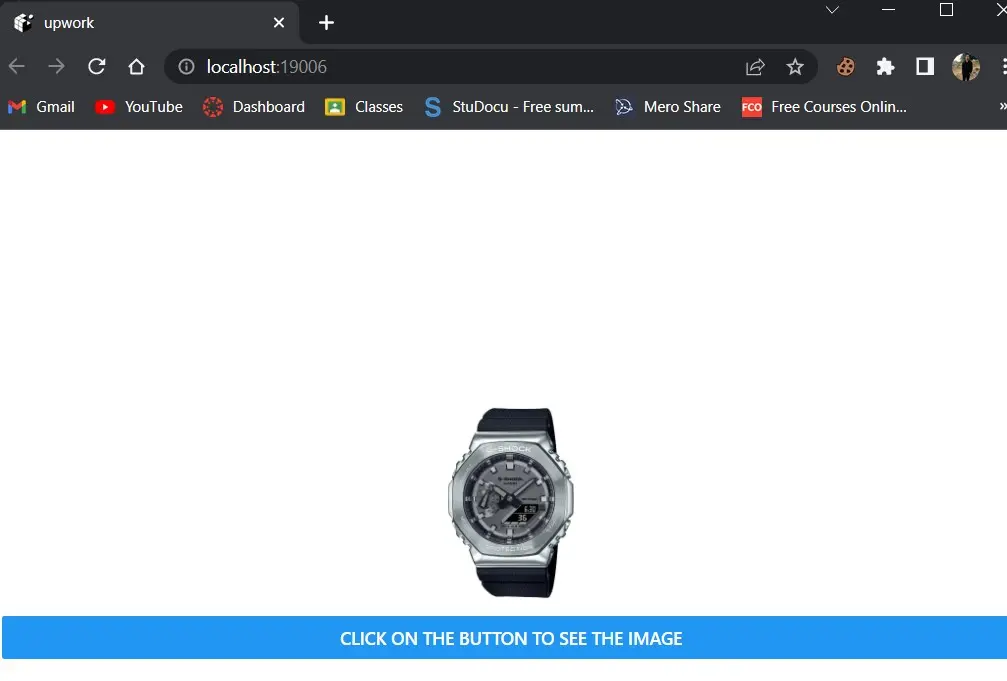
버튼을 클릭하면 3초 후에 이미지가 나타납니다.