React Native에서 파일 다운로드

이 기사에서는 React-Native 앱을 사용하여 파일을 다운로드하는 방법을 보여줍니다. 또한 필요한 예와 설명을 사용하여 주제를 더 쉽게 만들 것입니다.
React Native에서 파일 다운로드
엑스포와 함께 작업하는 경우 아래 단계를 따라야 합니다.
-
npm i expo-file-system명령으로expo-file-system을 설치합니다. -
npm i expo-linking명령으로expo-linking을 설치합니다.
React-Native 앱을 사용하여 URL에서 파일을 다운로드하는 방법의 예를 살펴보겠습니다.
아래 예제는 React-Native 앱을 사용하여 PDF 파일을 다운로드하는 방법을 보여줍니다. 예제의 코드 스니펫은 다음과 같습니다.
// importing necessary packages
import * as FileSystem from 'expo-file-system';
import * as Linking from 'expo-linking';
import * as React from 'react';
import {Alert, StyleSheet, Text, View} from 'react-native';

export default class App extends React.Component {
  constructor(props) {
    super(props);
  }
  componentDidMount() {
    let URL = 'http://www.soundczech.cz/temp/lorem-ipsum.pdf';
    let LocalPath = FileSystem.documentDirectory + 'lorem-ipsum.pdf';
    FileSystem.downloadAsync(URL, LocalPath)
        .then(({uri}) => Linking.openURL(uri));
  }
  render() {
    return (<View style = {styles.container}>
            <Text style = {styles.paragraph}>Downloading your
                file...</Text>
      </View>);
  }
}
// Providing some styles to the UI components
const styles = StyleSheet.create({
  container: {
    flex: 1,
    justifyContent: 'center',
    paddingTop: 30,
    padding: 8,
  },
  paragraph: {
    margin: 24,
    fontSize: 20,
    textAlign: 'center',
  },
});
우리는 이미 예제에서 위에서 공유한 단계와 관련하여 필요한 모든 줄의 목적을 명령했습니다. 이제 위에서 공유한 예제 코드의 몇 가지 중요한 부분을 설명하겠습니다.
let URL = 'http://www.soundczech.cz/temp/lorem-ipsum.pdf'; 줄 파일 URL과 let LocalPath = FileSystem.documentDirectory + "lorem-ipsum.pdf"; 줄을 제공합니다. 로컬 저장소의 파일 위치를 제공합니다. 아래 코드 블록은 파일을 다운로드하고 엽니다.
FileSystem
    .downloadAsync(URL, LocalPath)  // A function to download and open the file
    .then(({uri}) => Linking.openURL(uri));  // Linking the URL
}
앱을 실행하면 아래 출력이 표시됩니다.
출력:
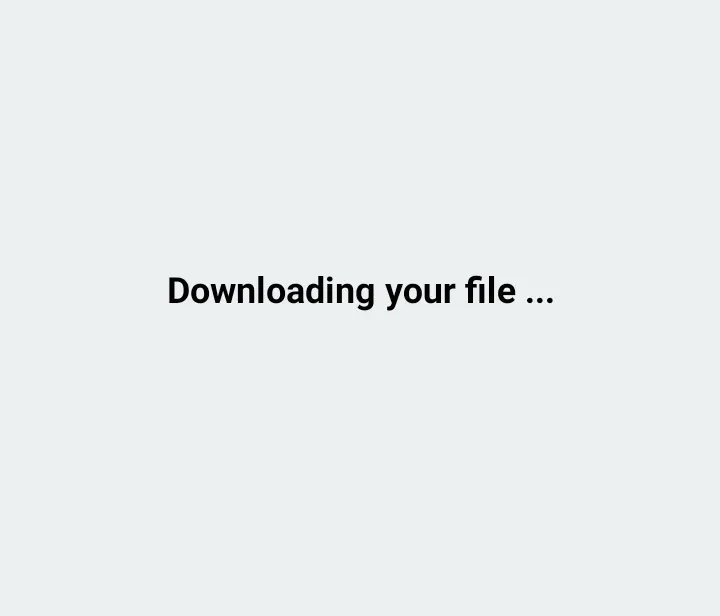
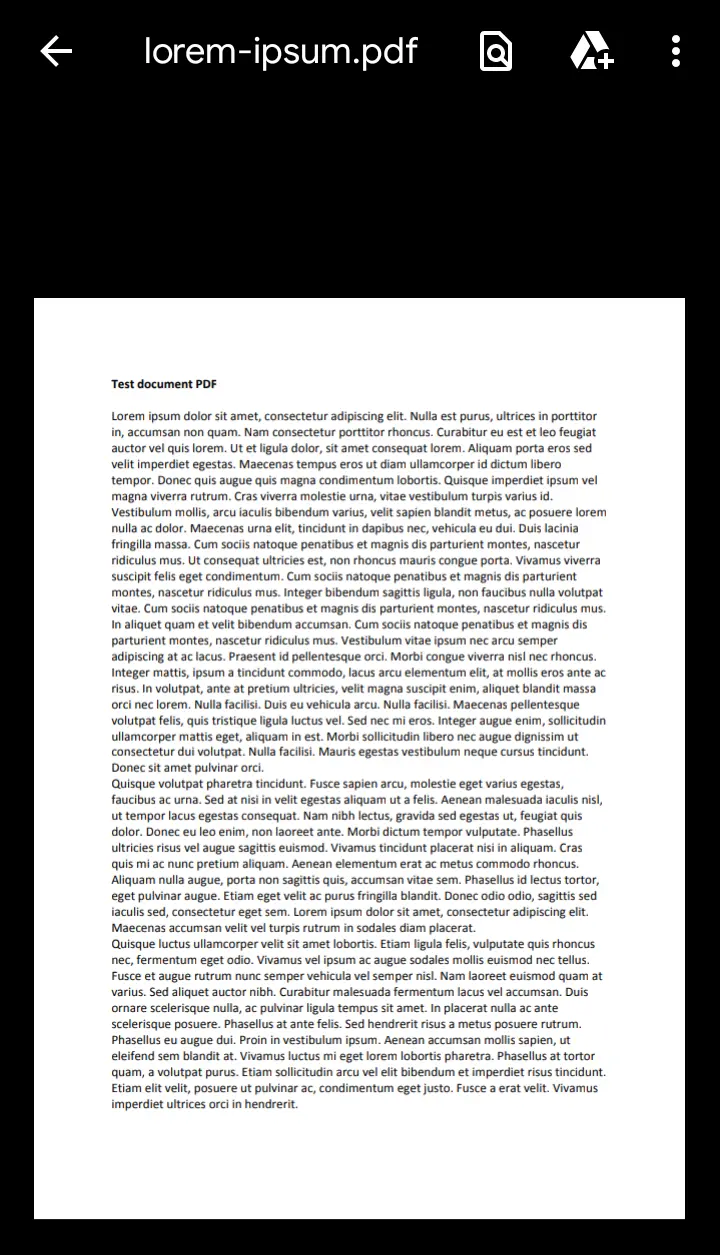
위에서 공유한 코드는 React-Native에서 생성되었으며 Expo-CLI를 사용하여 앱을 실행했습니다. 또한 최신 버전의 Node.js가 필요합니다.
환경에 Expo-CLI가 없으면 먼저 설치하십시오.

Aminul Is an Expert Technical Writer and Full-Stack Developer. He has hands-on working experience on numerous Developer Platforms and SAAS startups. He is highly skilled in numerous Programming languages and Frameworks. He can write professional technical articles like Reviews, Programming, Documentation, SOP, User manual, Whitepaper, etc.
LinkedIn