HOWTO · React Native
React Nativeでファイルをダウンロード
このチュートリアルでは、React Native でファイルをダウンロードする方法について説明します。
この記事では、React-Native アプリを使用してファイルをダウンロードする方法を示します。 また、必要な例と説明を使用して、トピックをより簡単にします。
React Nativeでファイルをダウンロード
Expo を使用している場合は、以下の手順に従う必要があります。
-
コマンド
npm i expo-file-systemでexpo-file-systemをインストールします。 -
コマンド
npm i expo-linkingでexpo-linkingをインストールします。
React-Native アプリを使用して URL からファイルをダウンロードする方法の例を見てみましょう。
以下の例は、React-Native アプリを使用して PDF ファイルをダウンロードする方法を示しています。 この例のコード スニペットは次のようになります。
// importing necessary packages
import * as FileSystem from 'expo-file-system';
import * as Linking from 'expo-linking';
import * as React from 'react';
import {Alert, StyleSheet, Text, View} from 'react-native';

export default class App extends React.Component {
  constructor(props) {
    super(props);
  }
  componentDidMount() {
    let URL = 'http://www.soundczech.cz/temp/lorem-ipsum.pdf';
    let LocalPath = FileSystem.documentDirectory + 'lorem-ipsum.pdf';
    FileSystem.downloadAsync(URL, LocalPath)
        .then(({uri}) => Linking.openURL(uri));
  }
  render() {
    return (<View style = {styles.container}>
            <Text style = {styles.paragraph}>Downloading your
                file...</Text>
      </View>);
  }
}
// Providing some styles to the UI components
const styles = StyleSheet.create({
  container: {
    flex: 1,
    justifyContent: 'center',
    paddingTop: 30,
    padding: 8,
  },
  paragraph: {
    margin: 24,
    fontSize: 20,
    textAlign: 'center',
  },
});
上記の例で共有されている手順に関して、必要なすべての行の目的は既に指示されています。 ここで、上記で共有したサンプル コードの重要な部分について説明します。
行 let URL = 'http://www.soundczech.cz/temp/lorem-ipsum.pdf'; ファイルの URL と行 let LocalPath = FileSystem.documentDirectory + "lorem-ipsum.pdf"; を提供します。 ローカル ストレージ上のファイルの場所を提供します。 以下のコード ブロックは、ファイルをダウンロードして開きます。
FileSystem
    .downloadAsync(URL, LocalPath)  // A function to download and open the file
    .then(({uri}) => Linking.openURL(uri));  // Linking the URL
}
アプリを実行すると、以下の出力が得られます。
出力:
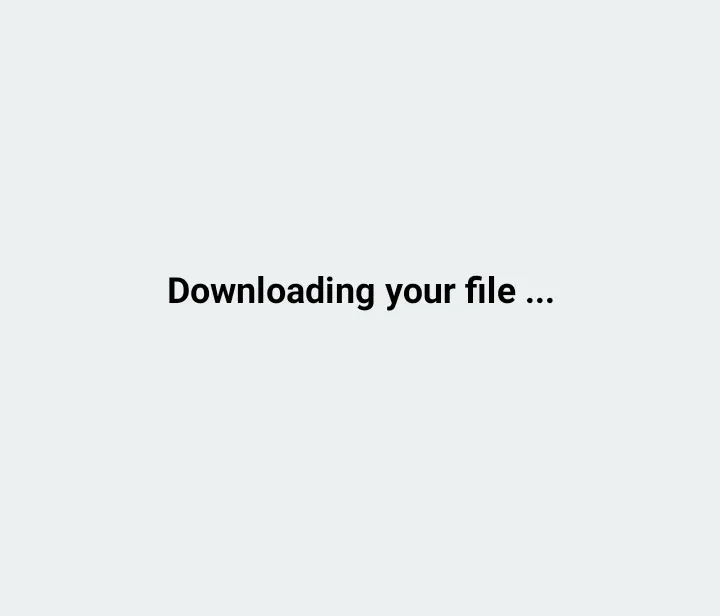
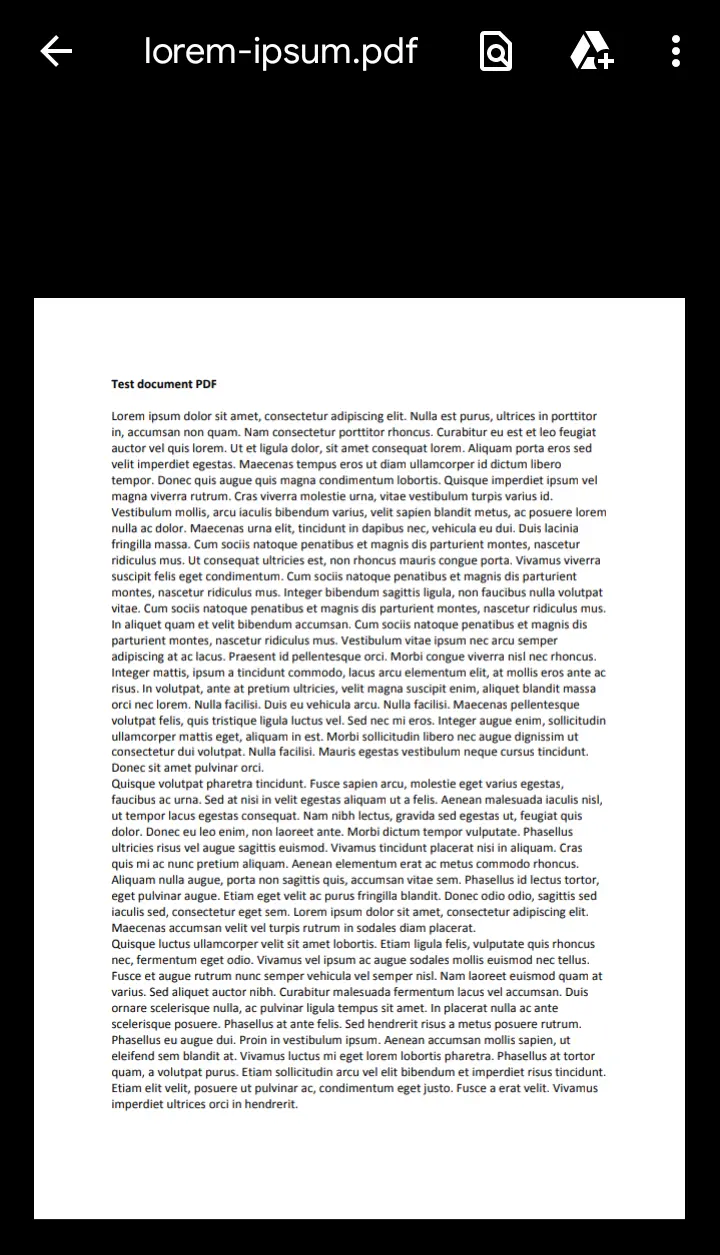
上記で共有されているコードは React-Native で作成されており、Expo-CLI を使用してアプリを実行していることに注意してください。 また、最新バージョンの Node.js が必要です。
お使いの環境に Expo-CLI がない場合は、最初にインストールしてください。