
HOWTO · jQuery
jQuery このキーワード
さまざまなコンテキストでの jQuery this キーワードの使用例をいくつか見ていきます。 読み進めて、jQuery のこのキーワードをマスターするための微妙なニュアンスを見つけてください。
このページの内容
したがって、jQuery の this キーワードを使用すると、開発者は新たに検索やルックアップを行うことなく、現在のオブジェクトのメソッドとプロパティを使用できます。 このチュートリアルでは、さまざまなコンテキストでの this キーワードの使用例をいくつか示します。
DOM 要素としての jQuery this キーワード
jQuery の this キーワードの最も一般的な用途は、DOM 要素を参照する場合です。 特に jQuery プラグインを作成していない場合は、このユース ケースを使用する可能性が最も高いという経験則さえあります。
jQuery の this キーワードは、最初は混乱するかもしれません。 jQuery (およびその他のプログラミング言語) は、便利なツールとして this キーワードを提供します。ほとんどの場合、jQuery this キーワードの値は簡単に把握できます。 を参照する必要があります。
jQuery this キーワードをコールバック内の DOM 要素として使用する
コールバック内のコードが参照する必要がある可能性が最も高いエンティティは、コールバックがリッスンする DOM 要素です。 したがって、この場合、jQuery は this キーワードを呼び出し元の DOM 要素に設定します。 (経験則がうまく機能していることがわかります。)
コード - JavaScript + jQuery:
// this as a jQuery DOM button element inside a callback
$("#DOM_button").on("click",function(){
    $("p").html(`The value of 'this' keyword inside the DOM button element is ${$(this).attr('id')}`);
    //use case - you can deactivate the button easily without another DOM search call
    $(this).prop("disabled",true);
});
コード - HTML:
<body>
    <div id="triggers">
        <!-- Button DOM element -->
        <button id="DOM_button">I am a DOM button element</button>
    </div>
</body>
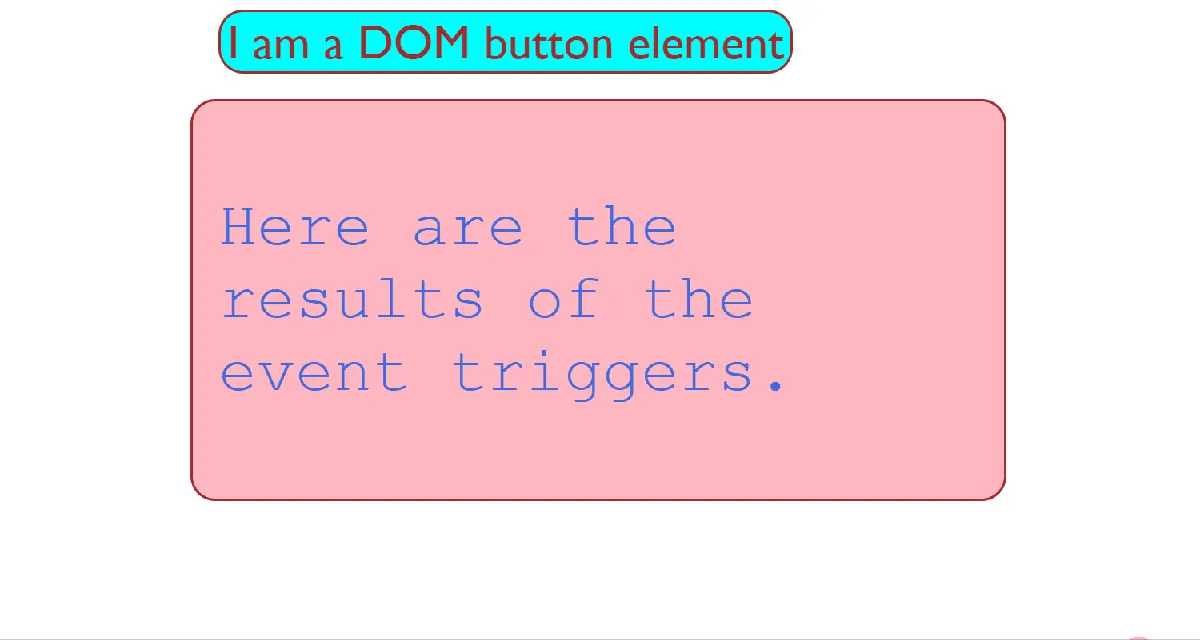
私たちのコードは、コールバック内の this キーワードの値を、DOM_button 要素をリッスンする click イベント ハンドラーに記録します。 イベント ハンドラーがリッスンする DOM 要素の一部のプロパティを変更したい場合があります。
たとえば、DOM_button 要素を無効にします。 これは、このコンテキストでの this キーワードの一般的な使用例です。
出力:
jQuery this キーワードを each() メソッドのコールバック内の DOM 要素として使用する
each() メソッドを使用して jQuery コレクションを反復処理する場合、コールバック内の各 DOM 要素にアクセスする必要があります。 jQuery は、each メソッド コールバック内の this キーワードを現在の DOM 要素に設定します。
コード - JavaScript + jQuery:
//this as each DOM element inside a jQuery collection
$("#div_button").on("click",function(){
    $("p").html(" ");
    $("#div_container>div").each(function(idx){
        $("p").append(`The value of 'this' keyword inside child div ${idx + 1} is ${$(this).attr('id')} <br>`);
    });
});
コード - HTML:
<body>
<div id="div_container">
            <button id="div_button">
                "each" Method Demo
            </button>
            <div id="first_div">
                I am the First Div <br>
            </div>
            <div id="second_div">
                I am the Second Div <br>
            </div>
            <div id="third_div">
                I am the Third Div <br>
            </div>
    </div>
</body>
出力:
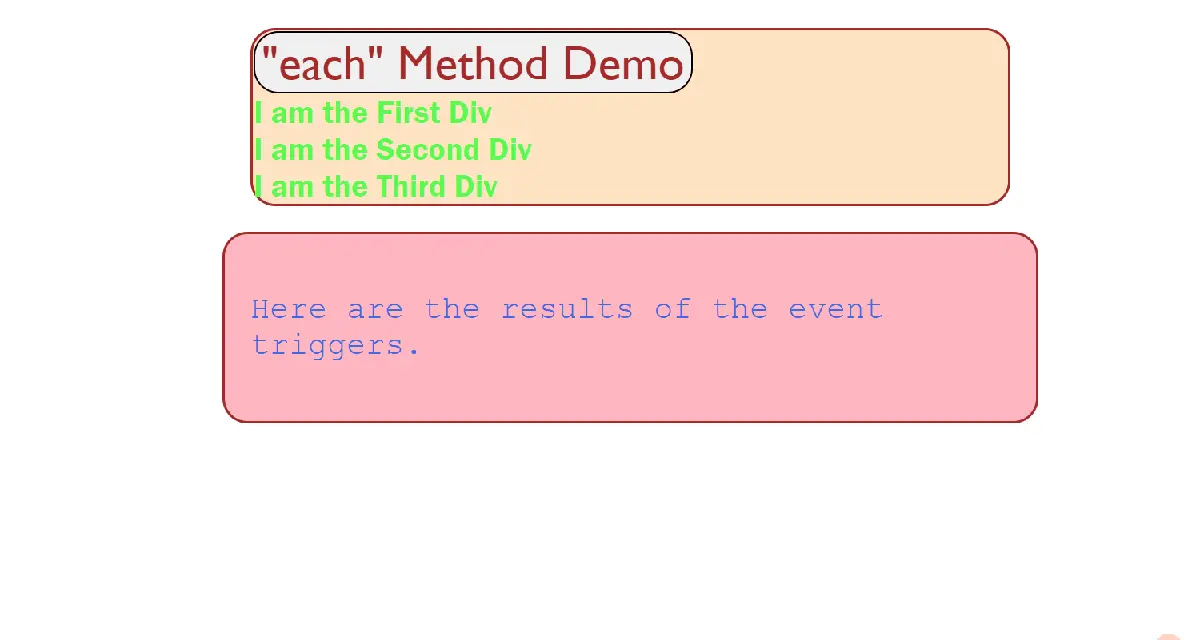
jQuery は、反復ごとに this キーワードを現在の div 要素に割り当てます。
jQuery this キーワードを AJAX load() メソッドの DOM 要素として使用する
jQuery で load() メソッドを使用して AJAX 呼び出しを行うと、load() メソッドを実行する DOM 要素へのコールバック内の this キーワードがポイントされます。
繰り返しますが、jQuery の this キーワードの値は、経験則がなくても一致しています。ほとんどの場合、this キーワードは、自然にアクセスする必要があるオブジェクト、クラス、またはエンティティを指しています。
コード - JavaScript + jQuery:
// //ajax request with the load method
$("#ajax_btn").on("click",function(){
            $("#ajax_this").load("http://127.0.0.1:5500/code_files/test.html",
            function(){
                $("p").html(`The value of 'this' keyword inside the 'load' method to send the                           AJAX request is ${$(this).attr('id')}`);
                //use case - you want to style it when a successful data fetch completes
                $(this).css("color","green");
            })
        });
jQuery AJAX load メソッドを実行して、同じサーバー上の test.html ファイルからデータをフェッチします。 コールバック内の this キーワードの値を load() メソッドに出力します。このメソッドは、AJAX リクエストが完了すると実行されます。
コード - HTML:
    <div id="ajax_this">
        <button id="ajax_btn">
            AJAX Call Demo
        </button><br>
        <br>
        <div id="ajax_text">
            I demo the use of this as DOM element with an AJAX call
        </div>
    </div>
出力:
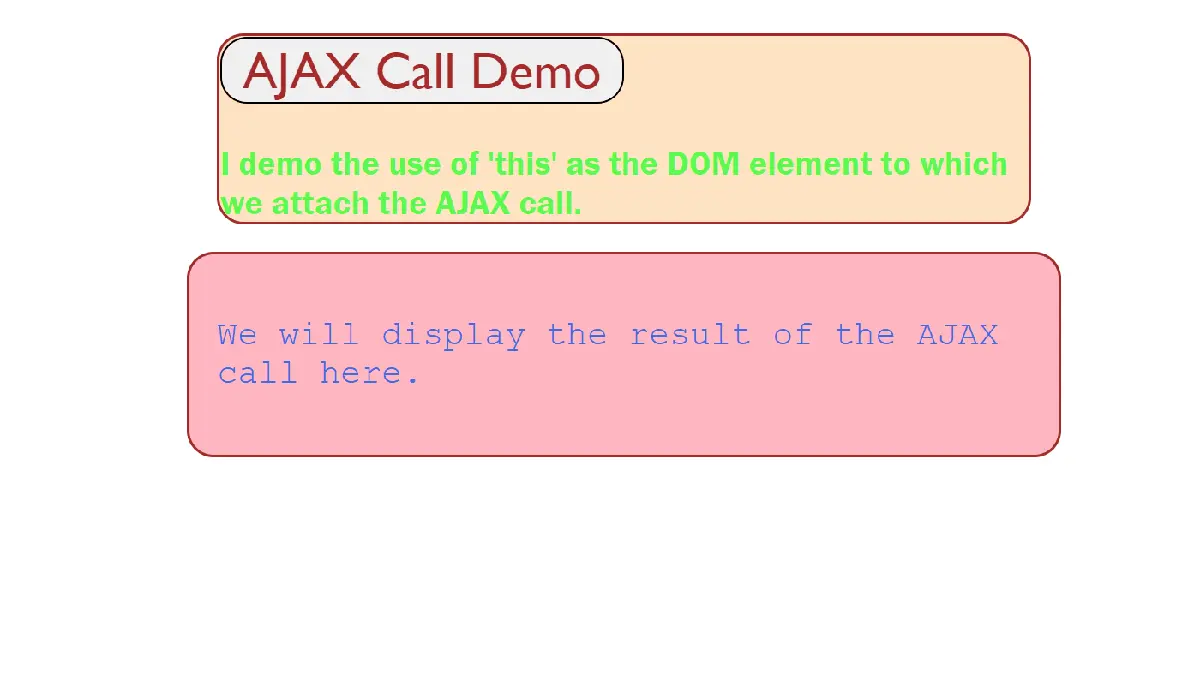
一般的な使用例は、成功した AJAX 呼び出しで出力を緑色に色分けしたい場合です。 たとえば、上記の出力デモでは、出力を緑色で表示しています。
この例では、同じサーバー上の test.html リソースに対して AJAX 呼び出しを行いました。
コード - test.html:
<title>Test HTML Page</title>
</head>
<body>
    <div id="main">
        <div id="top">
            <h3>
                We dish out a test page for our AJAX request on localhost.
            </h3>
        </div>
        <div id="mid">
            <h3>
                The request completes and returns the data that displays on the page.
            </h3>
        </div>

    </div>
</body>
</html>
filter() メソッドへのコールバックで jQuery this キーワードを DOM 要素として使用する
jQuery コレクションで filter() メソッドを使用してサブセットを選択する場合、反復ごとにコレクション内の現在の DOM 要素にすばやくアクセスする必要があります。 jQuery は、コールバック内の this キーワードを filter メソッドに現在の要素に設定します。
this キーワードは、私たちが最も直感的に期待するオブジェクトを参照します。
コード - JavaScript + jQuery:
//this as the current DOM element inside the filter function in each iteration
$("#filter_this").on("click",function(){
    let $filterSet = $("div").filter(function(){
       return $(this).attr("id") == "selection_filter_this";
    });
    $("p").html(`The filtered set of div elements with the use of 'this' keyword are those with ID = : ${$filterSet.first().attr('id')}`);
});
コード - HTML:
<body>
<div id="selection_filter_this">
            <div id="filter_text">
                I demo the use of this as DOM element with a selector filter
            </div>
            <button id="filter_this">
                This keyword with the filter method
            </button>
        </div>
</body>
出力:
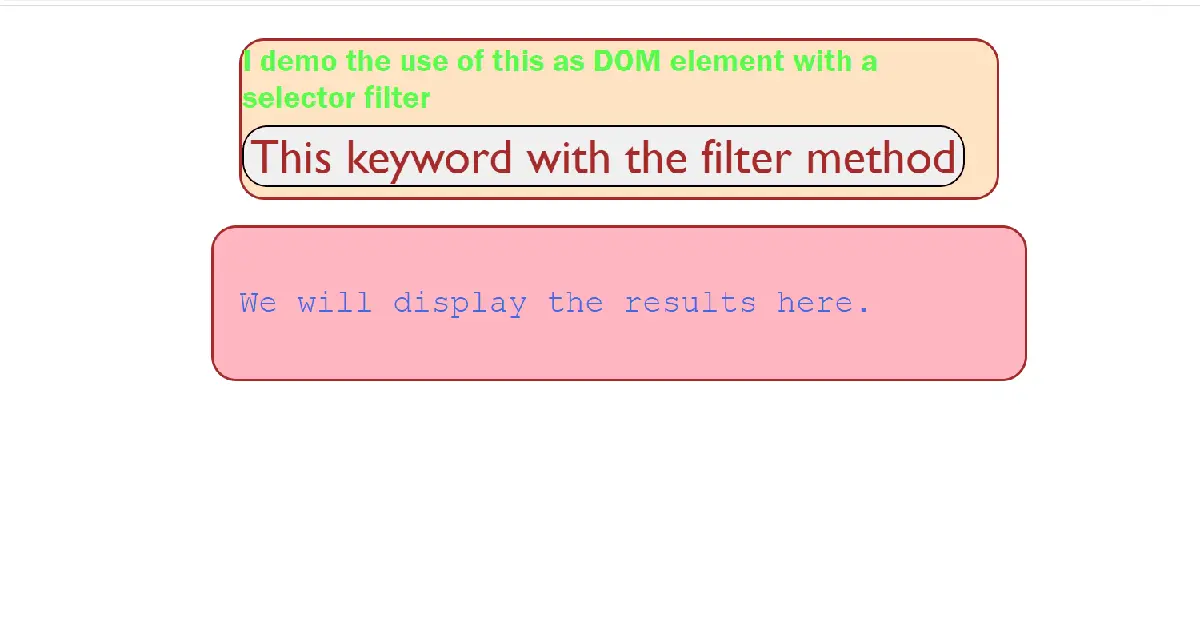
div 要素をフィルター処理して、コールバックの this キーワードで ID selection_filter_this に一致する要素のみを選択することがわかります。 次に、フィルタリングされた要素の ID を表示します。
jQuery this キーワードを一般オブジェクトとして使用する
each() メソッドのような jQuery メソッドは、任意の配列のようなオブジェクトを反復処理できます。 それらは、DOM 要素のループに限定されるだけではありません。
each() のような jQuery メソッドを使用して配列のような構造をループする場合、当然、反復で現在のエンティティにアクセスする必要があります。 そのため、jQuery はこのような状況で this キーワードを現在のオブジェクトに設定します。
コード - JavaScript + jQuery:
// this as the current object in each iteration of the 'each' method
let objEachArr = ["First","Second","Third"];
$('#object_each_btn').on("click",function(){
    $("p").html("");
    $.each(objEachArr,function(curr){
        $("p").append(`The value of 'this' keyword in the current iteration of the 'each' method is  ${this} <br><br>`);
    });
});
コード - HTML:
<body>
<div id="object_each_div">
            <div id="object_each_text">
            I demo the use of 'this' as the current object in every iteration of the 'each' method.
            </div>
            <button id="object_each_btn">
                'This' in 'each' Method
            </button>
        </div>
    <div id="results">
        <p>
            We will display the results here.
        </p>
    </div>
</body>
配列 objEachArr に対する each メソッドの各反復で this キーワードの値を出力します。
出力:
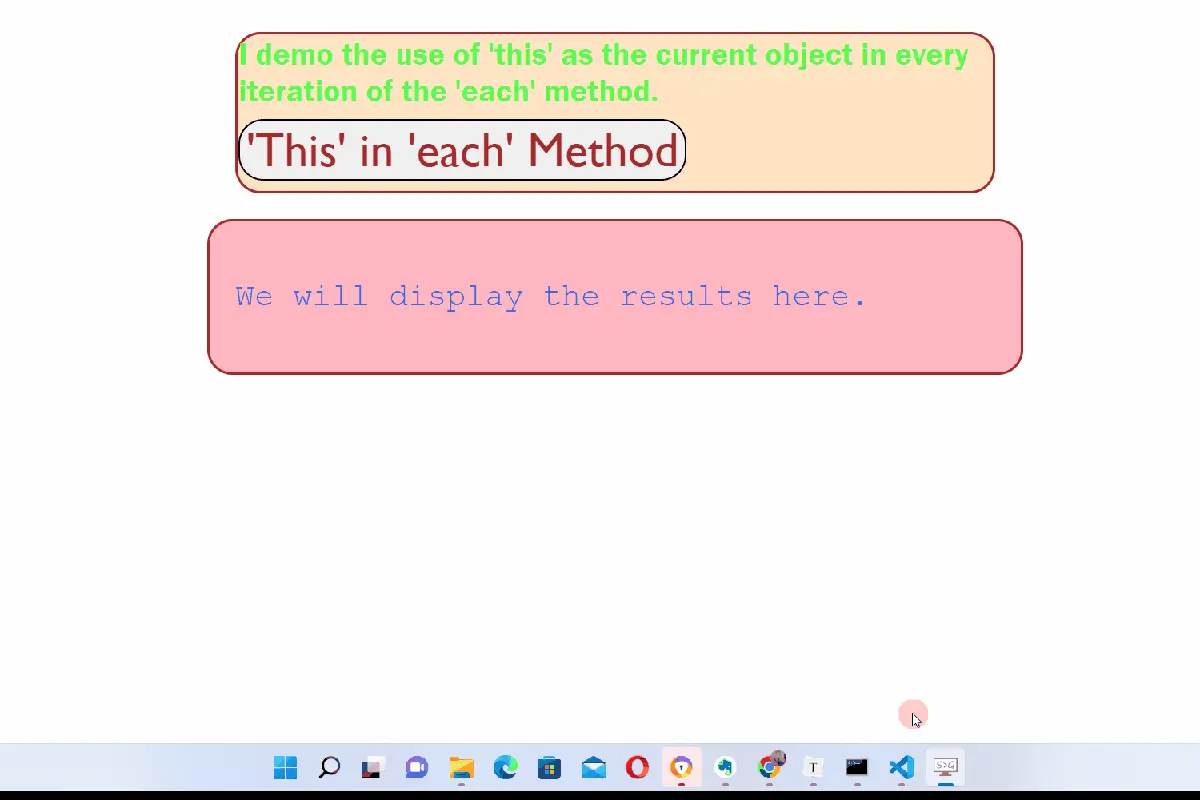
each() メソッドの各反復で、this キーワードが現在の配列要素を参照していることがわかります。
jQuery this キーワードをプラグイン内の jQuery オブジェクトとして使用する
jQuery の this キーワードには特殊なケースが 1つあります。 プラグイン内で this キーワードを使用すると、jQuery オブジェクトを参照します。
コード - JavaScript + jQuery:
/this as the jQuery Object inside a jQuery Plug-In
$.fn.plugInDemo = function(){
this.html(`The 'this' keyword inside my plug-in is the jQuery Object and we output the jQuery Version
 from this jQuery Object : ${this.jquery}`);
return this;
};

$("#plugin_btn").on("click",function(){
    $("p").plugInDemo();
});
コード - HTML:
<body>
<div id="plugin_div">
            <div id="plugin_text">
                I demo the use of 'this' inside a jQuery Plugin.
            </div>
            <button id="plugin_btn">
                'This' inside a Plug-In
            </button>
    </div>
    <div id="results">
        <p>
            We will display the results here.
        </p>
    </div>
</body>
シンプルなプラグイン関数 plugInDemo 内の this キーワードを介して jQuery オブジェクトにアクセスすることにより、jQuery バージョンを出力します。
出力:
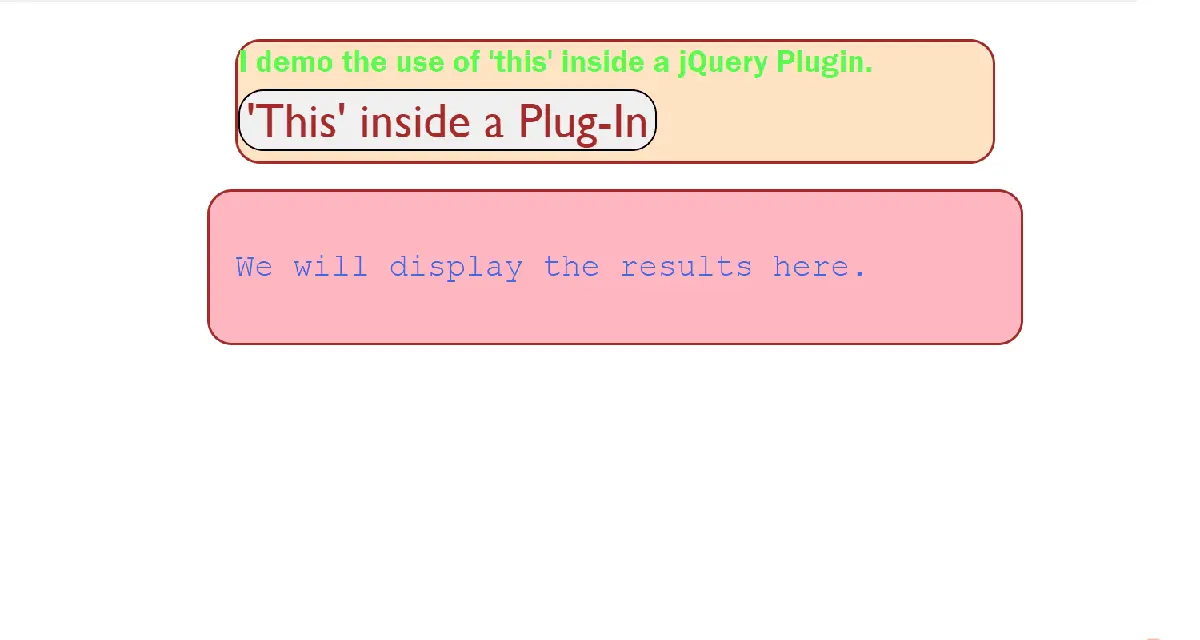
jQuery の this キーワードは、新しい DOM ルックアップを作成せずに現在のオブジェクト、クラス、またはエンティティにすばやくアクセスするための強力なツールであり、アプリのパフォーマンスを向上させる優れた方法です。