
HOWTO · PHP
PHP zip 擴充套件
本教程演示瞭如何在 PHP 中安裝和使用 ZIP 擴充套件。
本頁內容
Zip 擴充套件是檔案處理中最重要的專案之一。如果你想壓縮檔案或通過一個檔案移動多個檔案,則需要 ZIP。
我們需要安裝 libzip 來執行涉及其他平臺的 ZIP 擴充套件的操作。
在 Ubuntu 中安裝 ZIP 擴充套件
ZIP 已經包含在 windows PHP 中。我們將嘗試為 Ubuntu 安裝這個庫。
在 Ubuntu 中執行以下命令以安裝 libzip 庫。
$ sudo apt-get update
$ sudo apt-get install -y
$ sudo apt-get install libzip-dev
輸出:
Setting up libzip-dev:amd64 (1.7.3-1+ubuntu20.04.1+deb.sury.org+2) ...
Processing triggers for man-db (2.9.1-1) ...
Processing triggers for libc-bin (2.31-0ubuntu9.2) ...
下一步是為 ZIP 安裝 PHP 擴充套件。
$ sudo apt install php7.4-zip
成功安裝後,你可以在 PHP 中使用它。
在 PHP 中使用 ZipArchive() 類建立 Zip 檔案
ZipArchive() 是用於在 PHP 中執行 ZIP 操作的類。使用 ZipArchive() 類,建立一個 Zip 檔案。
<?php
$create_zip = new ZipArchive();
$file_name = "./New.zip";

if ($create_zip->open($file_name, ZipArchive::CREATE)!==TRUE) {
    exit("cannot open the zip file <$file_name>\n");
}
$current_dir=getcwd();
//Create files to add to the zip
$create_zip->addFromString("file1 ". time().".txt" , "#1 This is This is the test file number one.\n");
$create_zip->addFromString("file2 ". time().".txt", "#2 This is This is the test file number one.\n");
//add files to the zip
$create_zip->addFile($current_dir . "/too.php","/testfromfile.php");
echo "Number of files added: " . $create_zip->numFiles;
echo "<br>";
echo "Failed to add:" . $create_zip->status ;
$create_zip->close();
?>
上面的程式碼建立了兩個包含一些內容的文字檔案,並將它們新增到一個 zip 檔案中。
輸出:
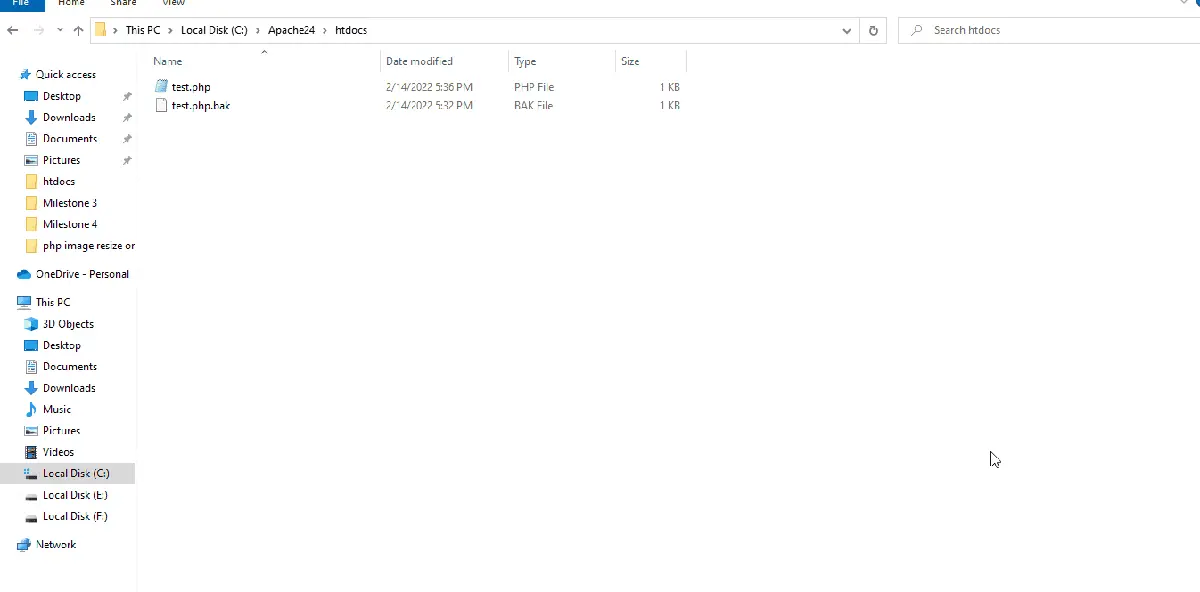
在 PHP 中使用 ZipArchive() 類建立 Zip 檔案
讓我們使用 PHP 的 ZipArchive() 類提取在第一個程式碼中建立的 zip 檔案。
<?php
$extract_zip = new ZipArchive;
$open_zip = $extract_zip->open('New.zip');
if ($open_zip === TRUE) {
	$extract_to = getcwd();
    $extract_zip->extractTo($extract_to); //extract to the current working directory.
    echo "Number of Files to be Extracted:" . $extract_zip->numFiles . "<br>";
	$extract_zip->close();
    echo 'Files Successfully Extracted!';
}
else {
    echo 'Cannot Extract!';
}
?>
上面的程式碼將提取在第一個示例中建立的 New.zip 檔案。
輸出:
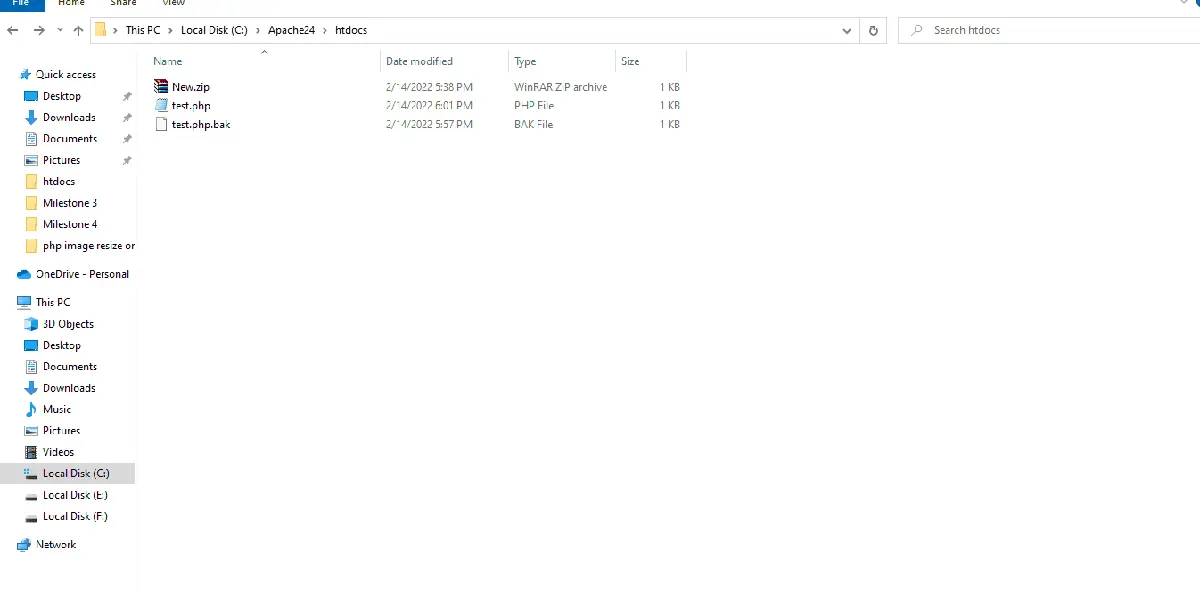
如何使用 PHP Zip 擴充套件來獲取 ZIP 的所有成員檔案的資訊
PHP ZIP 擴充套件可以獲取 ZIP 內所有檔案的資訊。
<?php
$zip_file = zip_open("New.zip");
if ($zip_file) {
    while ($zip_members = zip_read($zip_file)) {
        echo "Name of the file:               " . zip_entry_name($zip_members) . "<br>";
        echo "Original Size of the File:    " . zip_entry_filesize($zip_members) . "<br>";
        echo "Compressed Size of the File:    " . zip_entry_compressedsize($zip_members) . "<br>";
        echo "Method of Compression: " . zip_entry_compressionmethod($zip_members) . "<br>";

        if (zip_entry_open($zip_file, $zip_members, "r")) {
            echo "Content of the file:<br>";
            $buf = zip_entry_read($zip_members, zip_entry_filesize($zip_members));
            echo "$buf <br>";

            zip_entry_close($zip_members);
        }
        echo "<br>";
    }
    zip_close($zip_file);
}
?>
上面的程式碼使用內建的 ZIP 函式來獲取 ZIP 內的檔案資訊。
輸出:
Name of the file: file1 1644842283.txt
Original Size of the File: 45
Compressed Size of the File: 39
Method of Compression: deflated
Content of the file:
#1 This is test file number one.

Name of the file: file2 1644842283.txt
Original Size of the File: 45
Compressed Size of the File: 39
Method of Compression: deflated
Content of the file:
#2 This is test file number two.
