在 Matplotlib 中建立圓形箭頭
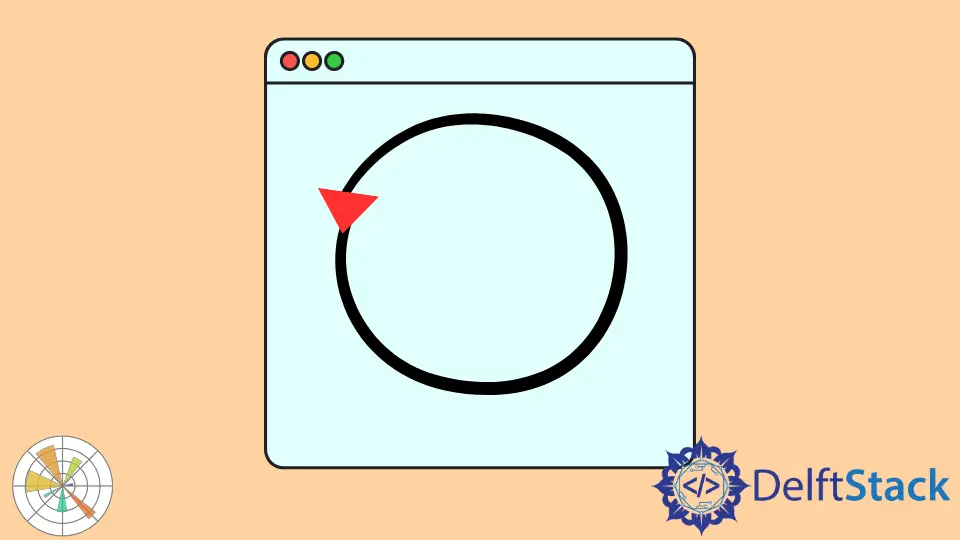
Turtle 圖形是一款不錯且易於使用的工具,可讓你掌握編碼語法的竅門。我們可以使用這個模組建立小動畫,在螢幕上移動物件並繪製形狀。
在本教程中,我們將藉助 Python Matplotlib 中的 turtle 庫繪製一個圓形箭頭。
在 Python Matplotlib 中使用 Turtle 模組建立圓形箭頭
讓我們通過建立一個新檔案開始使用圓形箭頭。然後我們將 turtle 模組匯入我們的程式。
螢幕上會出現一隻小 Turtle,它會在畫布或視窗上繪製東西。因此,一旦你匯入了 turtle 庫,我們需要建立一個彈出視窗。
這是將顯示我們的圓形箭頭的視窗。我們建立一個 window 變數並初始化 turtle.Screen() 方法以訪問我們螢幕上的新彈出視窗。
setup() 函式設定到我們的 600x500 螢幕。第一個引數是寬度,第二個引數是高度。
import turtle

window = turtle.Screen()  # set the pop up window
window.setup(600, 500)
螢幕將是我們此刻繪製的畫布。我們將使用 bgcolor() 方法在這個新視窗下放置顏色。
此方法接受你希望背景作為字串的任何顏色。我們需要通過呼叫 color() 方法為圓形箭頭選擇顏色。
在我們的例子中,我們希望洋紅色作為箭頭的顏色。
turtle.bgcolor("Yellow")  # Change the background color of the window
turtle.color("magenta", "yellow")
我們可以使用 pensize() 方法更改筆畫或邊框的大小。shape() 方法幫助我們設定 Turtle 的頭部。
現在,我們將 "arrow" 作為字串傳遞來建立一個圓形箭頭。在建立圓形箭頭之前,我們需要使用 begin_fill() 方法開始填充形狀的顏色。
要繪製圓形箭頭,我們使用 circle() 方法並將其作為整數值傳遞,即圓形箭頭的半徑。一旦我們繪製了我們想要的形狀,我們將使用 end_fill() 方法來阻止填充顏色在任何地方使用。
當你單擊頁面上的任意位置時,exitonclick() 方法會退出視窗。
turtle.pensize(5)  # change the stroke on the shape

turtle.shape("arrow")
# Draw the circle arrow and fill it with the color
turtle.begin_fill()
turtle.circle(80)  # Radius of 80px
turtle.end_fill()
window.exitonclick()
完整程式碼示例:
import turtle

window = turtle.Screen()  # set the pop up window
window.setup(600, 500)
turtle.bgcolor("Yellow")  # Change the background color of the window

turtle.color("magenta", "yellow")
turtle.pensize(5)  # change the stroke on the shape

turtle.shape("arrow")
# Draw the circle arrow and fill it with the color
turtle.begin_fill()
turtle.circle(80)  # Radius of 80px
turtle.end_fill()

window.exitonclick()  # When the page is clicked,the app closes
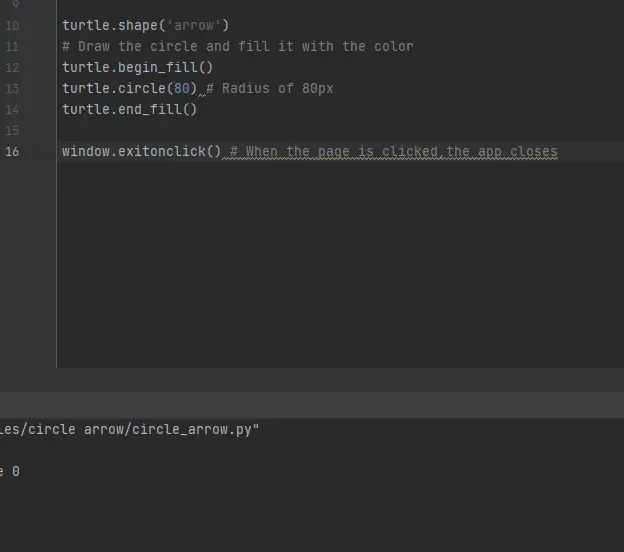
輸出:
點選這裡閱讀 turtle 庫的詳細文件。

Hello! I am Salman Bin Mehmood(Baum), a software developer and I help organizations, address complex problems. My expertise lies within back-end, data science and machine learning. I am a lifelong learner, currently working on metaverse, and enrolled in a course building an AI application with python. I love solving problems and developing bug-free software for people. I write content related to python and hot Technologies.
LinkedIn